How to Embed a Signup Form in CARL
CARL offers two ways to add a signup form to your site: a native form that submits to CARL's built-in subscriber system, and an embed code option for pasting a form from an external platform like Kit. Both methods work on any published page.

Using CARL's Native Signup Form
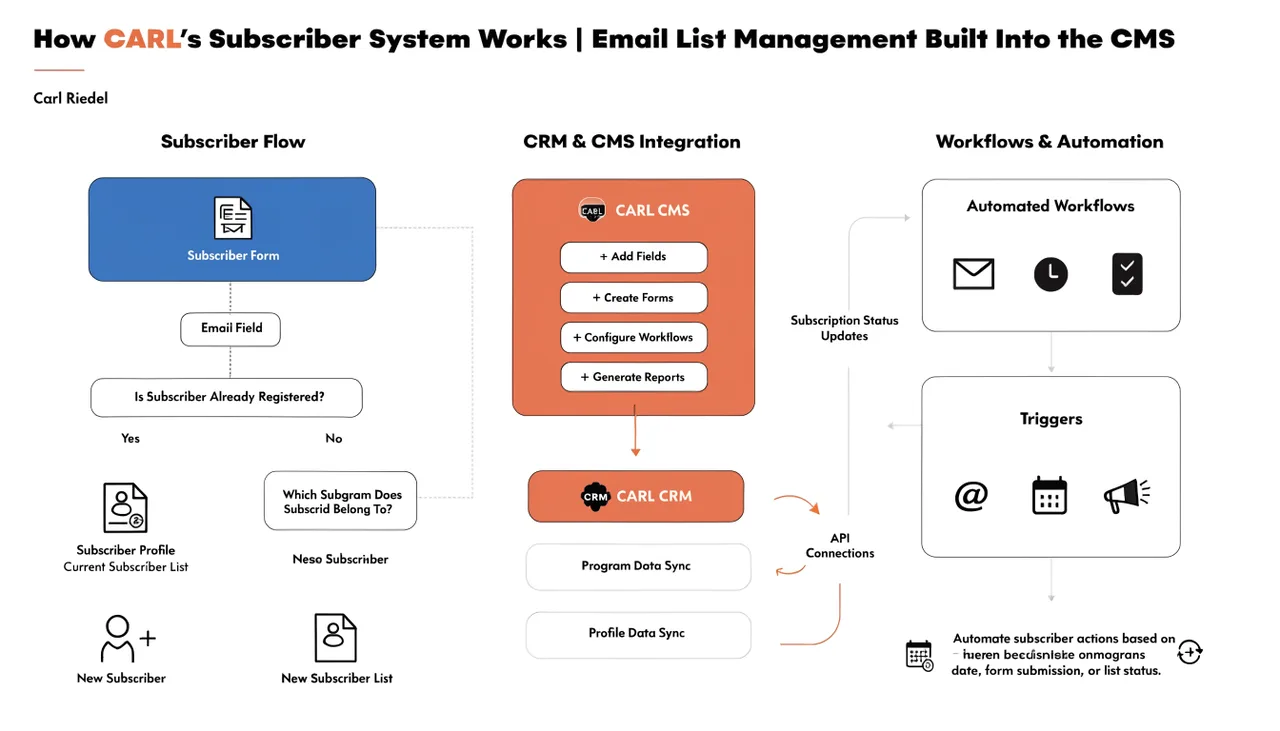
CARL's native form is included via the include file system. The signup form is stored as an include file and can be added to any page template or injected into individual pages through the Head Injection field. When a visitor submits the native form, the data is stored directly in your CARL subscriber database. No external service is required.
The native form collects an email address and an optional name field. The form handles its own validation, duplicate checking, and confirmation message. You can customize the form's appearance by editing the include file or adding CSS to your site stylesheet.
Embedding a Form From Kit
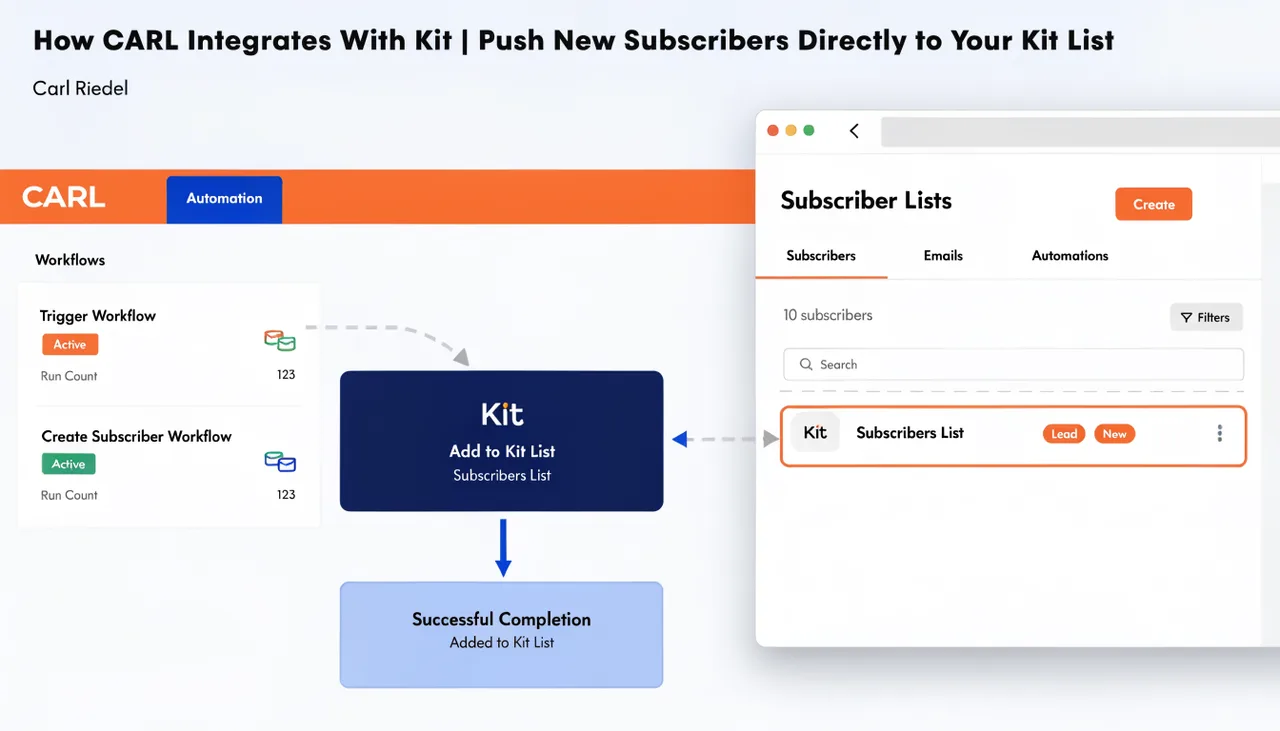
If you're using Kit as your email platform, you can paste your Kit form embed code directly into any CARL page using the Head Injection field or the page body. Kit provides the embed code from your Forms section in the Kit dashboard. Copy the inline or hosted form embed snippet, paste it into the relevant field in the CARL page editor, and regenerate the page. The form renders and submits directly to Kit.
This approach is useful when you want Kit to handle confirmation emails, tags, and sequences from the moment of signup. The subscriber goes straight into Kit without any manual export or sync step required.
Adding a Form to Multiple Pages at Once
The most efficient way to add a signup form across your entire site is through an include file. Save your form code to a site, include it in your page template, and every page using that template will display the form. If you update the form later, update the include file and run a bulk regenerate to push the change to all existing pages at once. For information on how to manage include files, see "How to manage include files in CARL".
Sidebar and Inline Placement
CARL's default blog templates include a sidebar column that already pulls in a signup form include file. If you're using one of those templates, the form appears automatically on every page using that layout once the include file contains your form code. For pages using a single-column template or a custom layout, add the form include call directly to the template file, or paste the form code into the page body at the point where you want it to appear.