WordPress Canonical Tag Issues
By Carl Riedel, Builder of CARL, Recovering WordPress Survivor
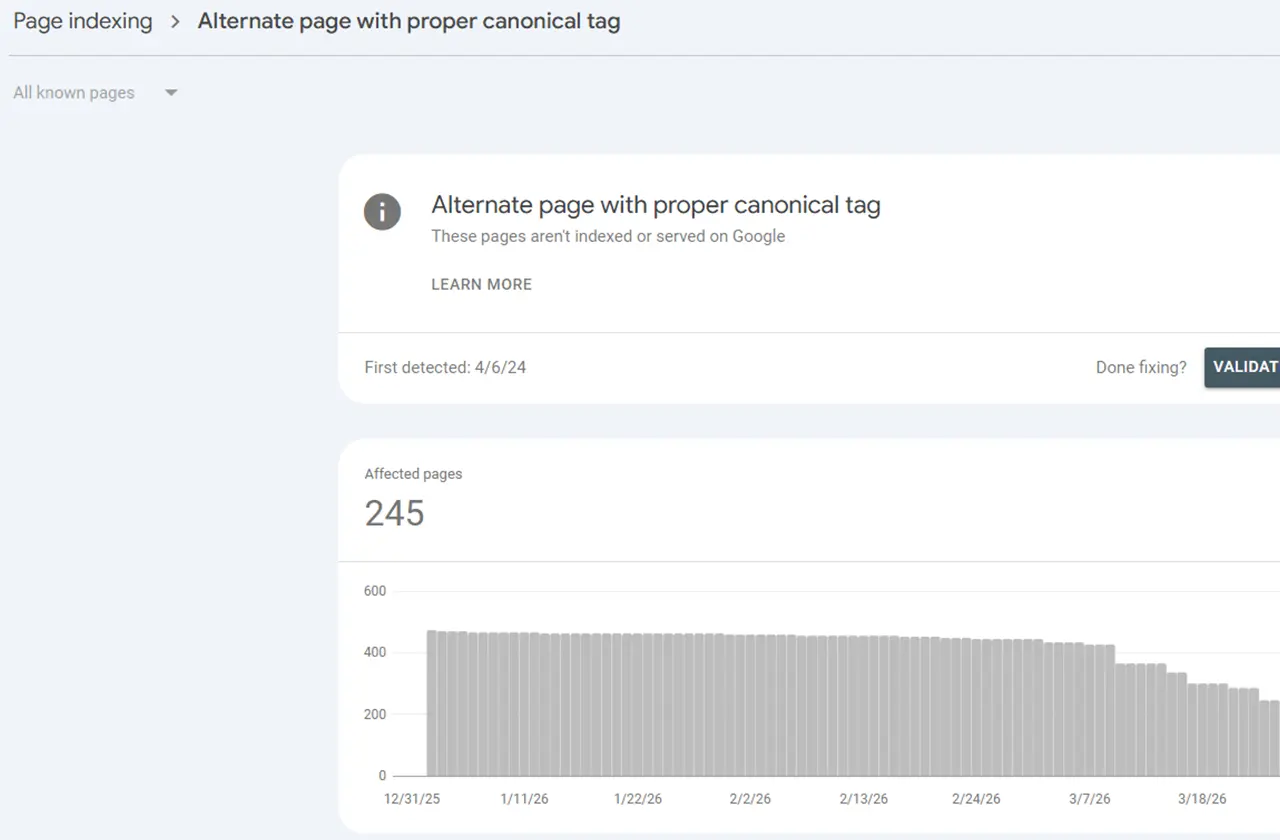
I opened Google Search Console one morning and found 245 of my pages sitting in a bucket called "Alternate page with proper canonical tag." Not indexed. Not serving in search results. Just sitting there, flagged, invisible to Google.
245 pages. Gone from search. And WordPress had created every single one of the problems behind it.
What Google Search Console Is Actually Telling You
"Alternate page with proper canonical tag" sounds technical but the meaning is simple. Google found your page, crawled it, and then saw a canonical tag pointing somewhere else. The canonical tag told Google: "this isn't the real version, the real version is over there." So Google did exactly what you told it to do. It indexed the other URL and ignored this one.
The problem is you probably never told it to do that. WordPress did it for you, automatically, without asking.
How WordPress Creates This Mess
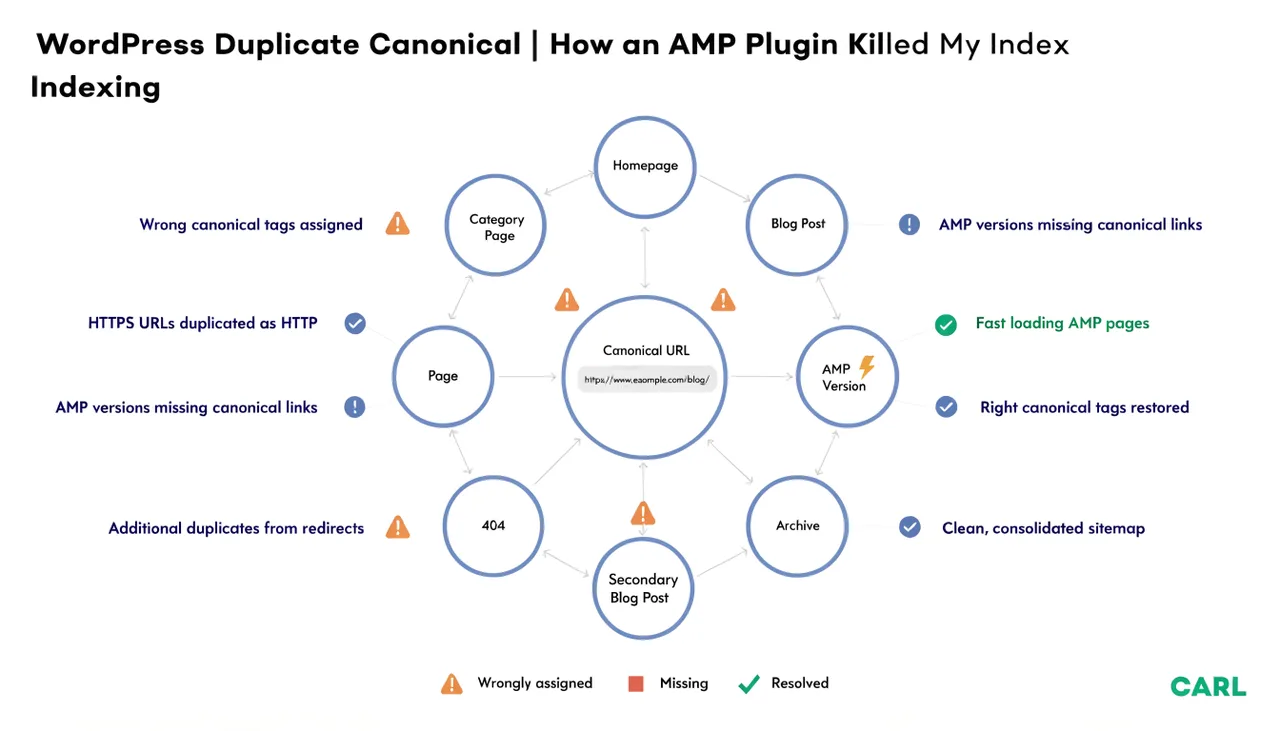
WordPress generates multiple URLs pointing at the same content by design. It's baked into how the platform works. Take a single blog post. WordPress creates:
- The post URL itself:
/your-article/ - A category archive page that includes it:
/category/news/ - A tag archive page:
/tag/wordpress/ - An author archive:
/author/carl/ - A date archive:
/2024/03/ - Paginated versions of all of the above:
/category/news/page/2/
Every one of those URLs is a version of the same content. Google crawls all of them. It sees duplicate content across multiple addresses and has to decide which one is canonical. SEO plugins try to manage this by adding canonical tags pointing back to the original post URL. When they work correctly, Google acknowledges the canonical and indexes the right page.
When they don't work correctly, or when the canonical signals are inconsistent, or when Google decides to disagree with your canonical declaration, you get 245 pages sitting in that GSC bucket doing nothing for your rankings.
Why the Fix Is Never Quite Fixed
The standard advice is to install an SEO plugin, configure canonical tags correctly, and submit your sitemap. That advice isn't wrong. But it's treating the symptom, not the cause. I compare it to mopping the floor with the tap open and overflowing.
The cause is that WordPress generates all those duplicate URLs in the first place. Every new post you publish creates a fresh wave of category pages, tag pages, and archive variations. Your SEO plugin has to keep up with all of them, all the time, correctly, forever. One misconfiguration, one plugin conflict, one WordPress update that changes how archives are generated, and you're back in the same bucket.
I spent months going back and forth on this with one of my sites. Fix the canonical issues in GSC, validate the fix, watch the count drop, publish more content, watch it creep back up. It's a treadmill. You're managing a problem WordPress is continuously recreating.
What CARL Does Instead
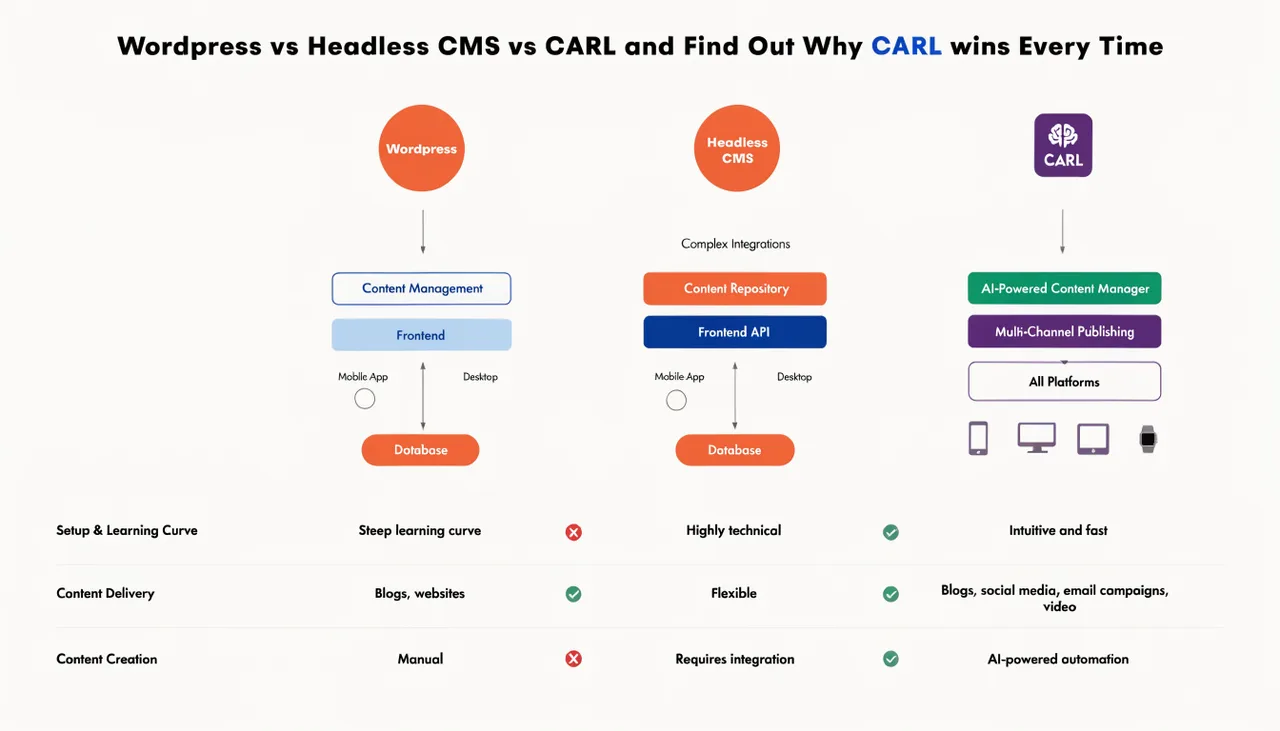
CARL generates one file per page. One URL. One canonical. That's it.
There are no category archive URLs because CARL doesn't generate them automatically. There are no tag pages. There are no author archives. There are no paginated archive variations. You create the pages you want, CARL generates exactly those pages, and every generated file has a single canonical URL pointing to itself.
Google crawls your site and finds clean, distinct pages with no duplicate URL problem to resolve. The "Alternate page with proper canonical tag" bucket in your Search Console stays empty because the situation that creates it never arises.
My 245 pages in that bucket were on a WordPress site I'm in the process of moving to CARL. The CARL site has zero pages in that category. Not because I configured something correctly. Because the platform doesn't create the problem in the first place.
The Permanent Fix
You can keep managing canonical tags in WordPress. Configure the SEO plugin carefully, audit regularly, fix the issues as they appear, and stay on the treadmill. That's a valid approach if you're committed to staying on WordPress.
Or you can move to a platform that generates clean pages with single canonical URLs by design and never creates the duplicate URL problem that causes all of this in the first place.
One of those options ends the problem. The other manages it indefinitely.
Ready to build a site that can't be taken down by a student's plugin?