WordPress 5xx Errors - Keep Your Site Online Through Every Update
I hit Update All on a Tuesday morning, and my site went white. No error message, no explanation, just a blank screen where a website used to be. WordPress had nothing to say about it. The server had nothing to say about it. Just white.
That's a 500 error. And if you've run WordPress for any length of time, you've seen one.
What's actually happening when WordPress goes white
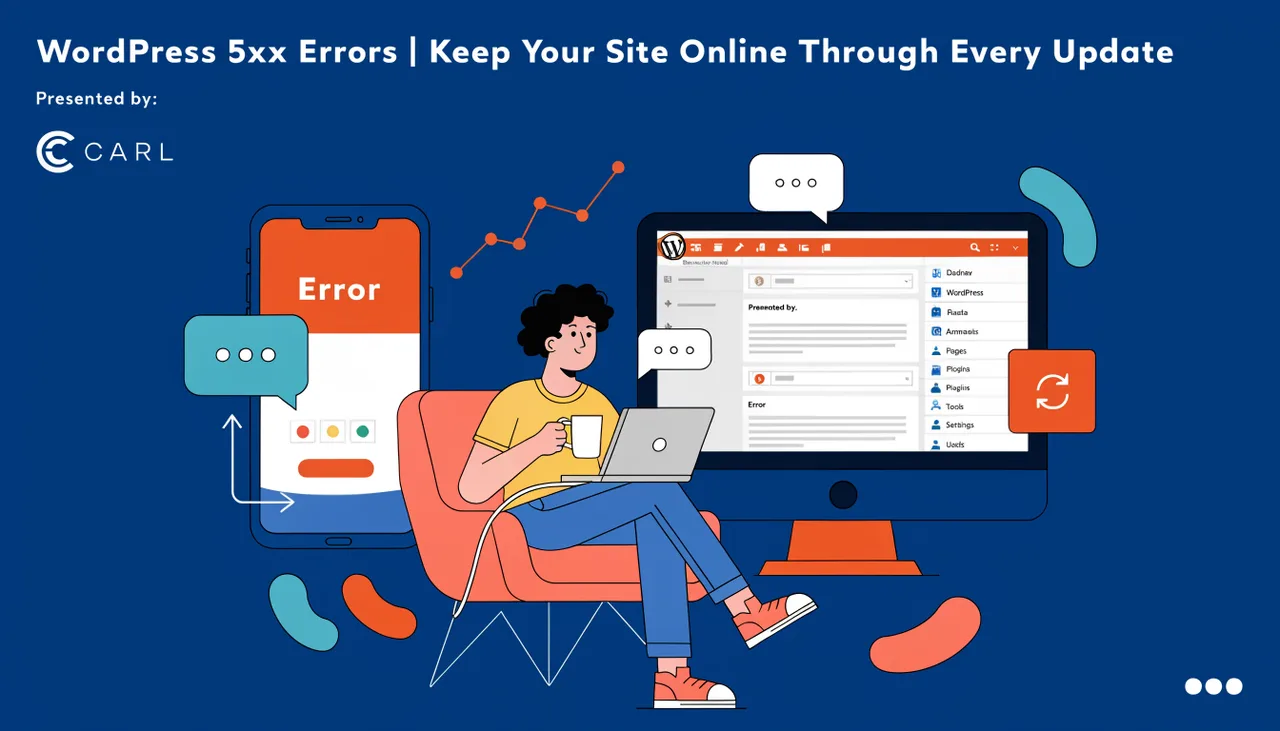
A 500 Internal Server Error means something broke on the server side and the server couldn't recover cleanly enough to tell you what. In WordPress, the most common cause isn't a server problem at all. It's PHP running out of memory mid-execution and crashing the process.
Here's the sequence. You click Update All. WordPress loads the updated plugin. The plugin needs more memory than it did before (plugins don't declare their memory footprint, so you have no way of knowing this in advance). PHP hits the memory ceiling your host has set, usually somewhere between 64MB and 256MB on shared hosting. The process dies. WordPress can't finish rendering the page, so it returns a 500 and moves on with its life. Your site is down.
The error log might tell you what happened. If you can find it, if your host gives you access to it, if it's not buried 6 directories deep in cPanel. Most people never get that far. They just keep refreshing until something changes.
Why bumping the memory limit isn't a fix
The standard advice is to add define('WP_MEMORY_LIMIT', '256M'); to your wp-config.php. That works, until it doesn't. The next plugin update ships with heavier code. A second plugin activates a background process that didn't exist before. Your theme framework starts loading a new library. Now you're at 256MB and you hit the ceiling again.
So you bump it to 512MB. Then you're on shared hosting and your host caps you at 256MB regardless of what you put in wp-config. So you upgrade your hosting plan. Now you're paying more every month because a plugin you didn't write decided to use more memory than it used to.
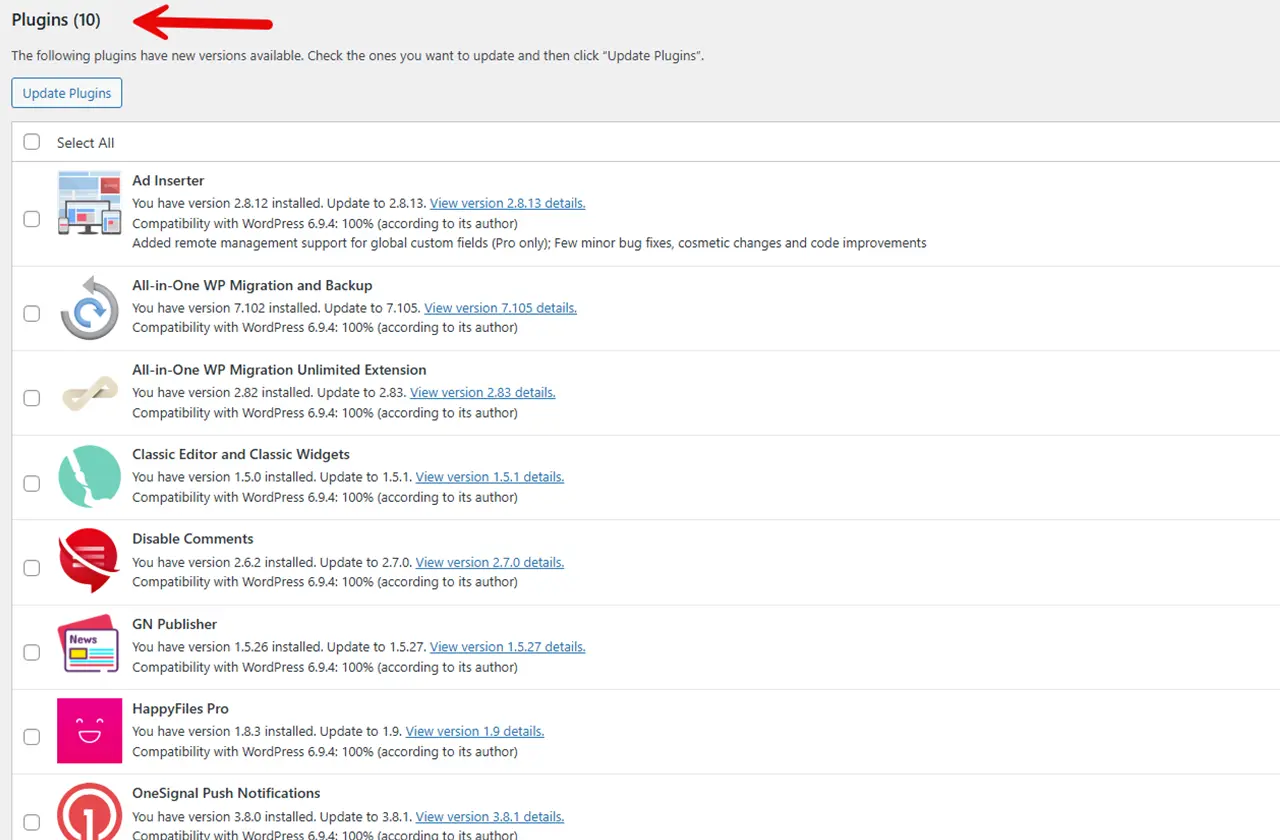
The ceiling keeps coming back because you have no control over what your plugins consume. Every update is a gamble. Every new plugin you install adds another process to the execution chain, another potential ceiling hit, another Tuesday morning where your site goes white and you spend an hour figuring out which of your 23 plugins broke this time.
What CARL does.
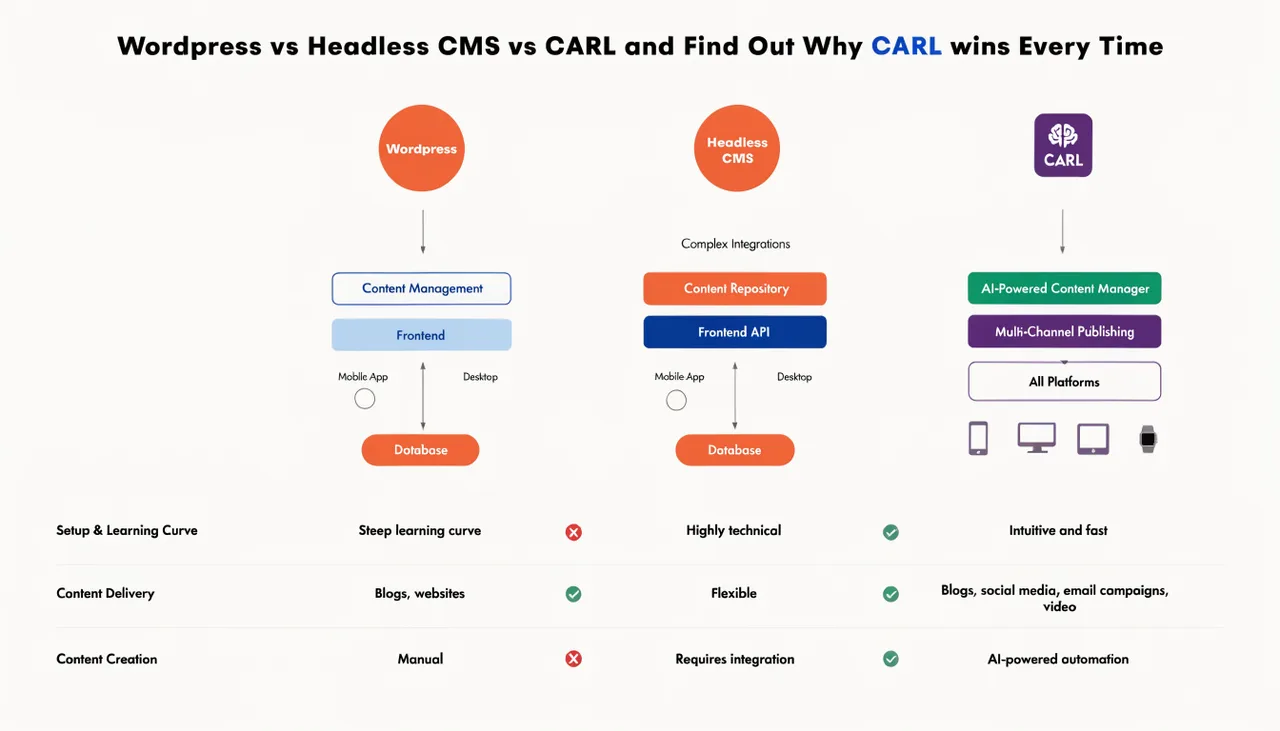
CARL generates static PHP files. When a visitor hits one of your pages, the server reads a file and returns it. There's no plugin execution chain running on every request, no memory ceiling to exhaust, no update lottery to play.
There are no plugins on the front end of a CARL site. The page was built once, written to disk, and that's what gets served. A visitor can't trigger a 500 because there's nothing executing that could crash.
You still update CARL when new versions ship. But a CARL update doesn't touch your generated pages. Your site stays online regardless.
Ready to build a site that can't be taken down by a student's plugin?