WordPress Too Slow? Here's What's Actually Killing Your Page Speed
By Carl Riedel — Web Developer, Mass Page SEO Specialist
You've done everything right. Good hosting. Caching plugin installed. Images compressed. You even paid for a CDN.
Still slow.
There's a reason for that, and it's not your fault. It's architectural.
What Actually Happens When Someone Loads a WordPress Page
Most people think a web page is just a file sitting on a server waiting to be delivered. On a WordPress site, that's not what happens.
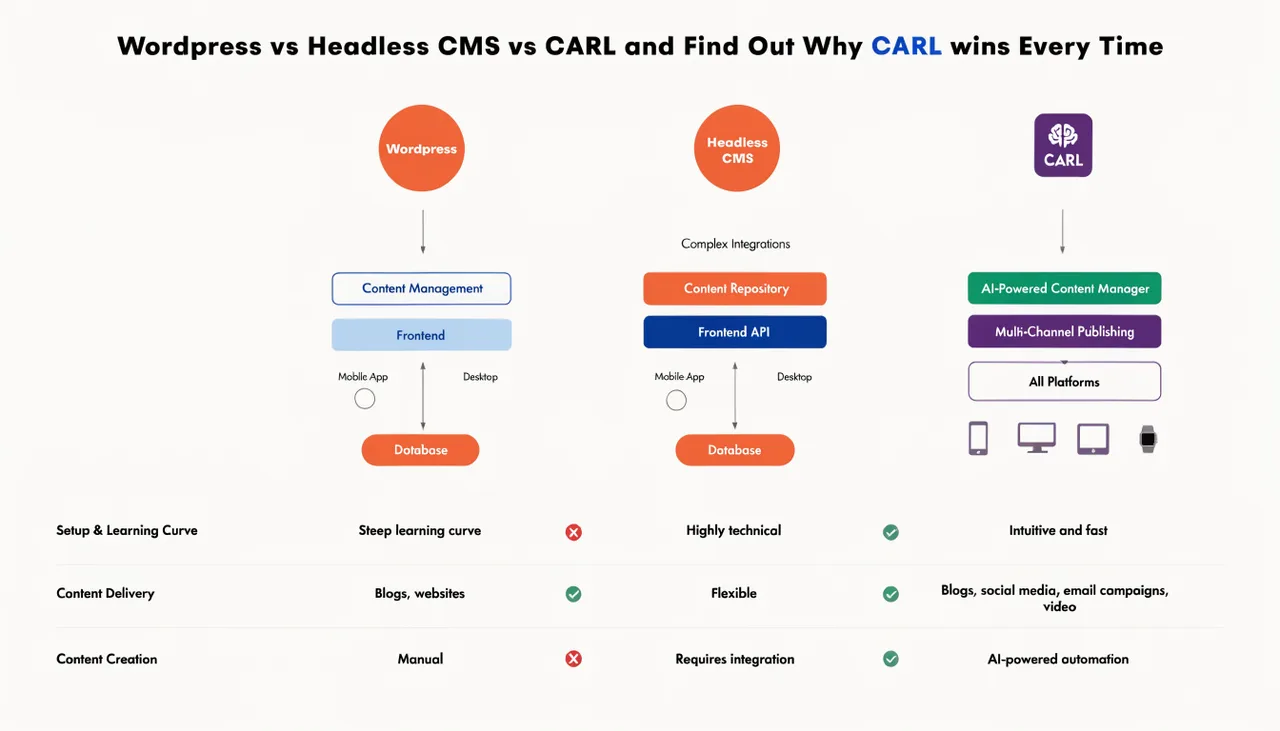
Every single page load triggers a chain reaction. PHP executes. WordPress bootstraps its core. Your active theme loads. Then every active plugin checks in — the security plugin, the SEO plugin, the caching plugin, the contact form plugin, all of them. Then WordPress queries the database to fetch your content. Then it assembles the page from all those moving parts and sends it back to the visitor.
That chain fires every time. Every visitor. Every page. Every load.
On a shared hosting account — which is where the overwhelming majority of WordPress sites live — you're running that chain on hardware you share with hundreds of other sites doing the exact same thing.

Plugins Don't Just Add Features. They Add Weight.
This is the part that the "just install a caching plugin" crowd skips over.
A caching plugin doesn't remove the overhead of your other plugins. It stores a snapshot of the assembled page so WordPress doesn't have to rebuild it from scratch every time. That helps. But the cache has to be built first, warmed up, invalidated on updates, and rebuilt. And it doesn't help at all for logged-in users, checkout pages, search results, or anything dynamic.
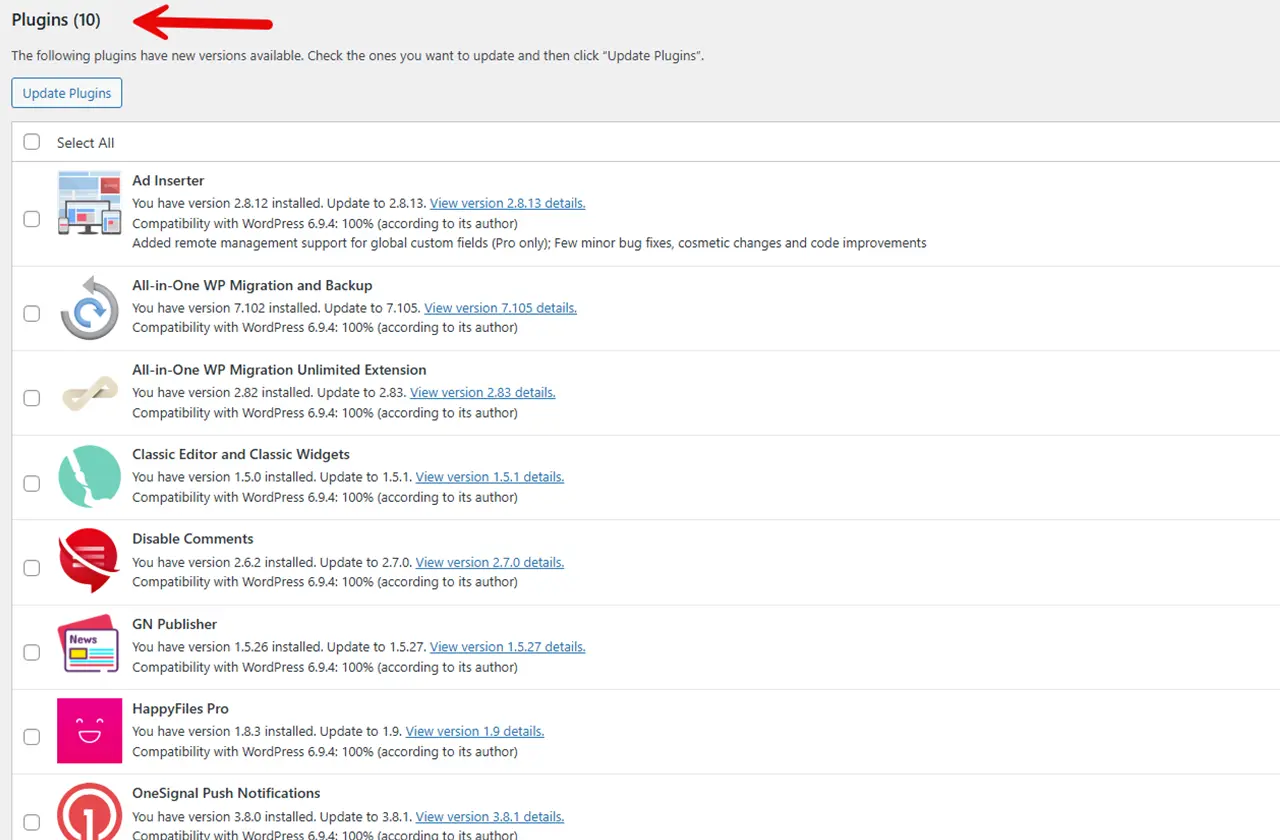
Every plugin you add increases the baseline load time of your site cached or not. Security plugins run on every request to check for threats. SEO plugins inject metadata. Analytics plugins fire tracking scripts. Page builder plugins load their own CSS and JS frameworks, whether you're using those elements on that page or not.
The average WordPress site runs 20-30 active plugins. Each one is a tax on every page load.
The Database Query Problem
WordPress stores everything in a database: content, settings, plugin options, and user data. A typical WordPress page load runs anywhere from 20 to 100+ database queries before it can render a single thing on screen.
On a well-configured server with a fast database that's fine. On shared hosting with an overloaded MySQL instance shared across hundreds of accounts, those queries stack up fast.
Google's Core Web Vitals measure Time to First Byte — how long before the browser gets anything back from the server. WordPress sites on shared hosting routinely fail this metric not because the content is heavy, but because the server is still running PHP and querying the database before it's sent a single byte.
What I Did Instead
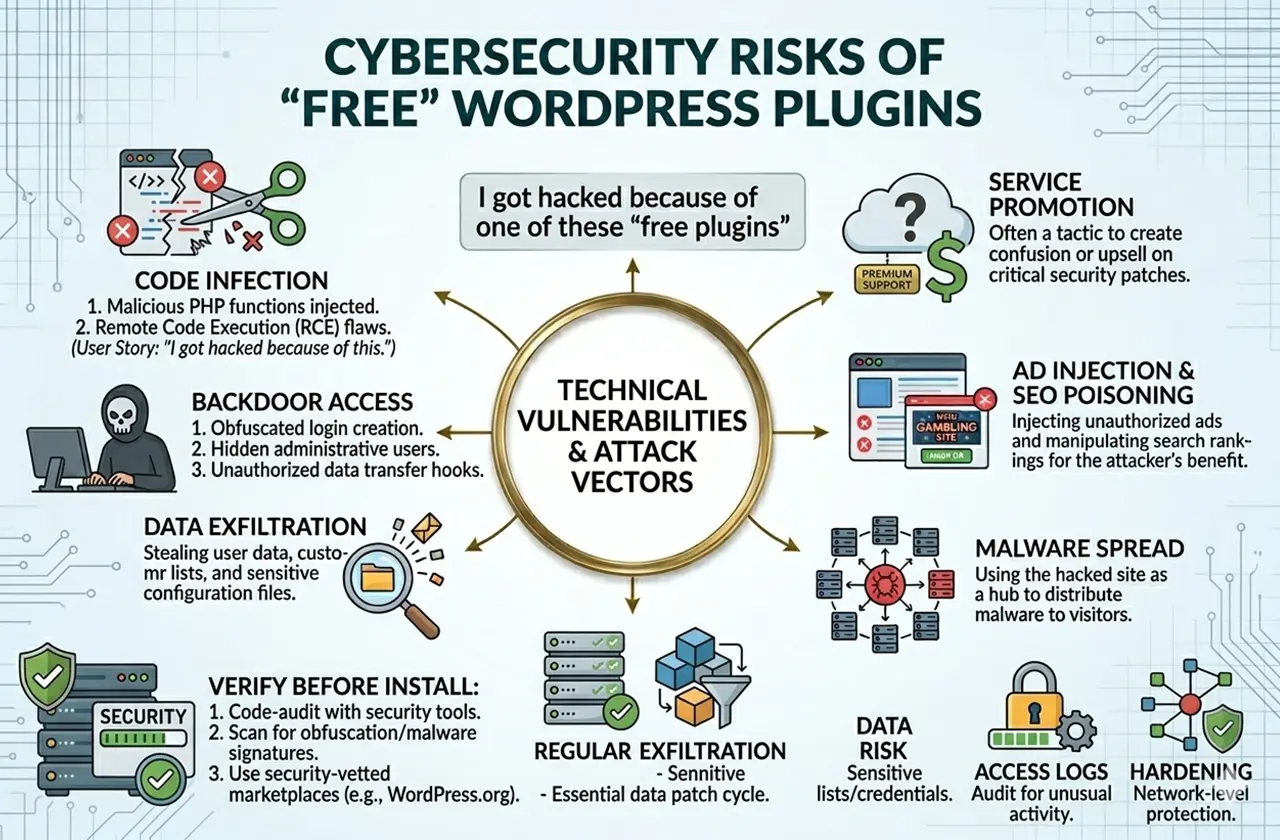
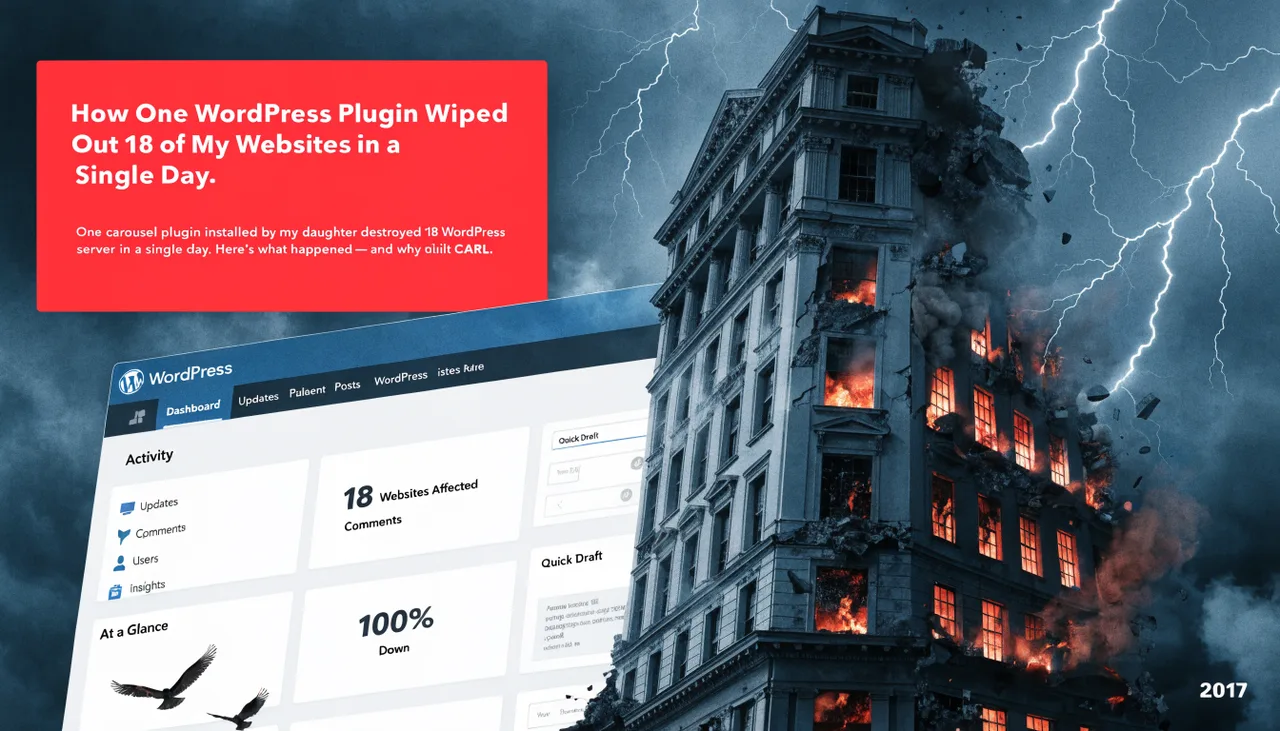
In 2010 I was building WordPress sites for clients. By 2017, I'd had 18 of my own sites hacked in a single attack and spent years dealing with the plugin ecosystem that WordPress requires just to function.
I built CARL differently from the ground up. When you create a page in CARL and click Generate, the system assembles the page once and writes a clean PHP file directly to disk. That file is static. When a visitor arrives, the server hands them that file. No PHP execution chain. No plugin stack. No database queries on page load.
Time to First Byte on a CARL page on shared hosting beats most WordPress sites on dedicated servers. The page is already built. There's nothing to wait for.
The Numbers That Actually Matter
Google uses page speed as a ranking factor. It has for years. But the impact compounds — a slow site doesn't just rank lower, it converts worse. Every additional second of load time increases bounce rate. Visitors don't wait. They leave.
A 2023 study by Portent found that a page loading in 1 second converts 3x better than a page loading in 5 seconds. Most WordPress sites on shared hosting load in 3-6 seconds. Most CARL pages load in under 1 second on the same infrastructure.
Same hosting. Same server. The difference is architecture.
See how CARL pages perform before you commit to anything.