
CARL Installation & Setup
Everything you need to get CARL installed, configured, and ready to publish. These articles cover the full setup process: from server requirements and running the installer, through to configuring your settings, connecting your API keys, and getting site search working.
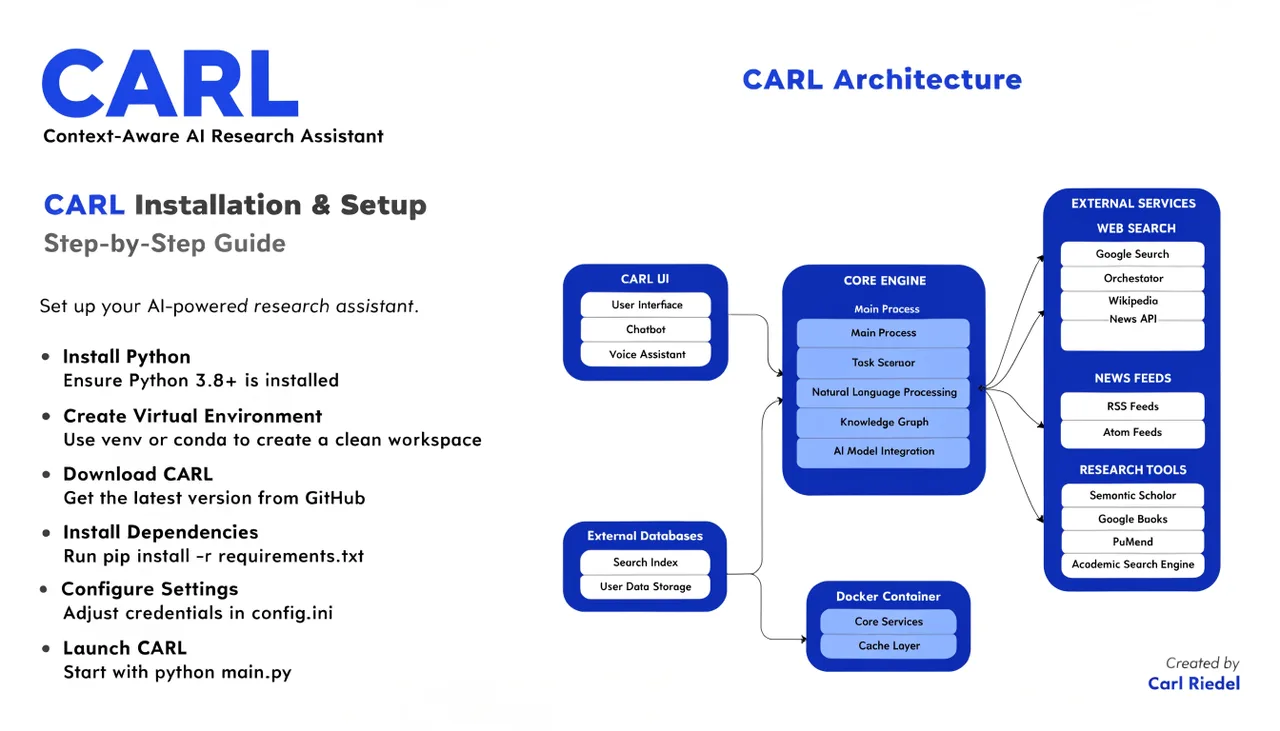
If you're starting from scratch, begin with How to install CARL on cPanel shared hosting and work through the articles in order. If you're looking for a specific setting or feature, the cards below cover every part of the installation and setup process.
How to Set Up CARL's Site Search | Add Search to Any Page in Two Minutes | Carl Riedel
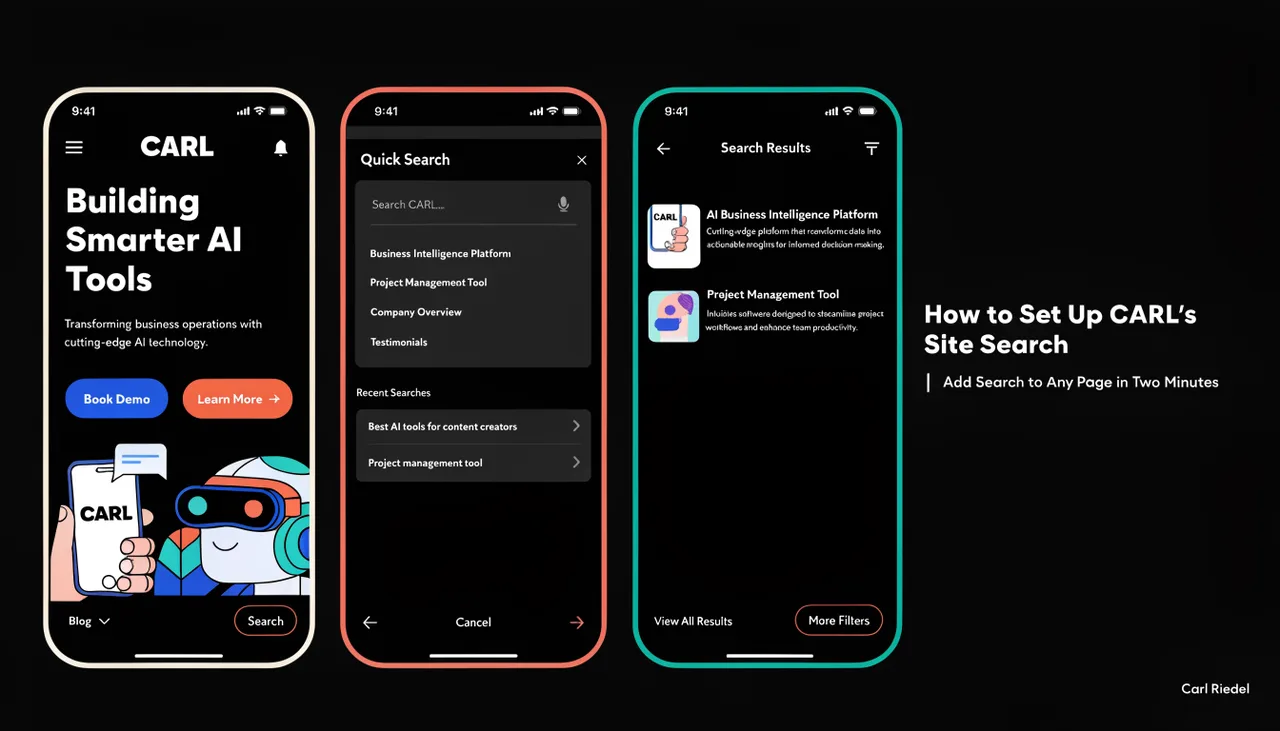
Set up CARL's powerful site search in just two minutes. Complete guide to adding search bars to any page template with step-by-step instructions and troubleshooting tips.
Continue readingHow CARL's Site Search Works | Built-In Search Without a Plugin or Third-Party Service | Carl Riedel
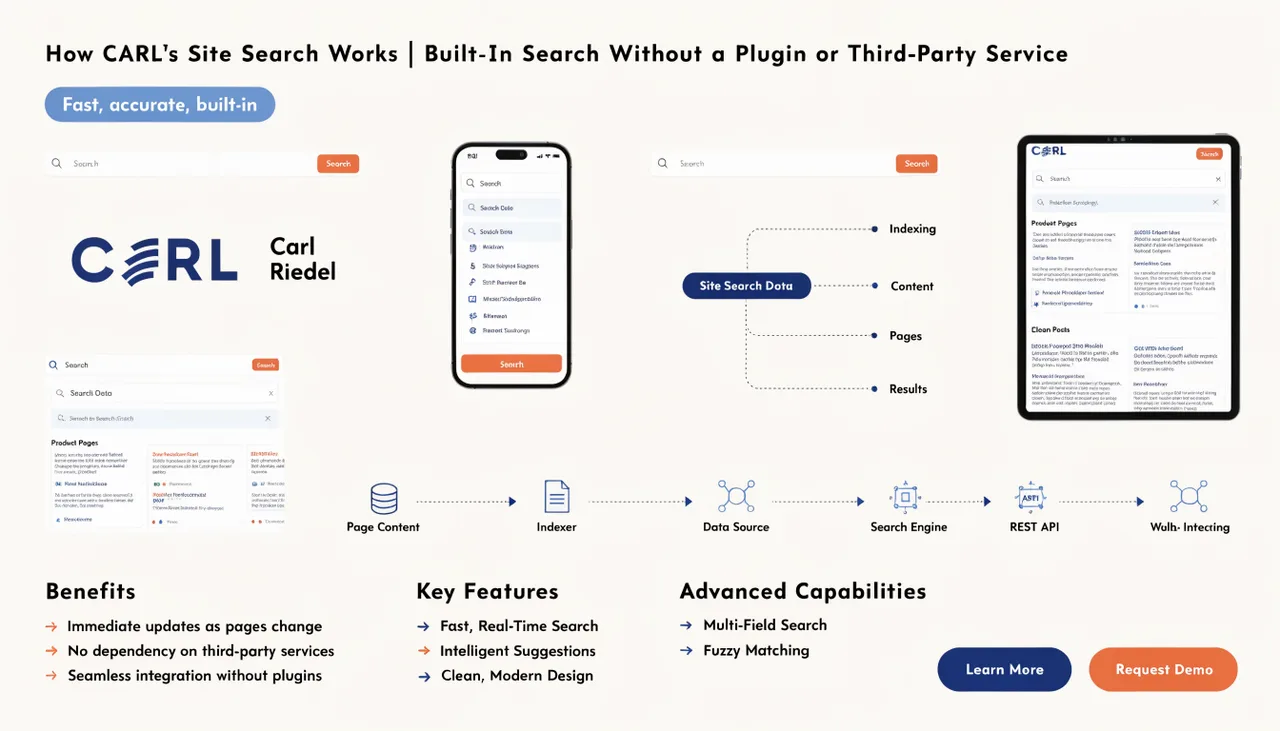
CARL's built-in site search functionality works without plugins or third-party services. Built into the core CMS with search dashboard analytics and easy widget implementation for any template.
Continue readingHow to Use CARL's AI Schema Generator | One Click for a Complete SEO Head Section | Carl Riedel
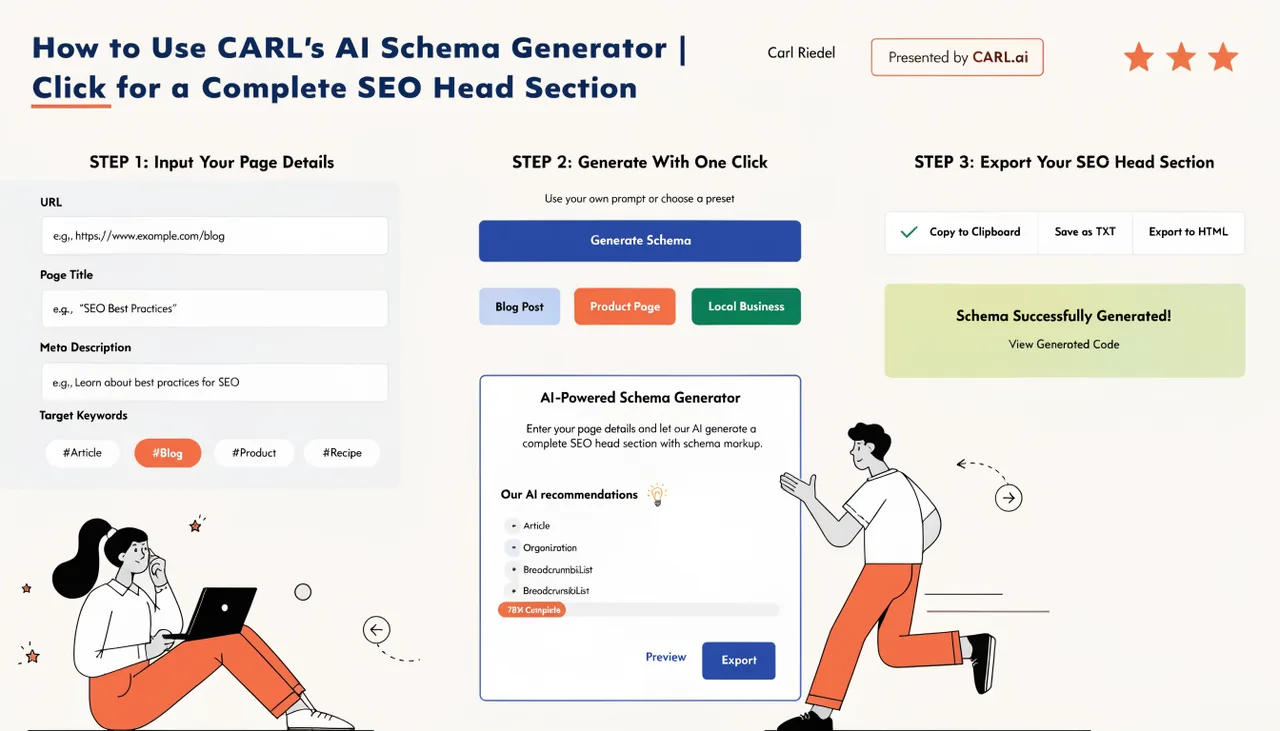
Generate complete SEO schema in one click with CARL's AI Schema Generator. Claude automatically creates meta descriptions, JSON-LD schemas, Open Graph tags, and Twitter Cards.
Continue readingHow to Configure Organization Settings in CARL | Set Up Your Brand's Knowledge Graph Data | Carl Riedel
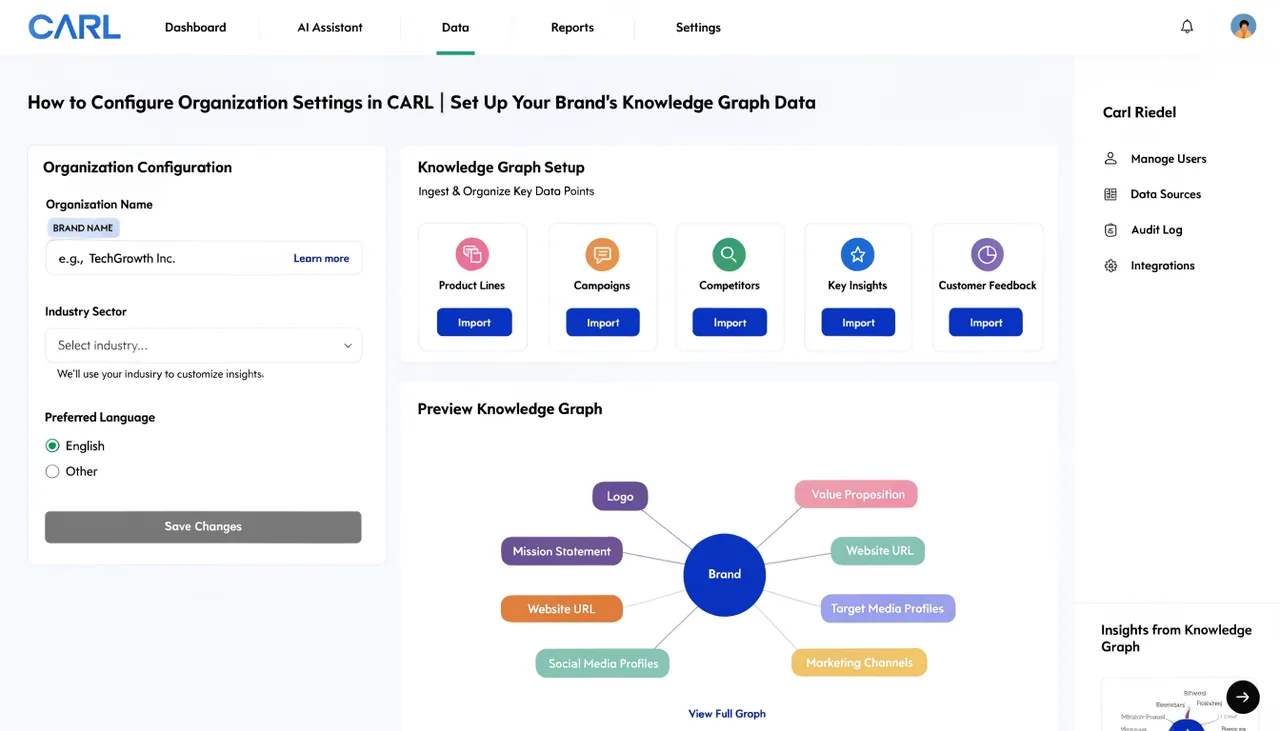
Complete guide to configuring CARL's Organization settings for powerful SEO schema markup. Set up your brand's knowledge graph data in 5 minutes for better search visibility.
Continue readingHow to Configure CARL's Email Settings | Connect Kit and Start Building Your List | Carl Riedel
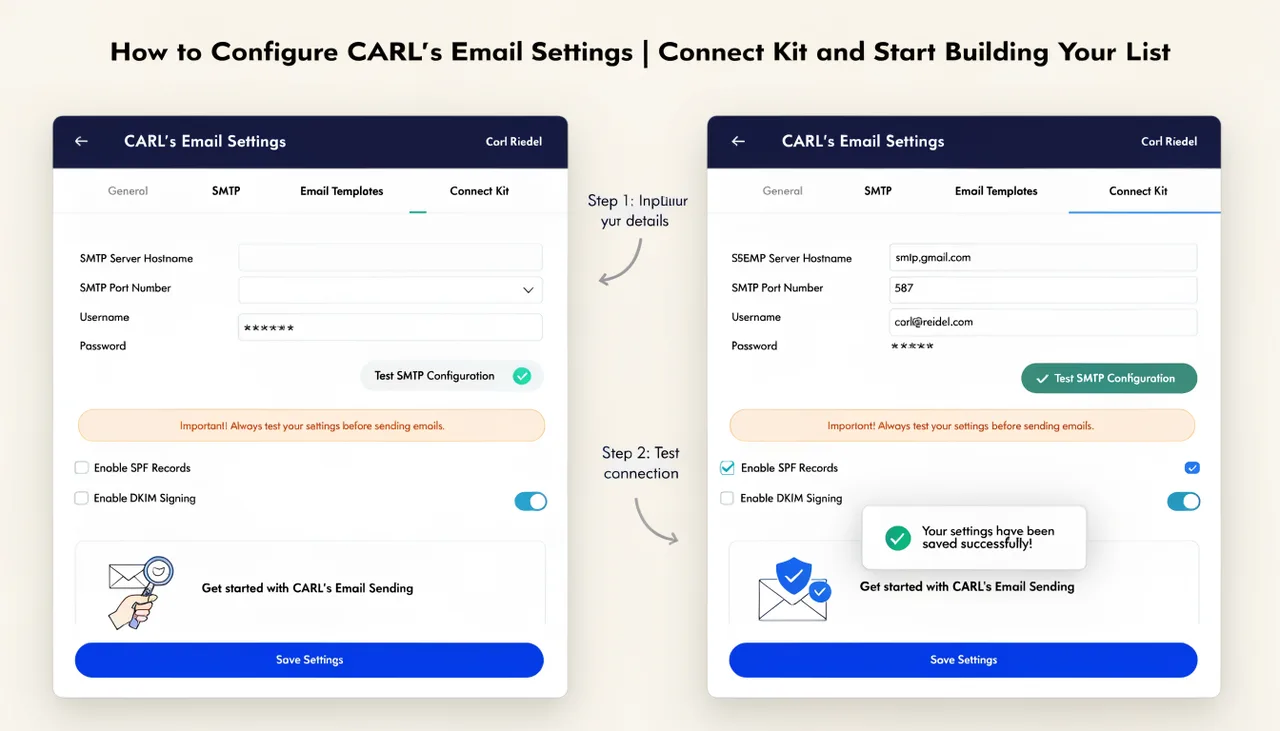
Set up CARL's email integration with Kit in 5 minutes. Complete guide to connecting your API key, configuring form IDs, and syncing subscribers automatically.
Continue readingHow to Configure CARL's General Settings | The First Things to Set After Installation | Carl Riedel
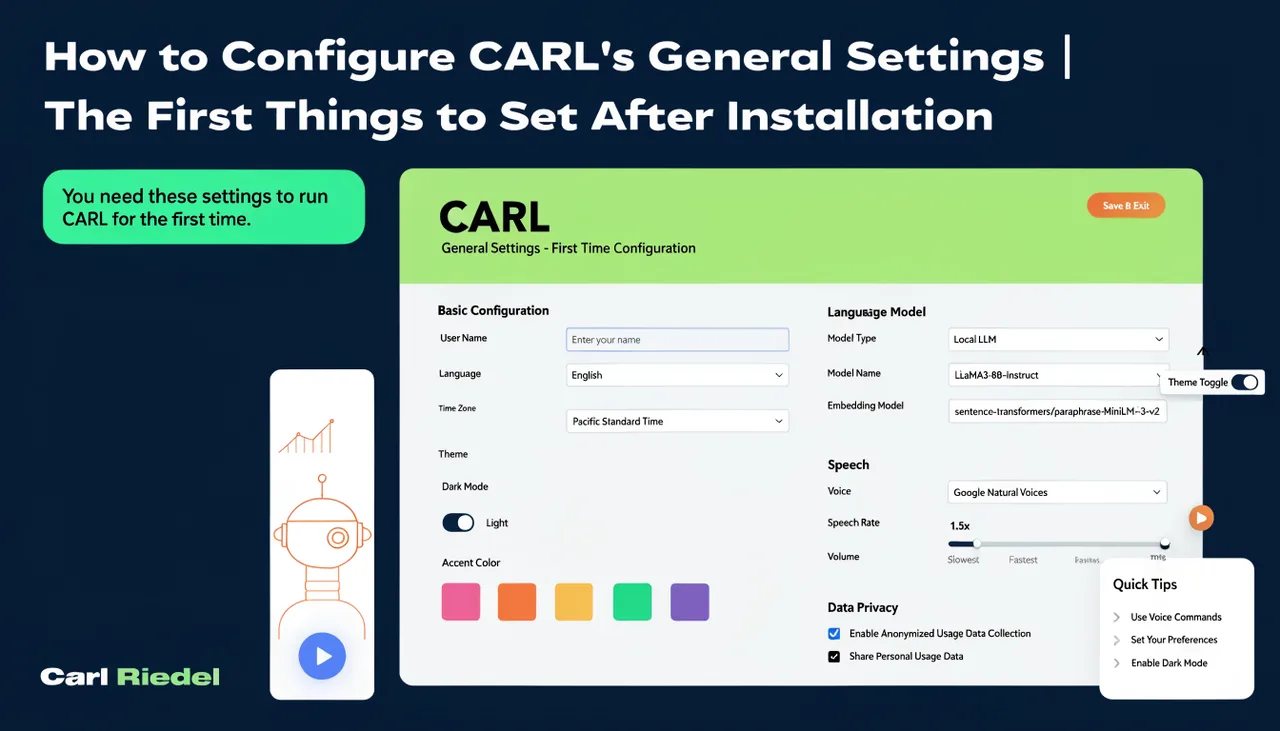
Configure CARL's critical general settings properly after installation. Set Site Name, Base URL, Recovery Key, and favicon correctly to avoid SEO problems later.
Continue readingWhat Hosting Does CARL Require | Standard cPanel Shared Hosting Is All You Need | Carl Riedel
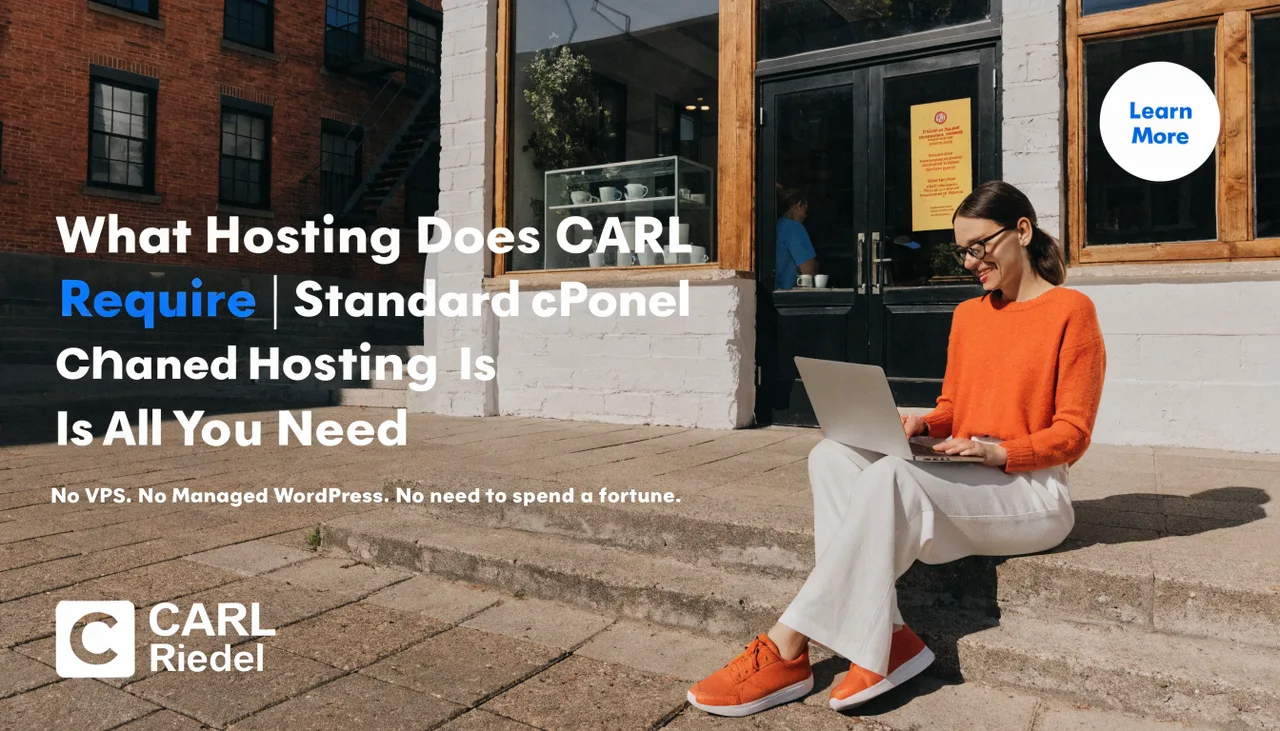
CARL CMS runs on standard cPanel shared hosting with PHP 8.1+ and MySQL. No VPS, dedicated server, or special configuration required - just basic shared hosting.
Continue readingHow to Install CARL on cPanel Shared Hosting | From Download to Live Site in One Session | Carl Riedel
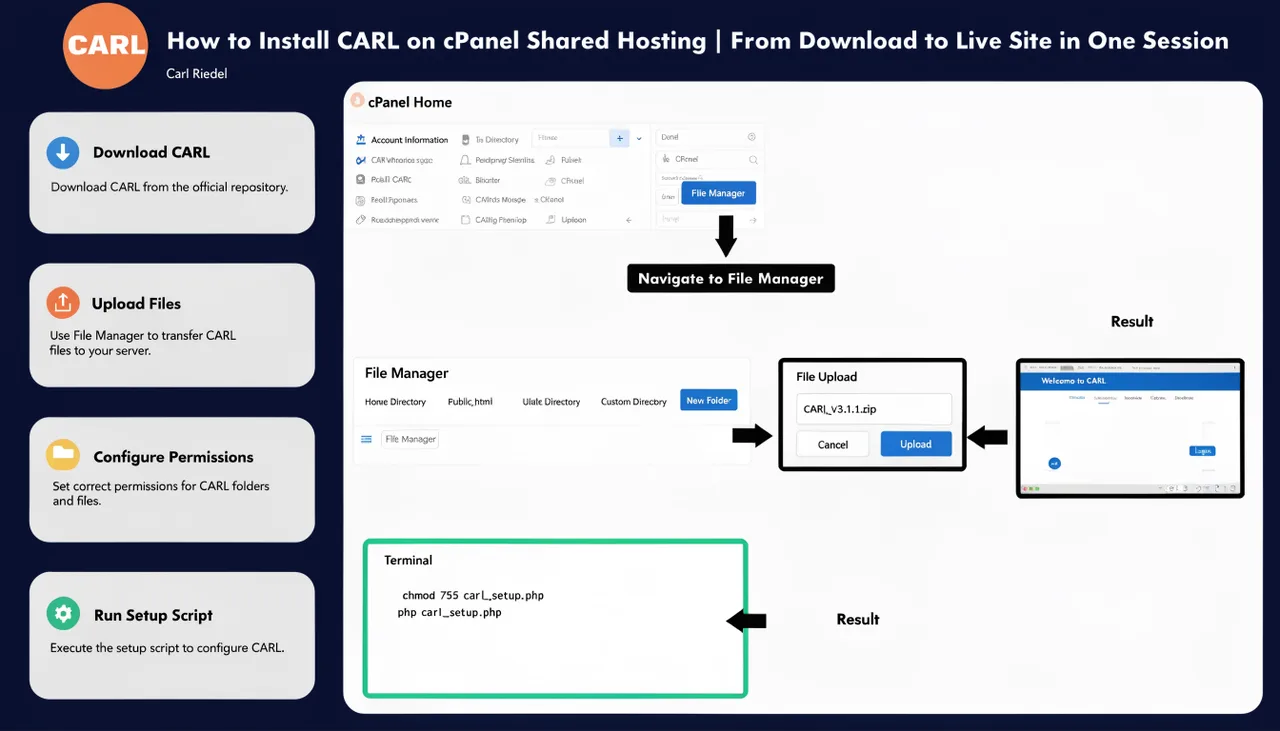
Step-by-step guide to installing CARL CMS on cPanel shared hosting. Complete setup from database creation to live site in minutes with automated installer and setup wizard.
Continue reading