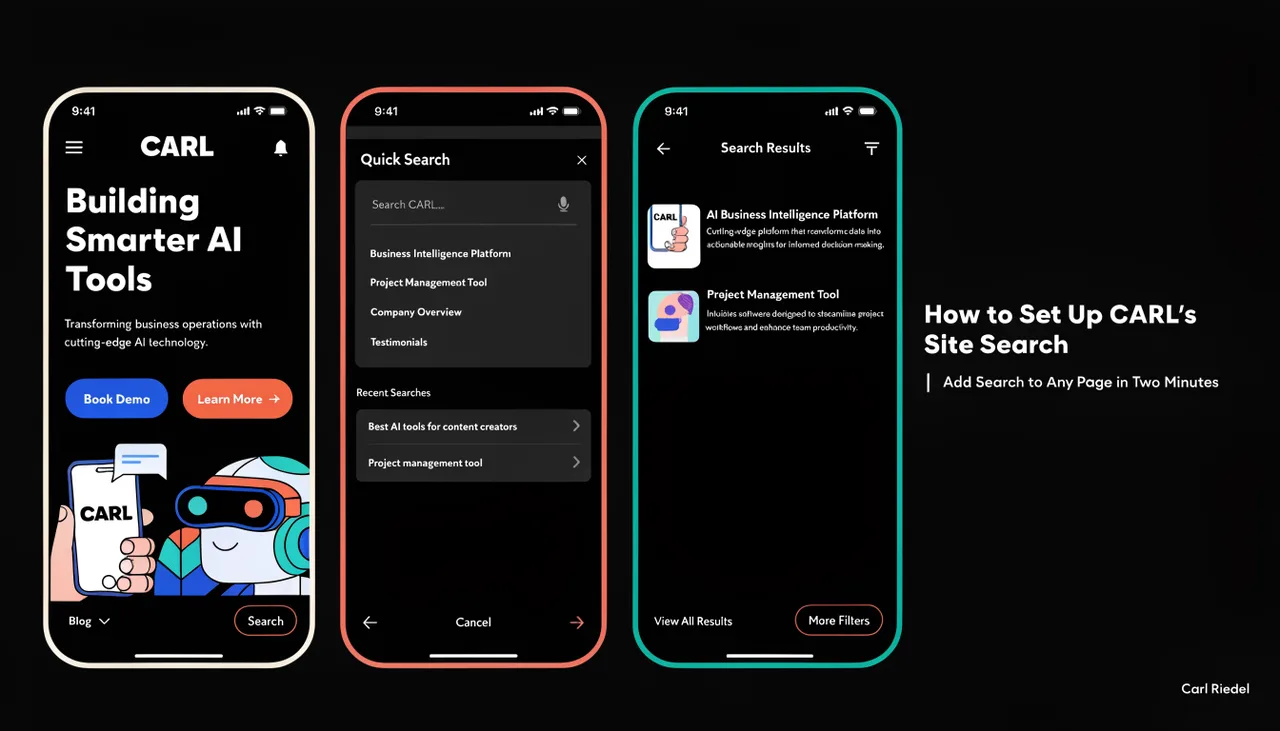
How to Set Up CARL's Site Search
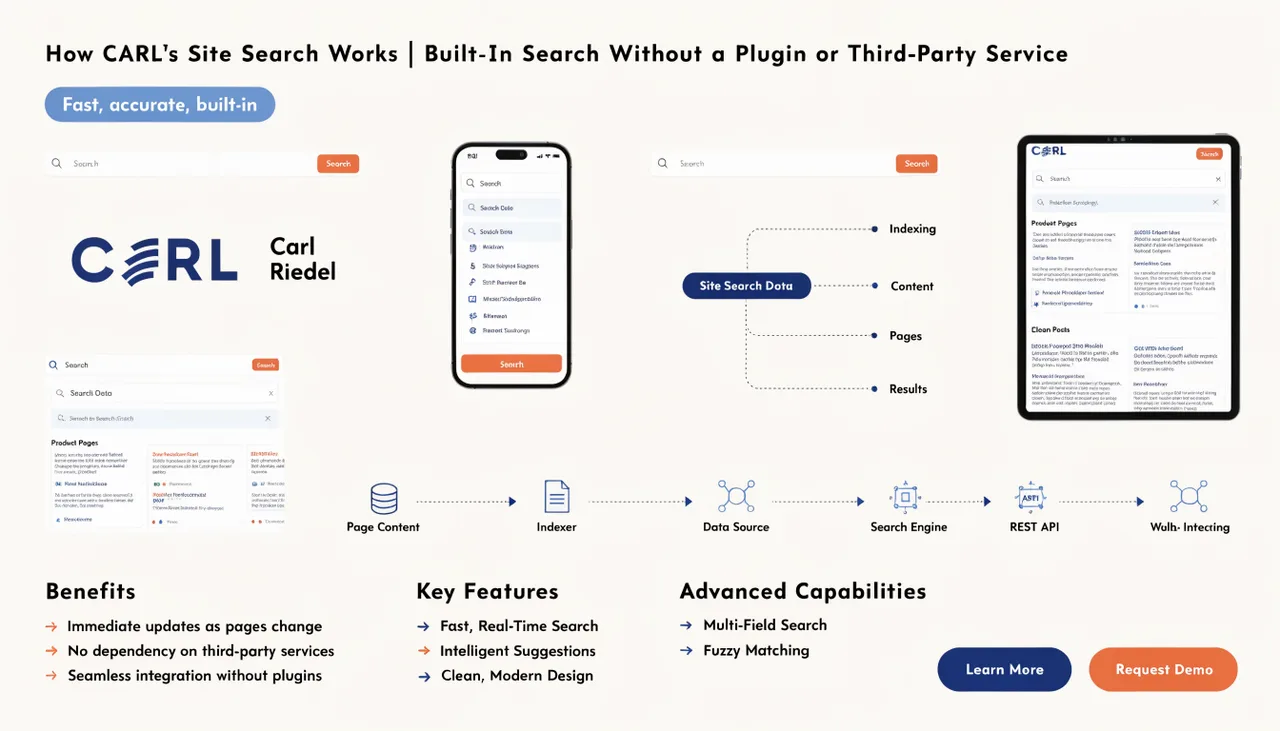
CARL's site search is ready to use the moment you install it. The search bar widget is already included in the Bootstrap Blog sidebar template, so if you're using that template for your articles, search is already working on those pages. For any other template or page type, adding search takes about two minutes.
Search on the Bootstrap Blog Template
The Bootstrap Blog template loads search_bar.txt automatically as part of its sidebar. Every page using this template has a working search bar in the sidebar, with no additional setup. If you've published articles using the Bootstrap Blog template and visit one of those pages, the search bar is already there. Type a query, and it works.
Adding Search to a Specific Page
For pages using a different template, or for pages where you want to search in a non-sidebar position, add it through the PHP Snippet field. Open the page in the CARL editor and scroll to the PHP Snippet field. Click the Include Picker, find search_bar.txt in the list, and click Insert. CARL adds the include line to the snippet field. Click Save Draft, then Save and Generate File. The search bar is now on that page at the position where the snippet renders.
The PHP Snippet renders at the token position in your template. If you want the search appearing in a specific part of the layout, check where that token is placed in the template file and adjust accordingly.
Adding Search to a Custom Template
If you've built a custom template and want search available on every page using it, add the include directly to the template file rather than adding it to each page individually. Open the template file via Include Files in the admin, add the following line at the position where you want the search bar to appear:
Save the template and run bulk regeneration. Every page using that template will have the search bar on the next regeneration pass.
Verifying Search Is Working
After adding the search bar and regenerating the page, visit the live URL and enter a search query. Results should appear immediately. If the search bar renders but returns no results for queries you'd expect to find content for, confirm those pages are published and have been generated. CARL's search indexes published pages: draft pages and scheduled pages don't appear in search results until they're live.
Monitoring Search Queries
Once the search is live on your site, go to Tools, then Search in the CARL admin to review the queries visitors are entering. Check this dashboard periodically: repeated searches for topics you haven't covered are some of the most reliable content signals you'll find. Your visitors are telling you exactly what they want to read. For a full overview of what the search dashboard shows and how the search system works under the hood, see How CARL's Site Search works.