How to Bulk-Regenerate Pages in CARL
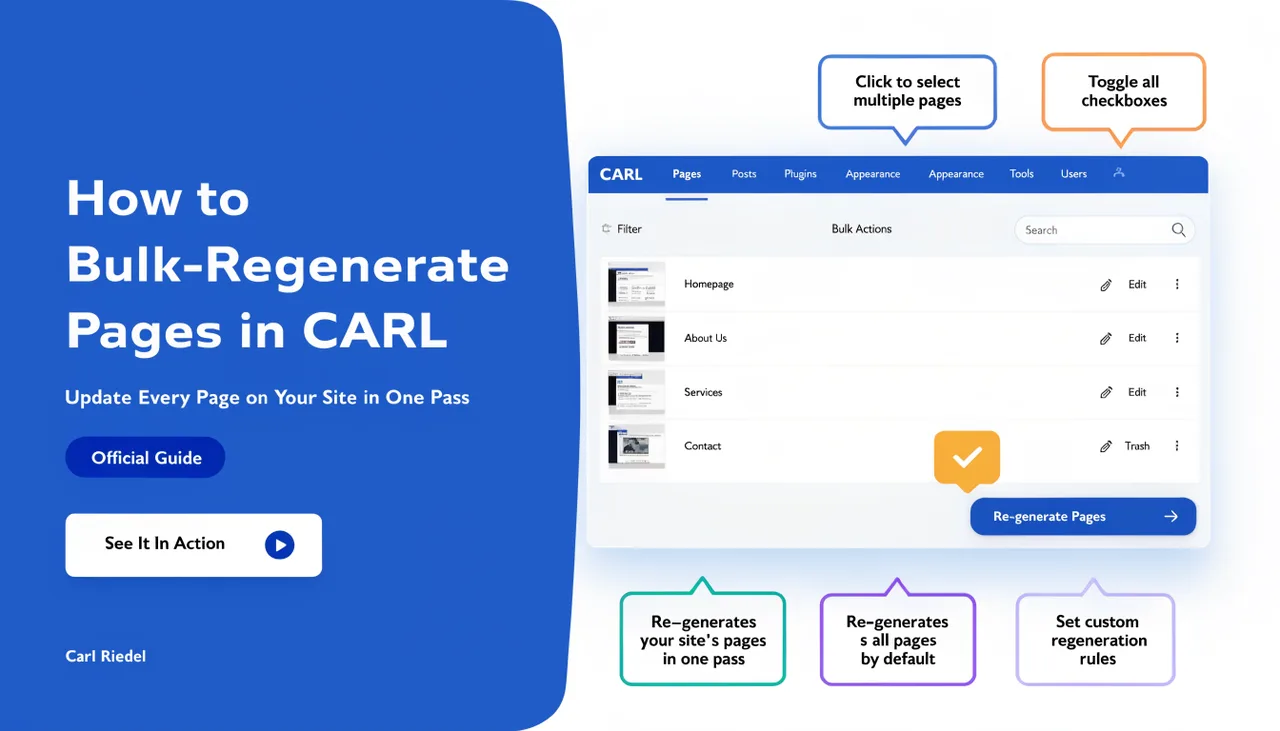
Every page in CARL is a static PHP file written to disk at publish time. That's what makes them fast and secure, but it also means that when something changes sitewide, like a template update, a navigation change, or a footer edit, the existing files on disk don't update themselves. Bulk regenerate is how you push those changes across every page on your site in a single operation.
When You Need It
The most common trigger for a bulk regenerate is a change to a template. If you've updated your site's navigation, changed the footer, added a sitewide script, or modified the layout in any way, the pages already on disk still contain the old template. They won't reflect the update until they're regenerated. Bulk regenerate handles all of them at once rather than requiring you to open and regenerate each page individually.
Other situations that call for a bulk regenerate include updating your site's global settings that feed into page output, changing the default schema structure, or recovering from a situation where files on disk have become out of sync with the records in the database. Any time you need the entire site to reflect a change made in the admin, use bulk regenerate.
How It Works
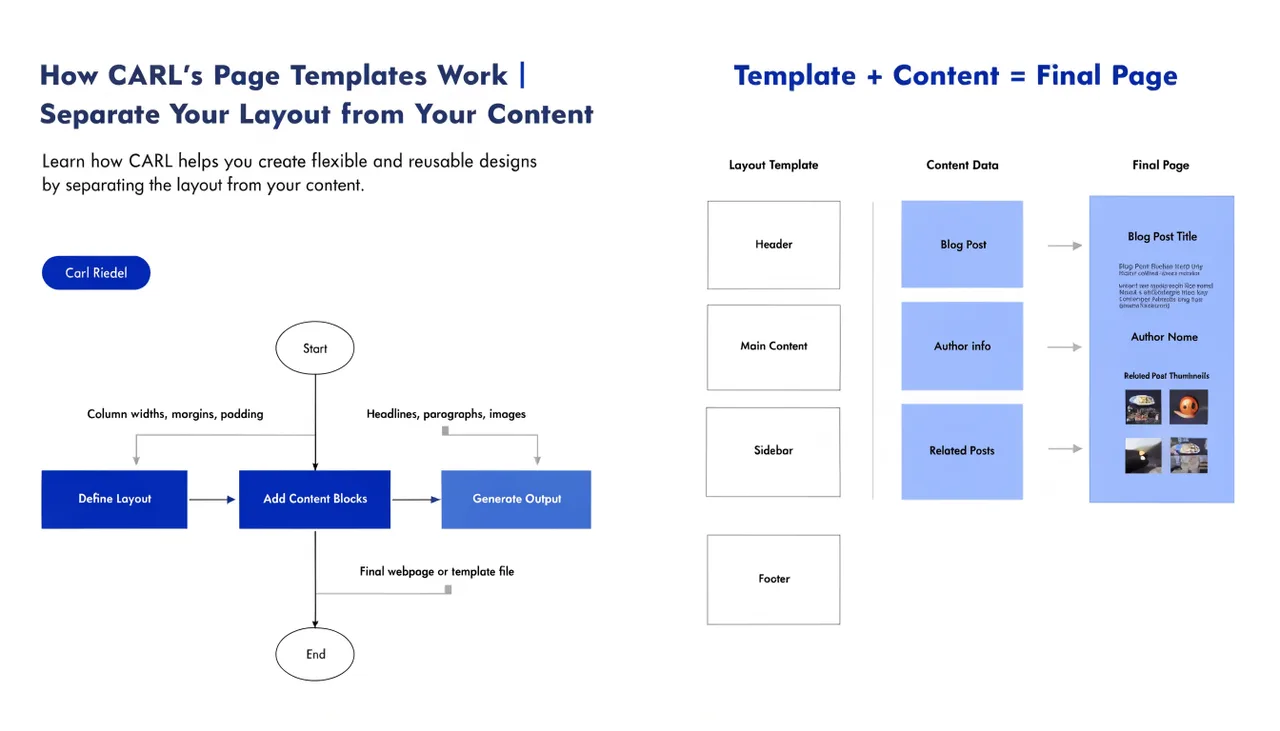
Bulk regenerate runs through every published page record in your database and triggers the generation process for each one in sequence. CARL takes each page's content, runs it through its assigned template, and overwrites the existing PHP file on disk with a freshly generated version. Pages that haven't changed come out identical to before. Pages affected by the template or settings change come out updated.
The process runs server-side, so you don't need to keep the browser tab open for the entire duration on a small site. On a larger site with hundreds of pages, give it time to complete before navigating away from the admin panel.
What It Doesn't Do
Bulk regenerate updates existing pages. It doesn't clean up orphaned files left behind by slug or directory changes. If you renamed a page's slug before running bulk regenerate, the new file gets written at the new path but the old file at the old path remains on disk. File cleanup after structural changes is a manual step via cPanel's File Manager.
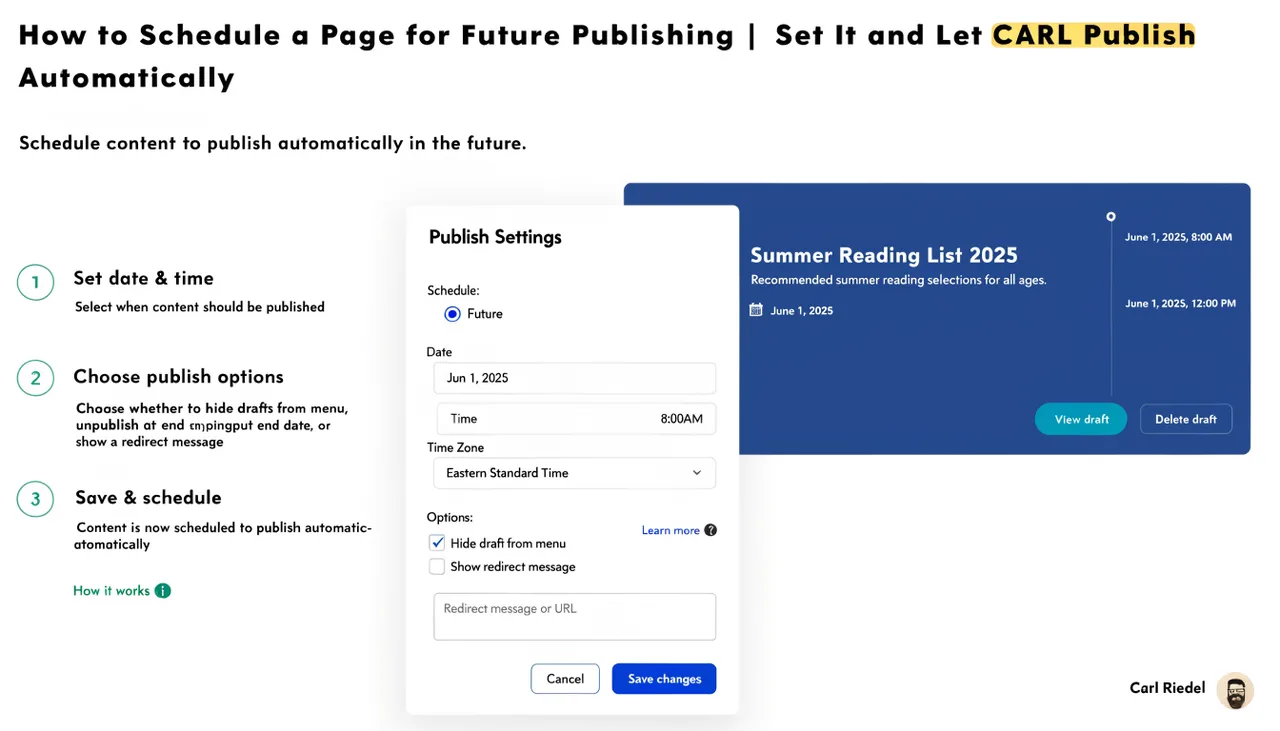
It also doesn't regenerate pages in draft or scheduled status. Only published pages are included in the bulk regenerate pass. Scheduled pages will be generated at their publish time as normal.
Making It Part of Your Workflow
Getting into the habit of running a bulk regenerate after any sitewide change removes the risk of pages falling out of sync with your current template or settings. It takes a few seconds on a small site and a few minutes on a large one. The cost is low; the alternative, discovering that half your pages are showing an outdated layout because you forgot to regenerate them, is considerably more frustrating.
For sites built around a content publishing schedule, a bulk regeneration after each batch of edits is a clean way to confirm that everything on disk matches everything in the admin. Think of it as a final consistency check before you consider a work session done.