How CARL's Preview System Works
Because CARL pages are static PHP files written to disk at publish time, there's no live rendering happening in the background that you can peek at before committing. The preview system bridges that gap: it lets you see what a page will look like before the file is served from your public document root, so you can check layout, content, and formatting without putting an unfinished page in front of visitors or search engines.
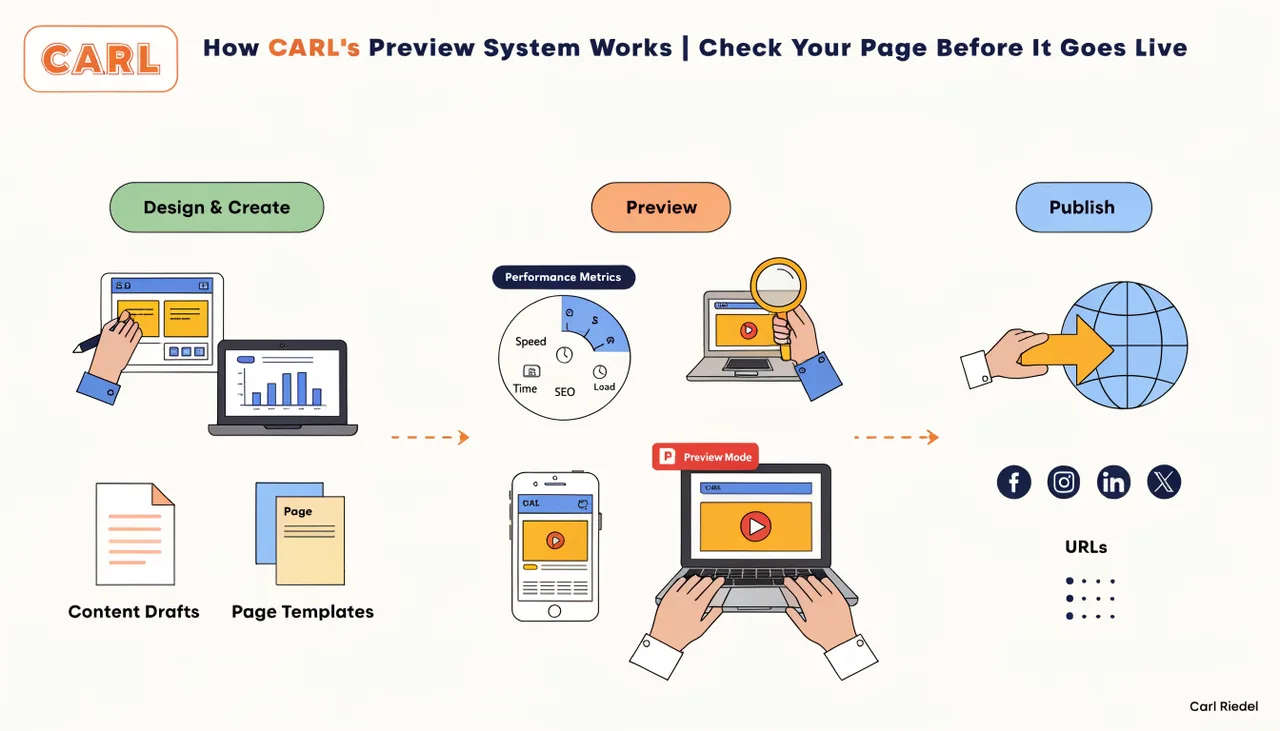
How the Preview Is Generated
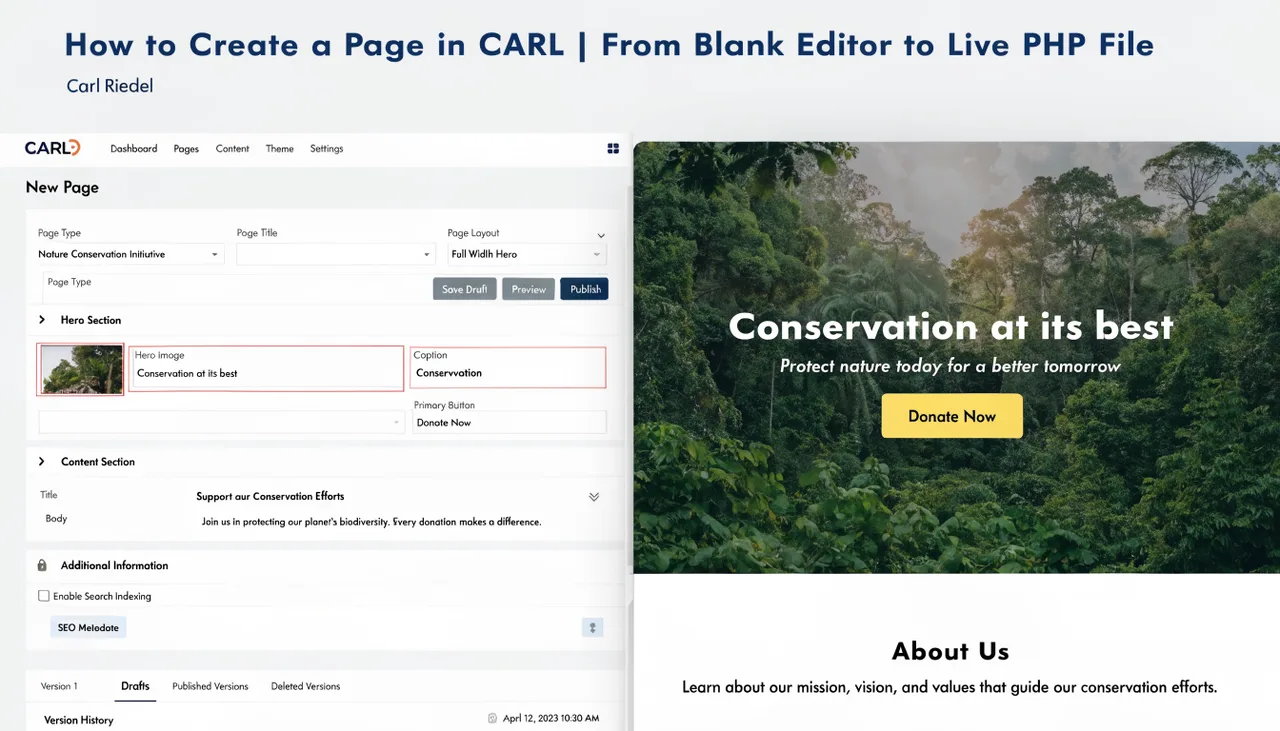
When you trigger a preview in the CARL editor, CARL runs the same generation process it uses for a full publish. It takes your current content, runs it through the assigned template, compiles the complete HTML output, and renders it in a preview context. The difference is where the output goes: instead of writing a file to your public directory, CARL renders it in a way that only you can see from inside the admin session.
What you see in the preview is a faithful representation of the published page. The template, the meta tags, the content formatting, the layout: all of it reflects exactly what would be generated if you clicked the publish button. There's no simplified preview mode that strips parts of the template to speed up rendering.
Checking Before You Publish
Preview is particularly useful when you're working with a new custom template for the first time. Building a template involves some iteration: you write the structure, check how the content fits within it, adjust spacing or markup, and check again. Being able to do that without generating live files each time keeps your public directory clean during the development process.
It's also useful for content-heavy pages where formatting matters: long articles, product pages, comparison tables. Seeing the page at full width in its actual template before publishing catches layout issues that aren't obvious in the editor's content field.
Preview Doesn't Write to Disk
This is the key distinction. A preview doesn't create a file. Nothing is written to public_html/, no URL becomes accessible, and Google can't crawl it. The preview exists only during your admin session. Once you close the preview or log out, there's nothing left on the server from that preview operation.
The only way to put a page on disk is to click Generate. Preview and Generate are separate actions with separate consequences. You can preview a page as many times as you like, without those previews affecting your live site.
After the Preview Looks Right
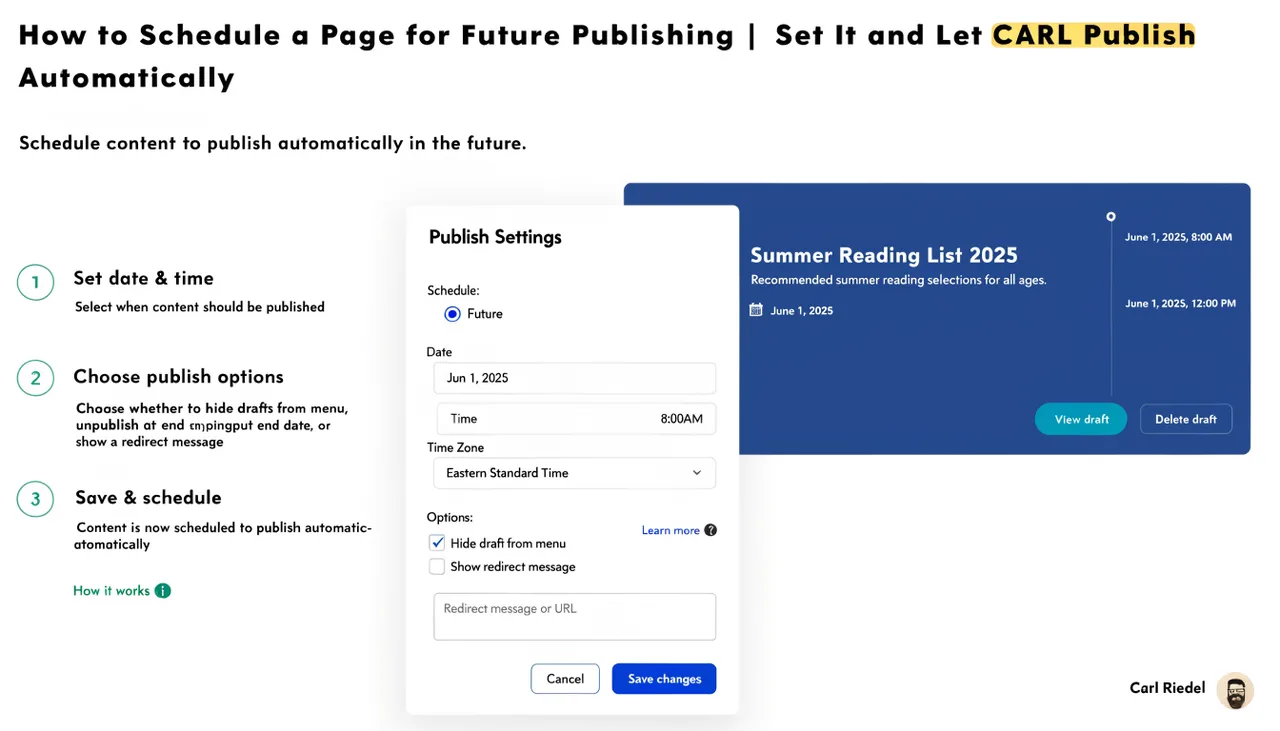
Once the preview confirms the page looks the way you want it, click Generate to write the file to disk and make the page live. If you've set a scheduled publish date, the file will be written automatically at that time instead. Either way, what gets published is exactly what you saw in the preview: the same content, the same template, the same output.
The preview system removes the guesswork from publishing. You write, you check, you generate. The page on disk matches what you approved in the preview, with no surprises when you visit the live URL.