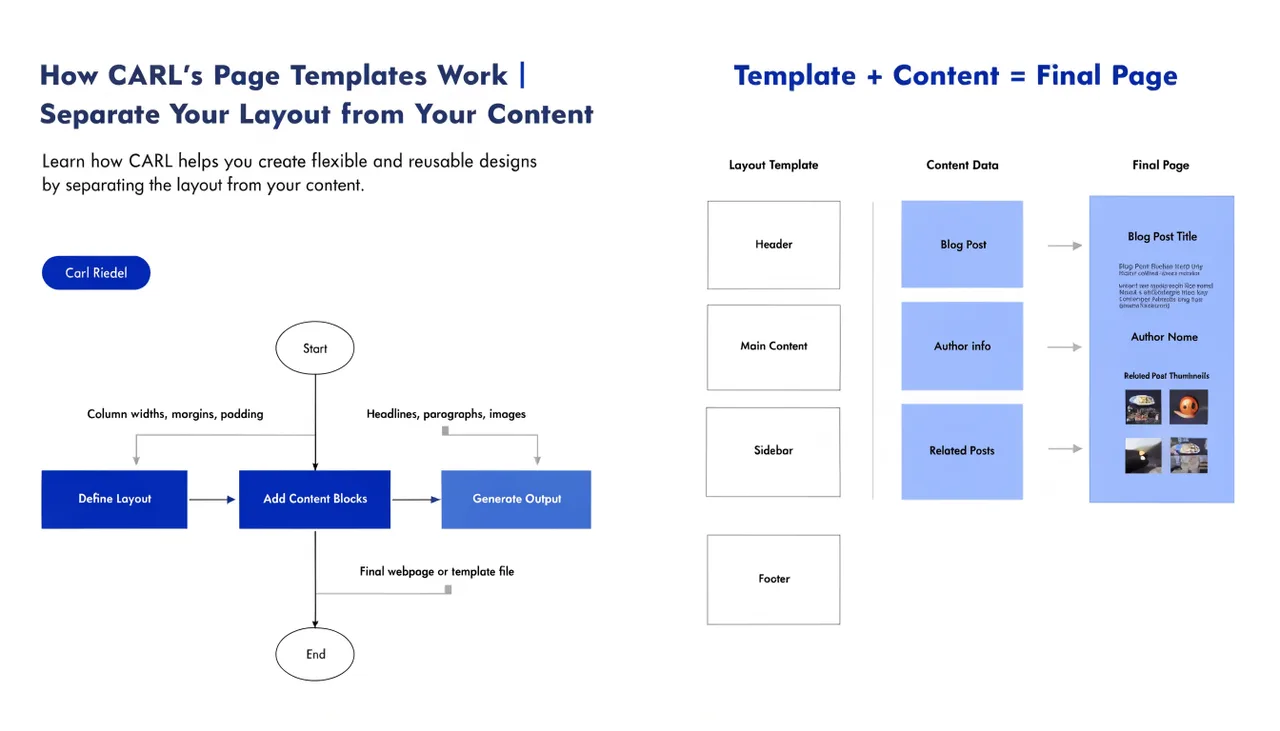
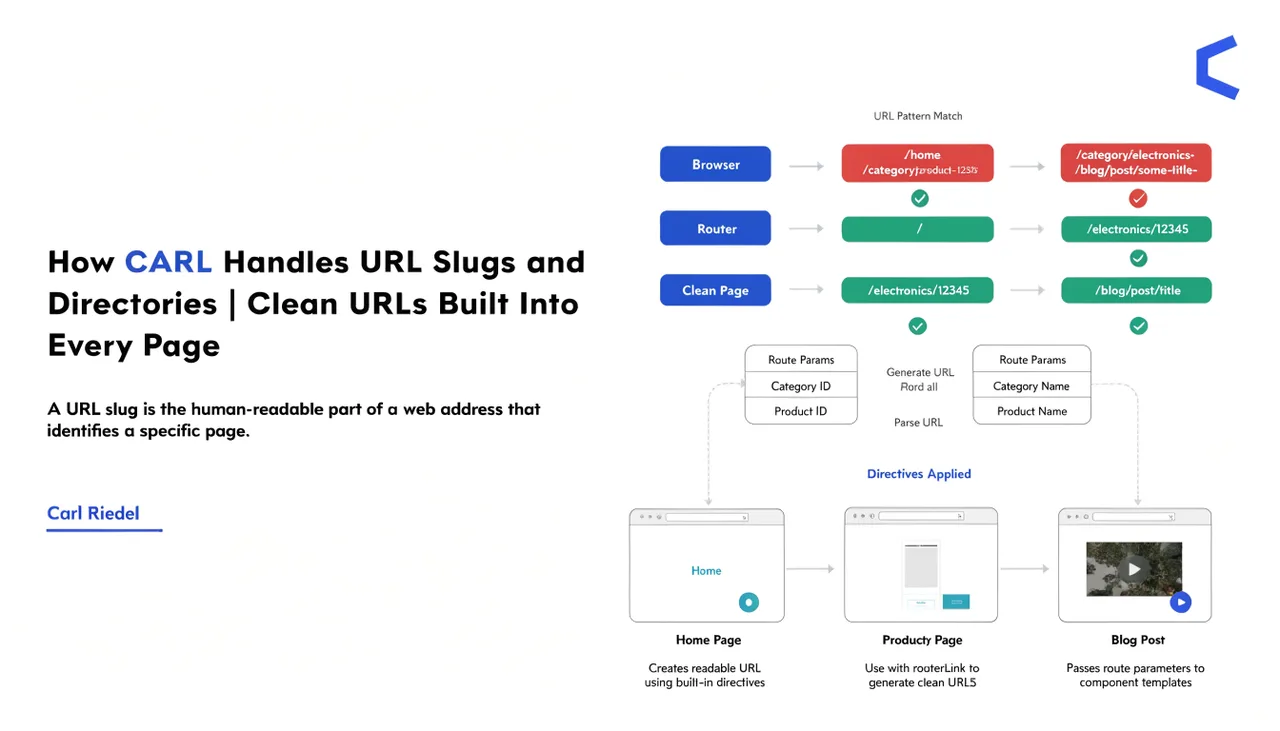
How CARL Handles URL Slugs and Directories
Every page you create in CARL has two fields that determine where it lives on your server and what its URL looks like: the Slug field and the Directory field. Get these right and your site structure is clean, logical, and exactly what you intended. They're simple fields with significant consequences, so it's worth understanding precisely what each one does.
The Slug Field
The slug is the filename of the generated PHP file, without the extension. If you type best-php-cms in the Slug field, CARL generates a file called best-php-cms.php. That file is what visitors and search engines access. The slug should be lowercase, hyphen-separated, and descriptive of the page content. No spaces, no special characters, no uppercase letters.
The slug also forms the last segment of the page's URL. A slug of best-php-cms in a directory of blog produces the URL yourdomain.com/blog/best-php-cms.php. Choose slugs the same way you'd choose them for any SEO-conscious site: lead with the keyword, keep it concise, make it readable.
The Directory Field
The Directory field sets the folder path where CARL writes the generated PHP file. If you leave it empty, the file goes into public_html/ at the root of your domain. If you type blog, the file goes into public_html/blog/. Type wiki/page-management and the file lands in public_html/wiki/page-management/.
CARL creates the directory if it doesn't already exist. You don't need to create folders in cPanel before generating pages into them. The first page you generate into a new directory creates the folder automatically.
How Slug and Directory Combine
The full URL of any CARL page is straightforward to predict: it's your domain, followed by the directory path, followed by the slug with the .php extension. A page with slug how-carl-handles-url-slugs in directory wiki/page-management lives at yourdomain.com/wiki/page-management/how-carl-handles-url-slugs.php.
There's no URL rewriting involved, no permalink settings to configure, no .htaccess rules required for clean URLs. The file exists at exactly the path described by the URL. What you set in the editor is what you get on disk.
Changing a Slug After Publishing
If you change a slug after a page has already been generated, CARL creates a new file at the new path when you regenerate. The old file stays on disk at the original path. CARL doesn't delete it automatically because deleting files without explicit confirmation is a risk no CMS should take on your behalf.
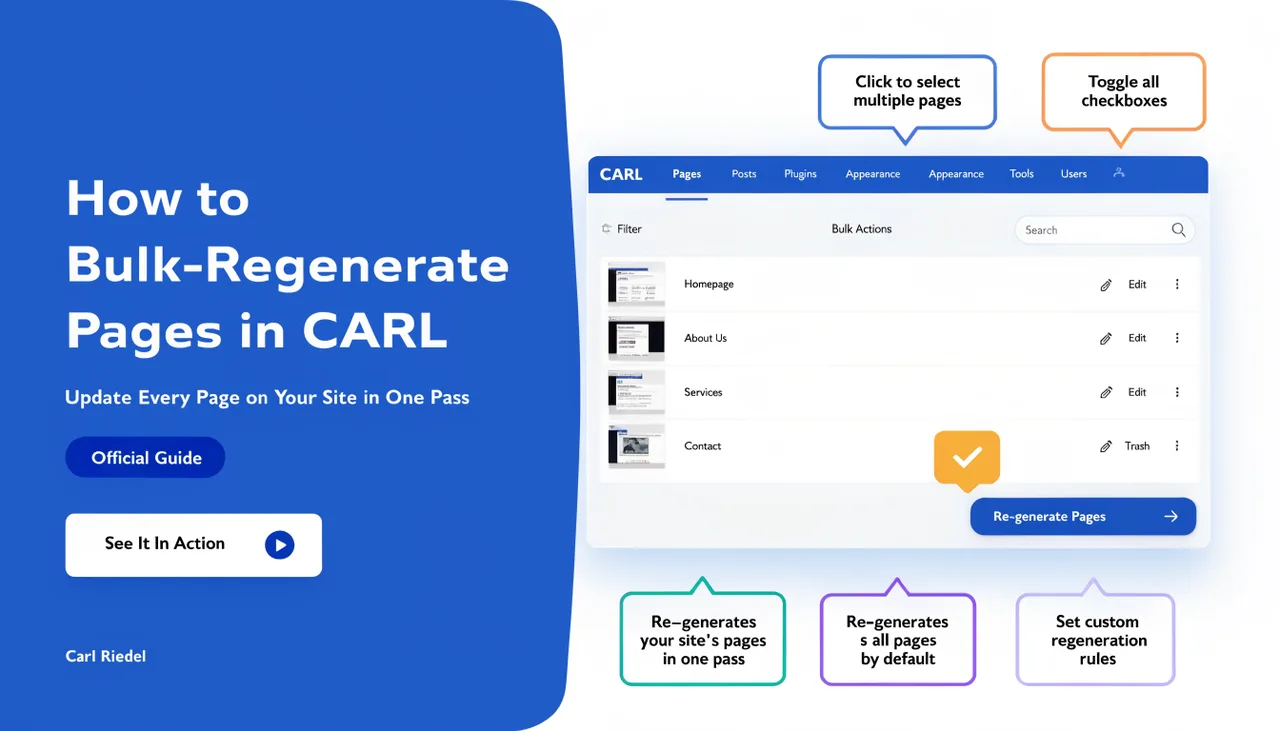
If you're changing a slug on a live page, the practical steps are: update the slug in the editor, regenerate the page, then manually delete the old file via cPanel's File Manager. If other pages link to the old URL, update those links and use bulk regenerate to apply the changes across all affected pages at once. The process is deliberate and a little manual, which is appropriate: changing a live URL has SEO consequences that warrant caution.
Planning Your Directory Structure
The Directory field gives you full control over how your site is organized. Group related content into consistent directories from the start. A wiki goes in wiki/, blog posts in blog/, use case pages in use-cases/. A clean directory structure makes the site easier to manage and navigate, and clearer to search engines about how your content is organized.
Changing a directory structure after a site is live carries the same implications as changing slugs: old URLs break unless you handle the file cleanup. Plan the structure before you start generating pages, and you won't need to revisit it. For a deeper look at how files are physically organized on your server, see How CARL stores pages on your server.