How CARL Generates Static PHP Files
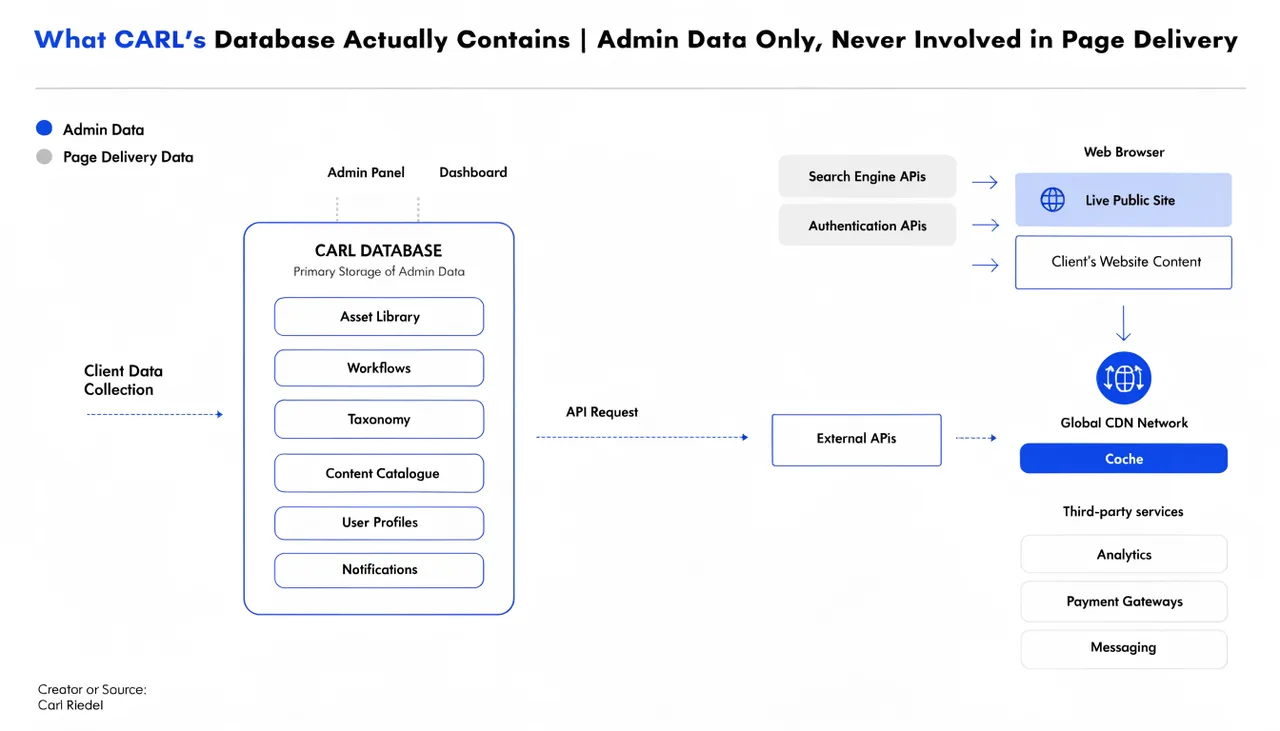
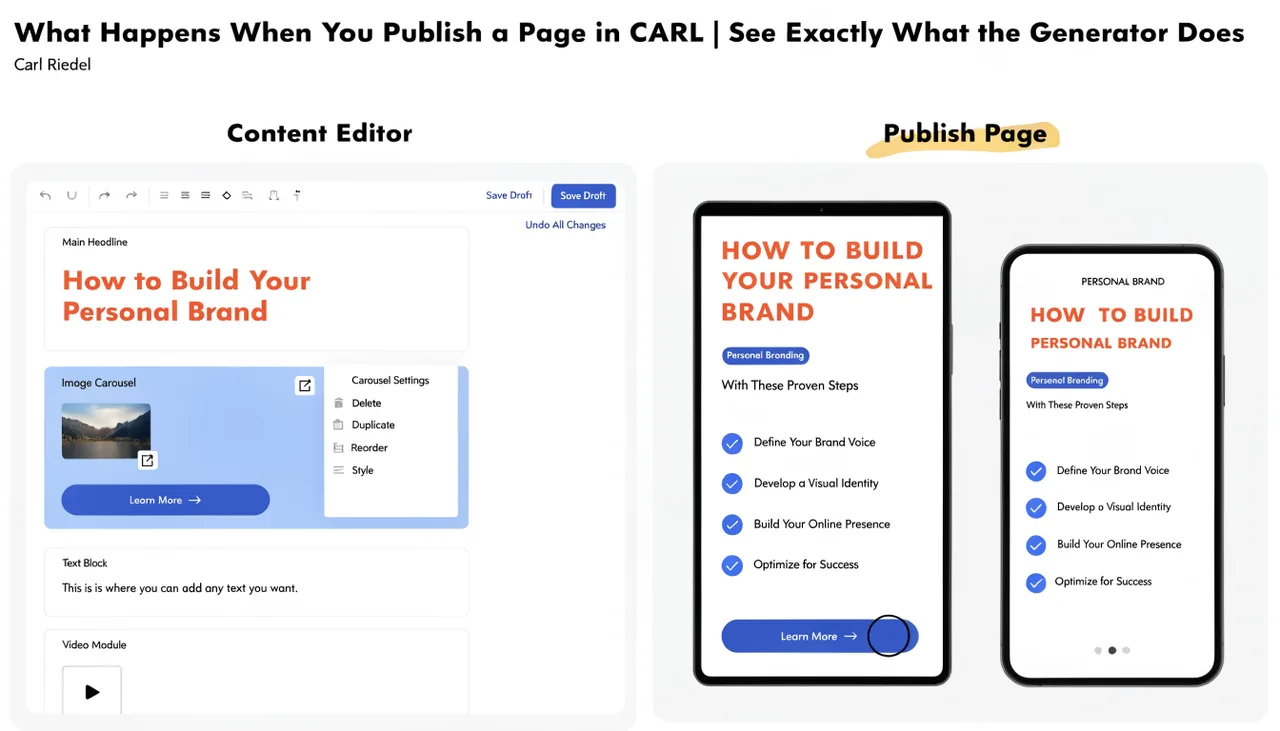
Every time you publish a page in CARL, something happens that most CMS platforms never do: CARL builds a real file and saves it to your server. Not a database record. Not a cached version of a database record. An actual PHP file, sitting on disk, ready to serve the next visitor without touching the database at all.
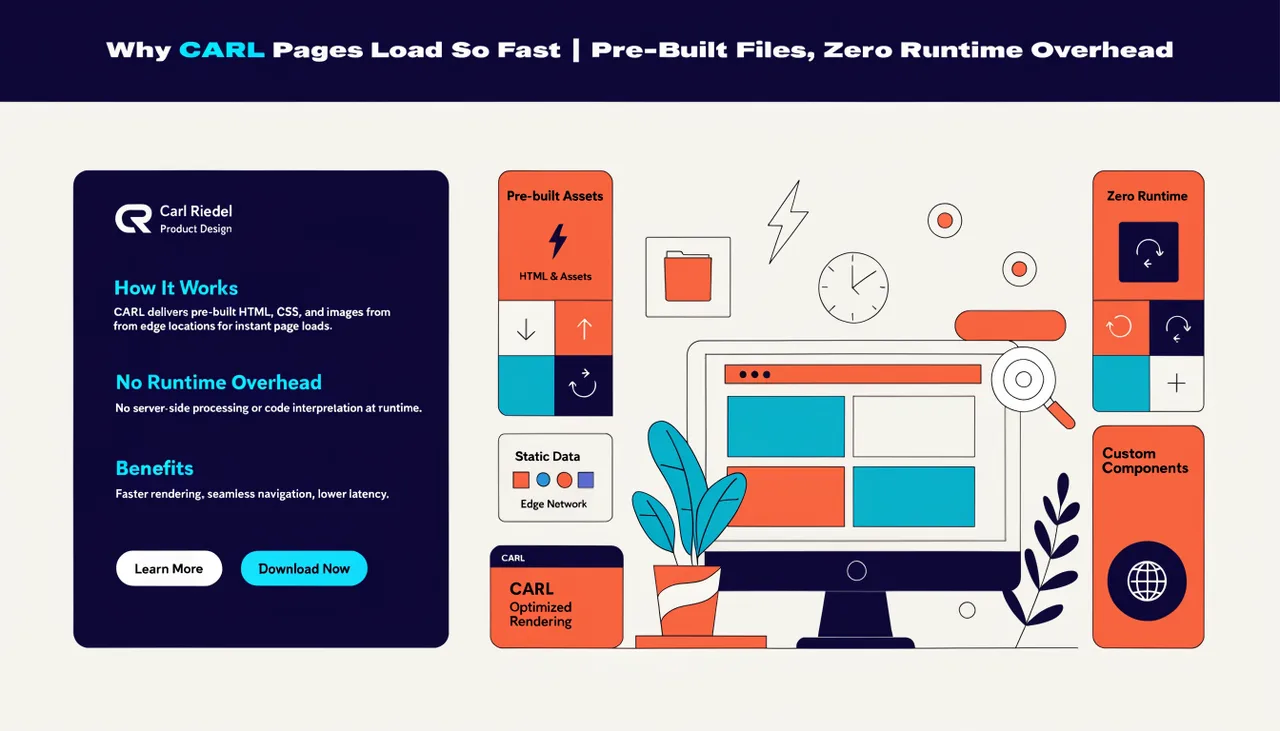
That's the core of how CARL works, and once you understand it, a lot of other things start to make sense. Why do pages load so fast? Why does the site keep working even if the admin panel is offline? Why does security look so different compared to WordPress?
What "Static PHP" Actually Means
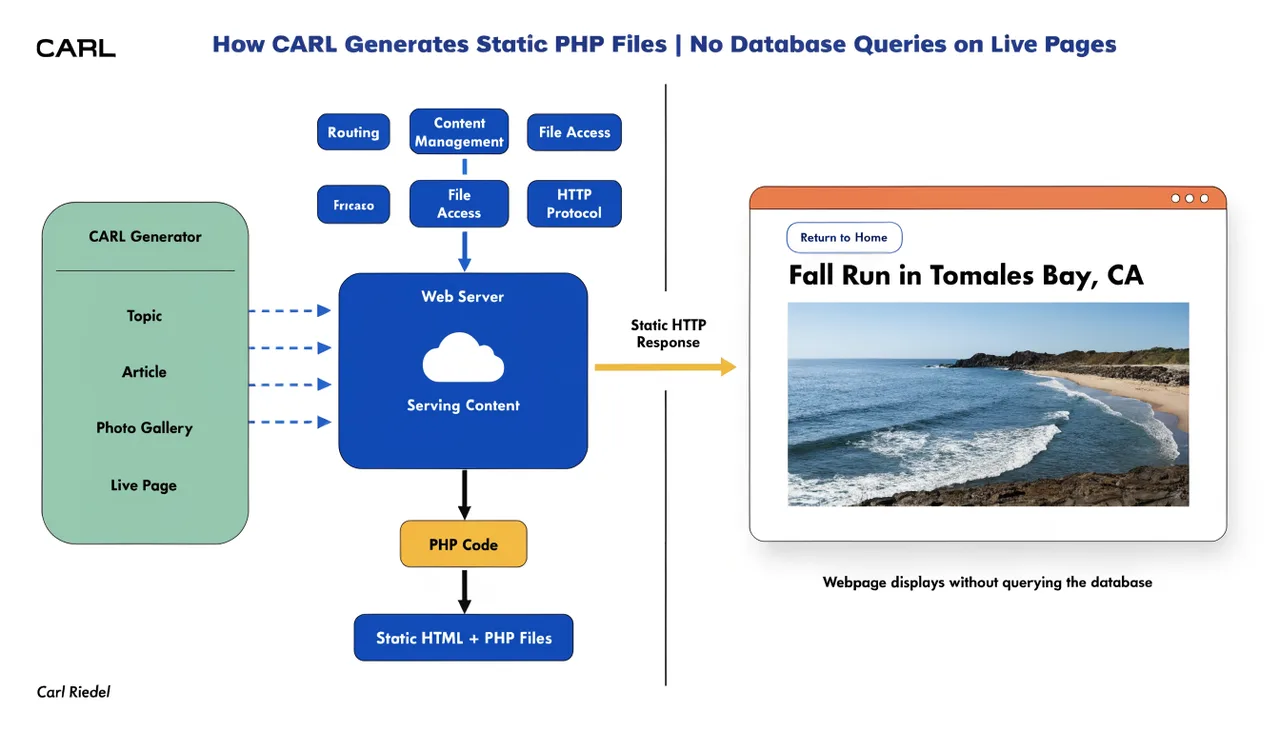
The term static can be confusing because PHP is typically associated with dynamic, database-driven pages. Here's the distinction: in CARL, the generation is dynamic, but the output is static. When you hit Publish, CARL runs a build process that pulls your content, template, meta tags, schema, and settings, assembles them into a finished HTML/PHP file, and writes it to your web root.
From that point on, the file just sits there. When a visitor hits that URL, your server delivers the file directly. No PHP execution, no database query, no plugin stack assembling the page from scratch on every request. The work was done once, at publish time, not on every single visit.
The PHP part means your site still executes. Your header, footer, and navigation are PHP includes that run at serve time. But the page content itself is already baked in. It's the best of both worlds: the speed of a static file with the flexibility of live includes.
The Build Process, Step by Step
When you publish a page, CARL's generator works through a clear sequence. It loads your chosen template file from admin/tpl/. It substitutes the template tokens ({{TITLE}}, {{META}}, {{BODY}}, {{HEAD_EXTRA}}, and ) with the actual content from your page record. It builds the full meta block: description, canonical URL, Open Graph tags, Twitter card, and JSON-LD schema. Then it writes the finished file to the correct path on disk based on your slug and directory settings.
That generated file is what your visitors see. It's also what Google indexes. The URL a search engine crawls is the URL of the file on your server, which serves pre-built content in under a second.
Where the Files Live
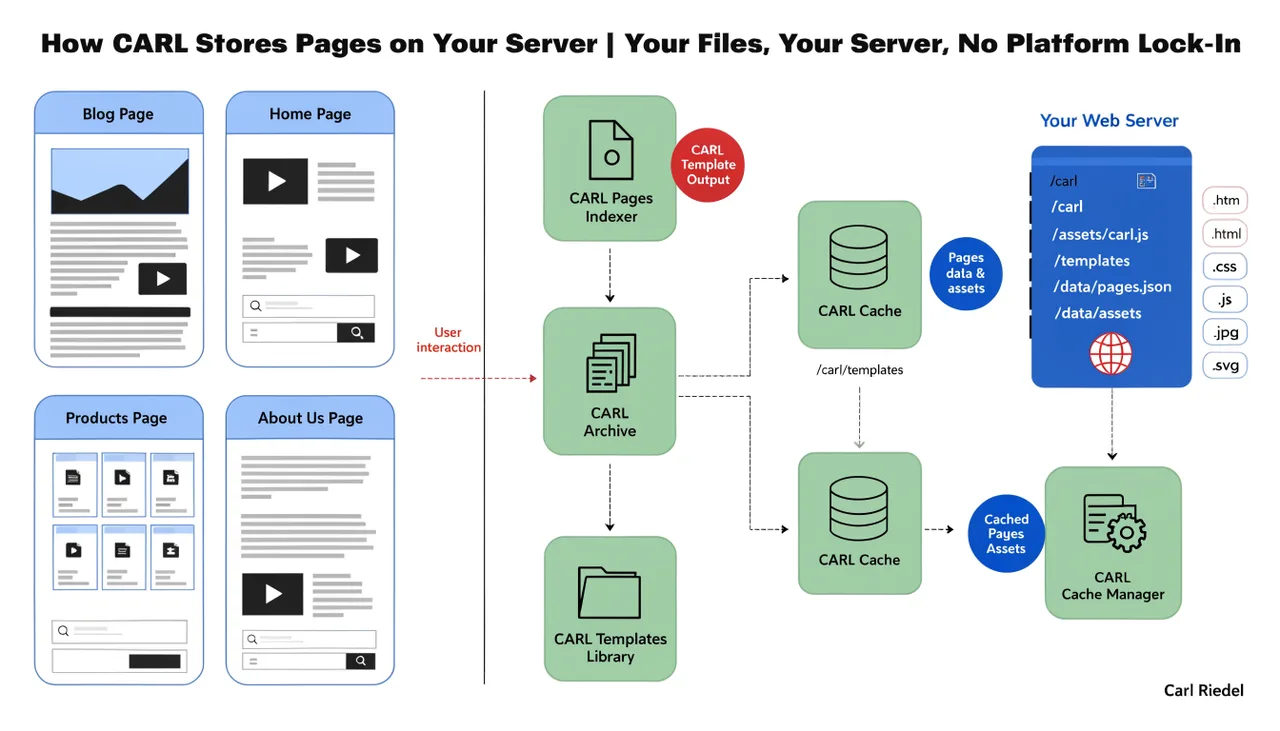
Generated pages are written directly into your web root, following the slug and directory you set in the page editor. A page with directory wiki/architecture and slug how-carl-generates-static-php-files gets written to /wiki/architecture/how-carl-generates-static-php-files.php on your server. The path is predictable, clean, and entirely under your control.
This also means you own every page permanently. If you ever remove the CARL admin panel entirely, every page you've published keeps working. The files are on your server. Nothing is held inside a platform.
What Happens When You Edit a Page
Editing a page in CARL updates the database record, but the live file on disk doesn't change until you regenerate it. This is intentional. It means you can draft changes without affecting the live page. When you're ready, hit Publish (or Regenerate) and CARL overwrites the file with the updated version.
If you ever need to update every page at once, say after changing your site header or footer, CARL's Site Structure screen lets you bulk-regenerate your entire site in one click. Every file gets rebuilt fresh from the current template and settings.
Why This Approach Matters
Most CMS platforms build the page in real time on every visit. WordPress queries the database, loads PHP, runs hooks, executes plugins, and assembles the HTML before sending anything to the browser. That process happens every single time, for every single visitor. Caching plugins exist specifically to work around this limitation.
CARL doesn't need a caching plugin because there's nothing to cache. The page is already built. A standard shared hosting server can handle far more traffic than you'd expect, because serving a pre-built file is one of the simplest things a web server does.
It also means there's no CMS runtime exposed on your live pages. No admin files, no plugin files, no database credentials involved in serving a visitor. The attack surface shrinks dramatically, resulting in a faster, quieter, more secure site without installing a single security plugin.