What Happens When You Publish a Page in CARL
Most CMS platforms are vague about what "publishing" actually does. You click a button, the page appears on the site, and the internals stay hidden. CARL works differently. Publishing triggers a real, traceable build process with a concrete output you can find on your server. Here's exactly what happens.
Step 1: CARL Reads Your Page Record
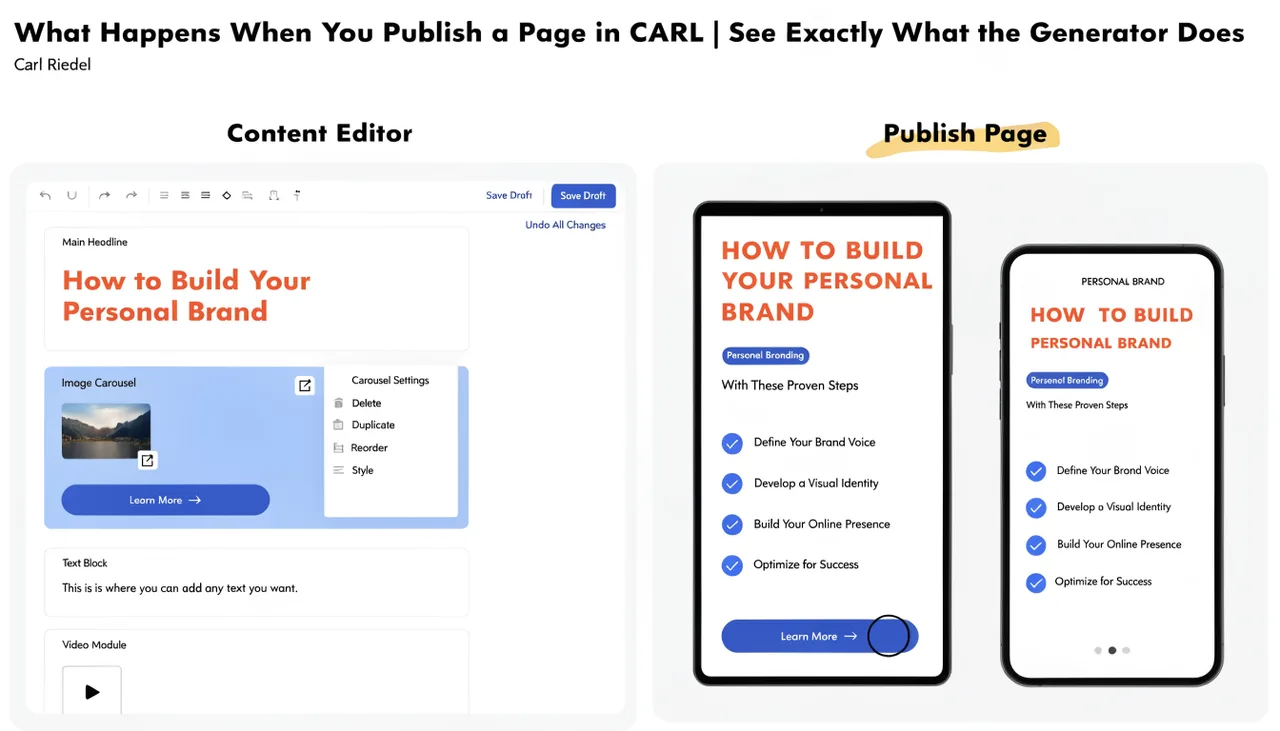
When you hit Publish, CARL pulls your page data from the database. That includes the title, slug, directory, content, meta description, canonical override (if set), Open Graph fields, schema type, schema data, PHP snippet, head snippet, and the template you've assigned to the page.
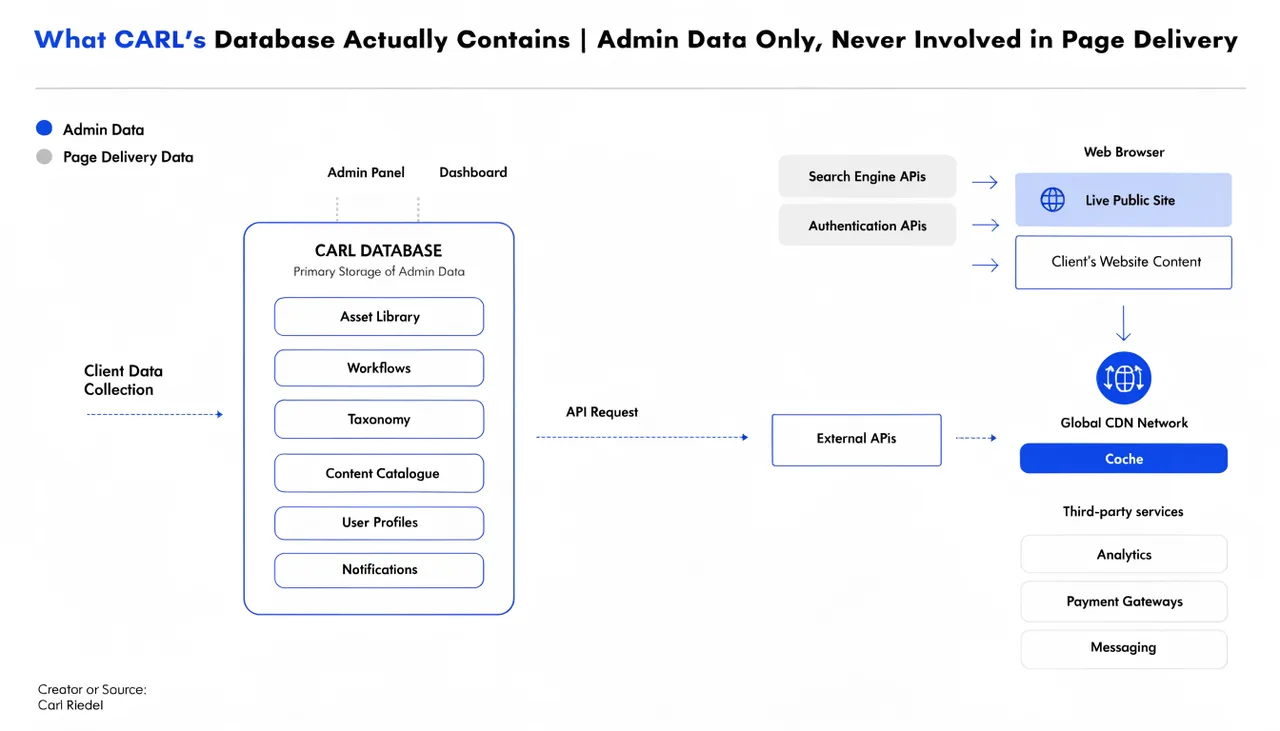
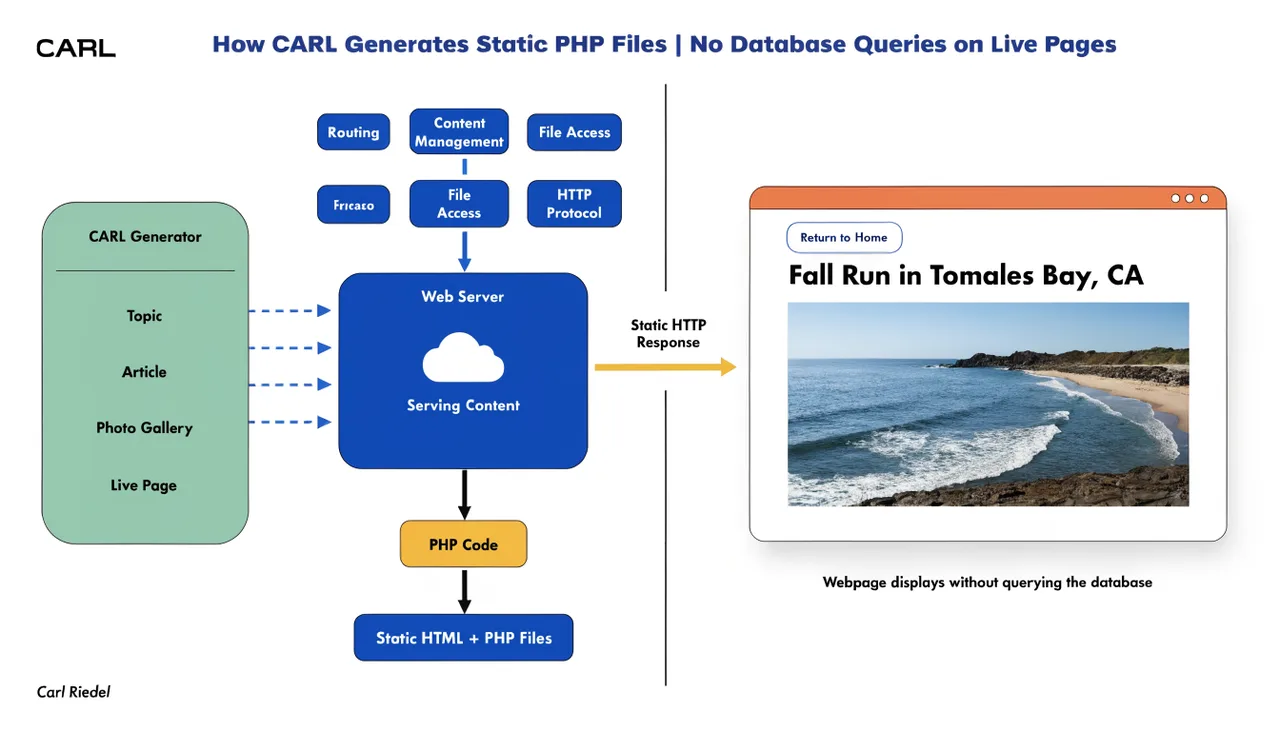
This is the only moment the database is involved in the process. Everything after this point works from the data that was just retrieved.
Step 2: CARL Loads the Template
CARL opens the template file you selected for the page. Templates live in admin/tpl/ and carry the .tpl extension. The template is the structural wrapper for your page: the HTML document, the Bootstrap grid, the PHP includes for your header, footer, and navigation. It contains placeholder tokens where your content will be inserted.
The available tokens are {{TITLE}}, {{META}}, {{BODY}}, {{HEAD_EXTRA}}, and . Each one marks a specific injection point in the template.
Step 3: CARL Builds the Meta Block
Before substituting tokens, CARL assembles the full meta block for the page. This includes the meta description tag, the canonical URL tag, Open Graph tags (og:title, og:description, og:image, og:type), the Twitter card tag, and the JSON-LD schema block. The schema is built from the schema type and the data stored for the page, using your organization settings in the Settings panel to fill in publisher details.
The entire meta block is generated as a single string and injected at the {{META}} token position in the template. This is what makes every CARL page SEO-complete out of the box, with no SEO plugin required.
Step 4: CARL Substitutes the Tokens
With the meta block ready, CARL runs through the template, replacing each token with its corresponding value. The page title goes in at {{TITLE}}. The meta block goes in at {{META}}. Your page content goes in at {{BODY}}. Any head snippet you added goes in at {{HEAD_EXTRA}}. Your PHP snippet goes in at .
The result is a complete, valid HTML/PHP document containing everything the page needs. No tokens remain in the output. No placeholders. Just finished code.
Step 5: CARL Writes the File to Disk
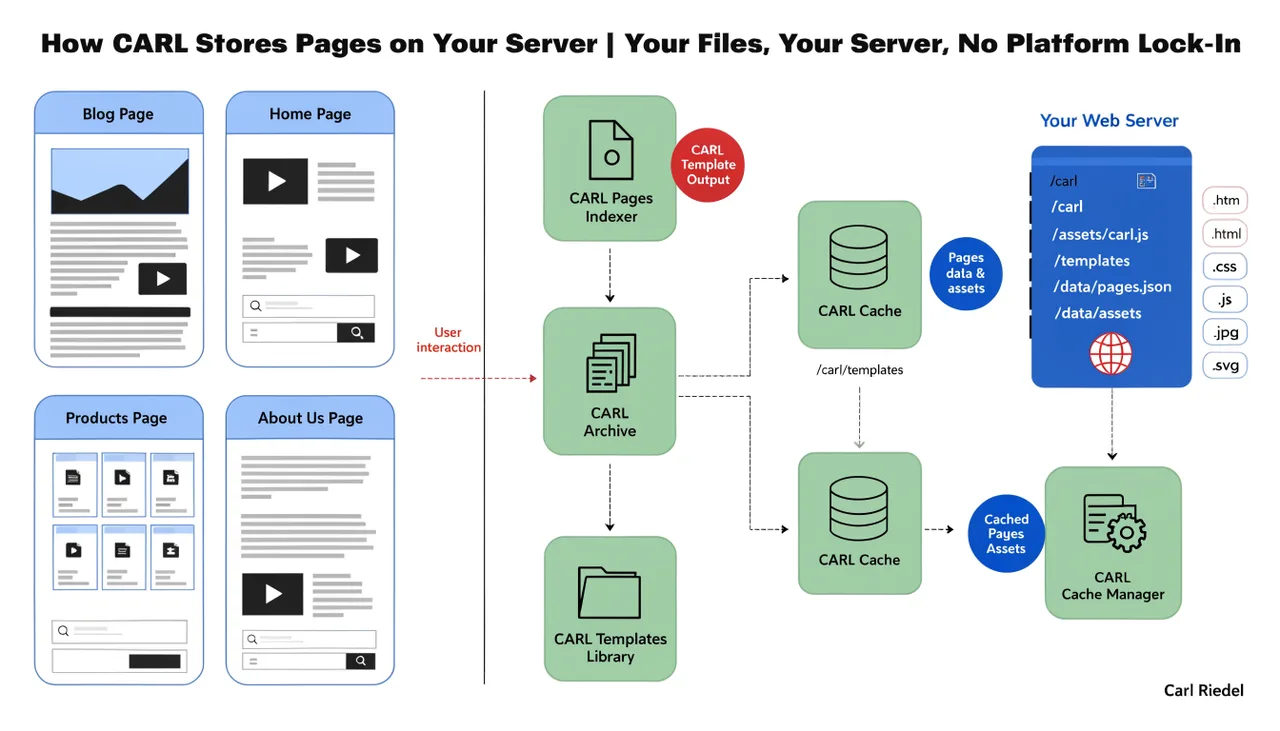
CARL takes the assembled output and writes it to your web root as a .php file. The file path is determined by the directory and slug you set in the page editor. A page with directory wiki/architecture and slug what-happens-when-you-publish-a-page gets written to exactly that path on your server.
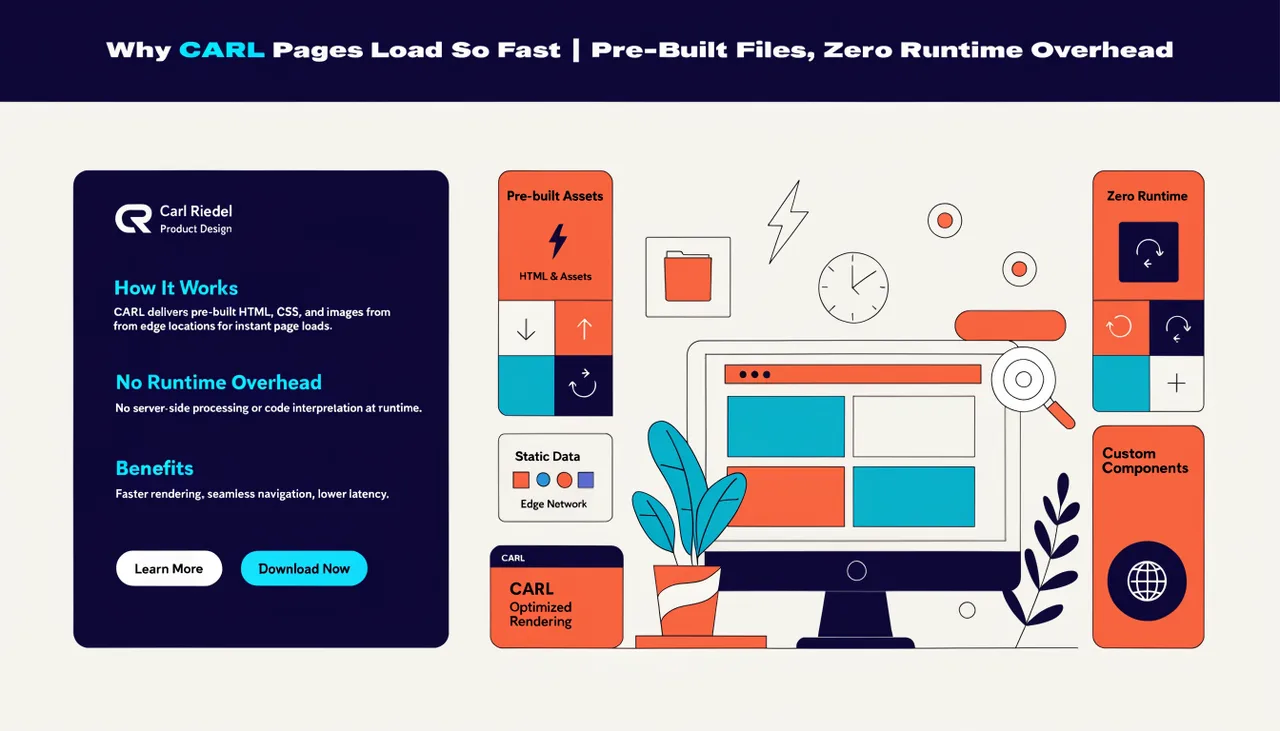
That file is now live. The next visitor to hit that URL receives the prebuilt file directly from the server. No build step, no database query, no runtime assembly. The work is already done.
Step 6: CARL Updates the Database Record
After writing the file, CARL updates the page record in the database to mark it as generated, stores the file path, and records the generation timestamp. This is what allows the Site Health checker to verify that the file on disk matches what's expected and flag any drift.
What "Regenerate" Does
Regenerating a page runs the exact same process from the top. CARL reads the current page record, builds the meta block, substitutes the tokens, and overwrites the existing file on disk. This is useful after changing your site template, updating your organization settings, or editing any include file that affects the page output.
The bulk regenerate option in Site Structure does this for every published page in one pass. It's the right tool any time a sitewide change needs to propagate across all your pages at once.
Nothing Is Left to Chance
Every published page on a CARL site is the direct output of a deterministic build process. You can open any generated file in a text editor and read exactly what was produced. The meta tags are there. The schema is there. The content is there. What you see in the file is what Google indexes and what your visitors receive.
That transparency is part of what makes CARL reliable. There's no runtime behavior to guess at, no plugin interaction to worry about, and no mystery between what you published and what ends up on the page.