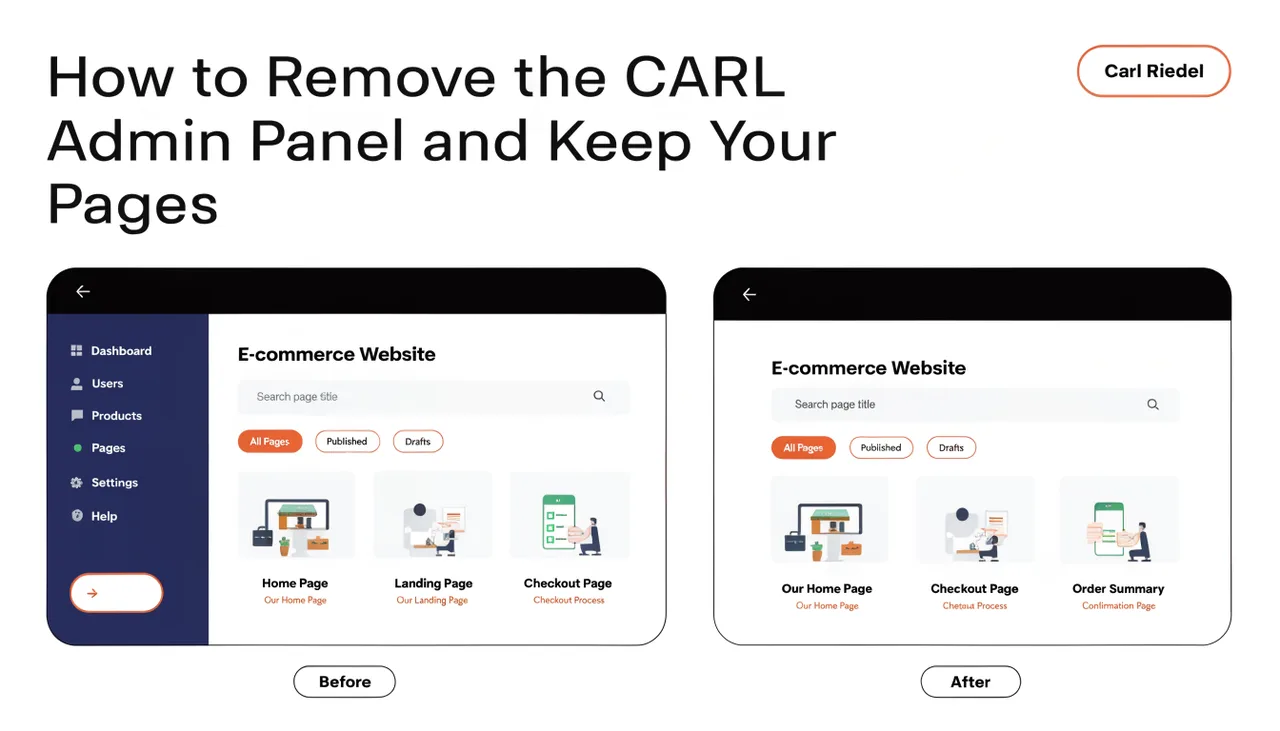
How to Remove the CARL Admin Panel and Keep Your Pages
One of the more unusual things you can do with CARL is delete the admin panel entirely, leaving a fully functional website behind. Every page you've published keeps loading. Google keeps crawling. Visitors keep reading. The site has no idea the admin is gone.
Why This Is Possible
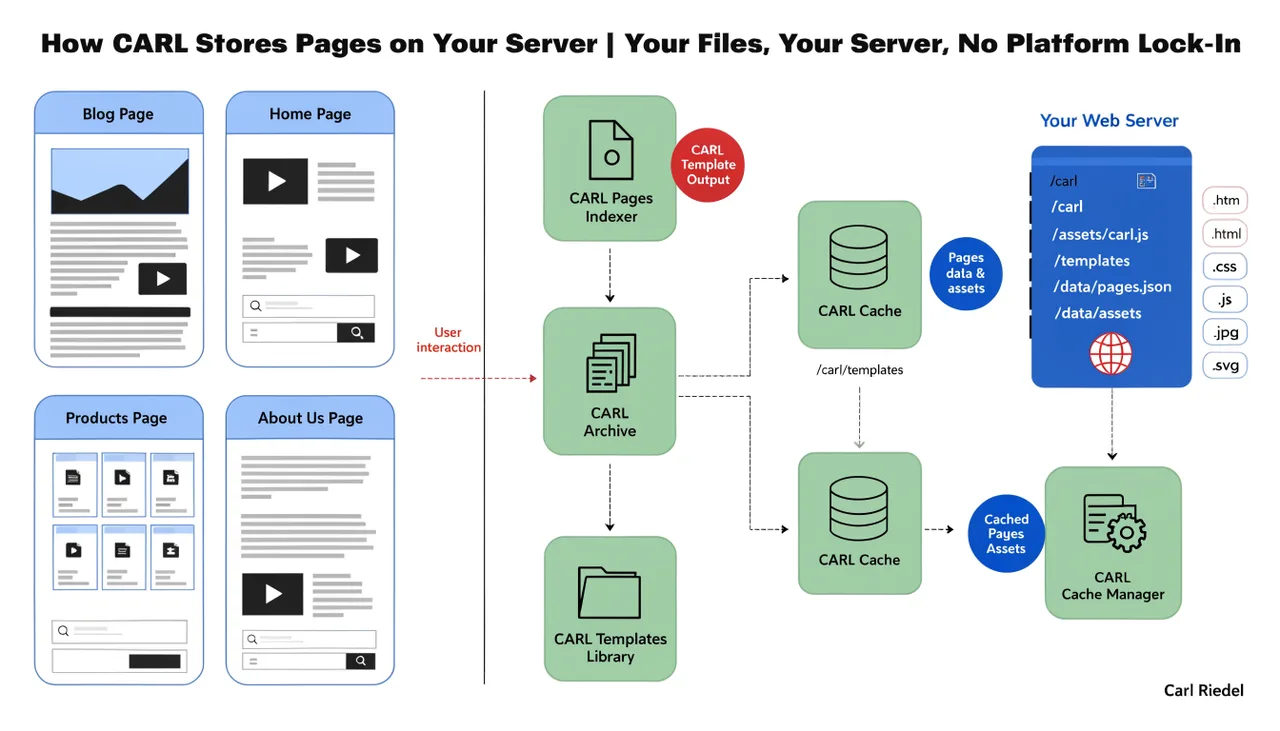
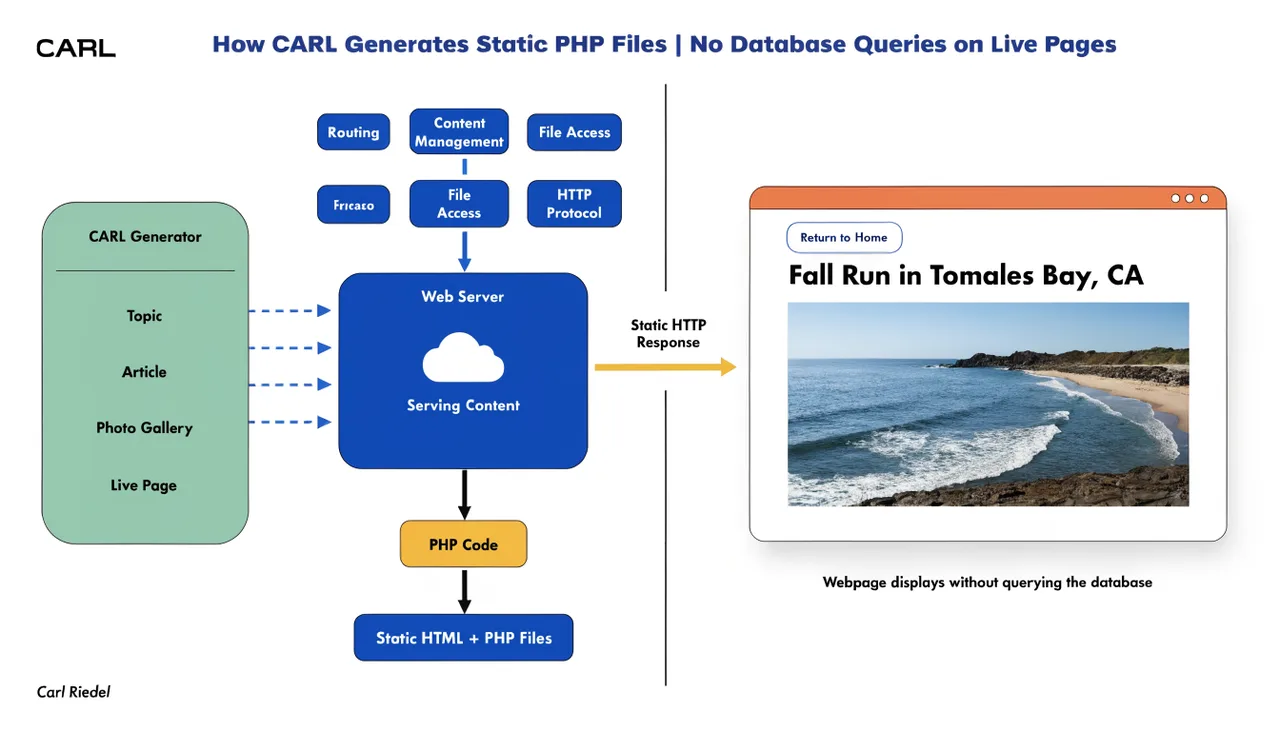
When you publish a page in CARL, a finished PHP file is written to disk in your document root. That file contains everything: your content, meta tags, navigation, schema, and footer. It has no dependency on the admin panel, the database, or any part of CARL's application code. It's a standalone file.
The admin panel is a separate directory on your server. It handles content management, settings, and page generation. Once a page is published, the admin's job for that page is done. Removing the admin directory doesn't touch the published files at all.
What You're Actually Removing
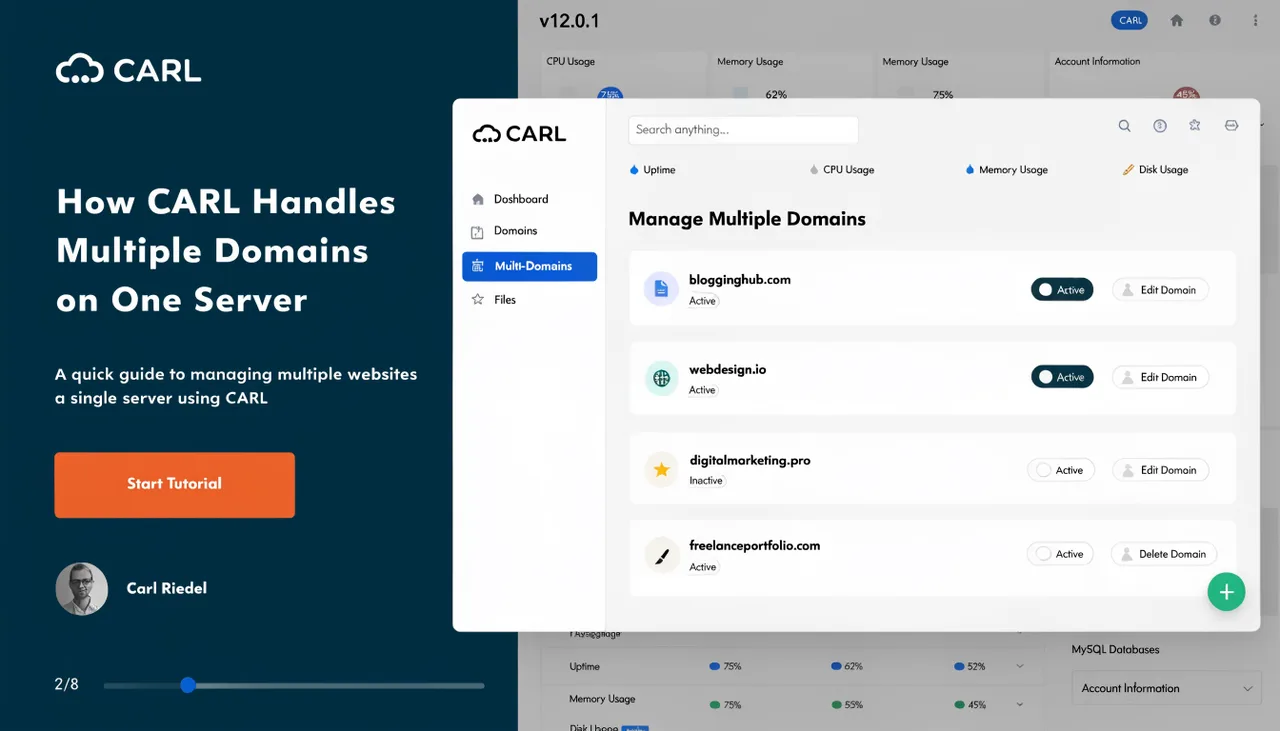
The CARL admin panel lives in its own folder, typically named admin/ inside your document root. That folder contains the admin application, the database connection config, and all the management tools. Your published pages live outside that folder, directly in your document root or in subdirectories based on their URL structure.
Deleting the admin/ folder removes your ability to create or edit pages. It removes access to settings, subscribers, and every other management function. Your published pages are unaffected because they never referenced the admin folder in the first place.
When You'd Actually Do This
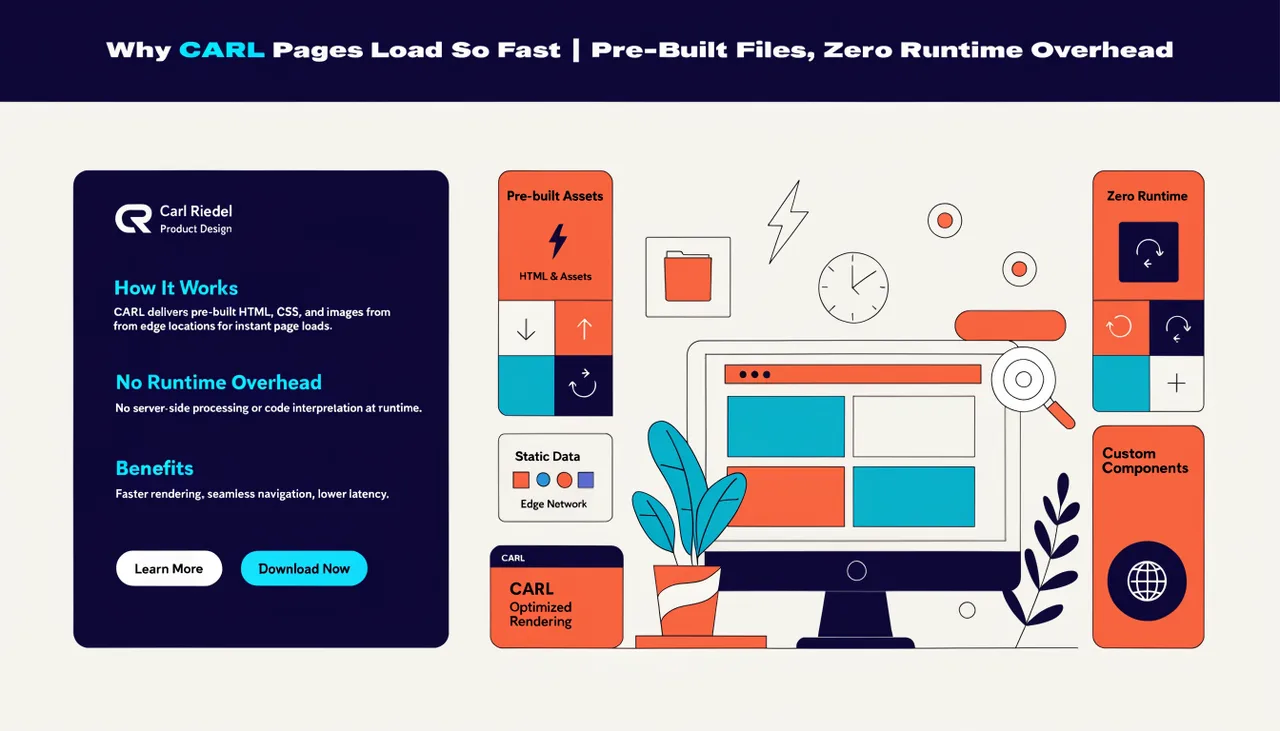
The most common reason is a client handoff. You build the site, publish every page, hand the files to the client, and remove the admin so there's no login page for bots to probe and no CMS overhead on the server. The client gets a fast, clean website with no platform attached.
It's also useful if you've finished a project and want to archive it. Strip the admin, zip the files, and you have a complete working website in a folder. Upload it to any cPanel host, point a domain at it, and it runs. No database is required because the published pages don't use one.
The Database Stays Behind
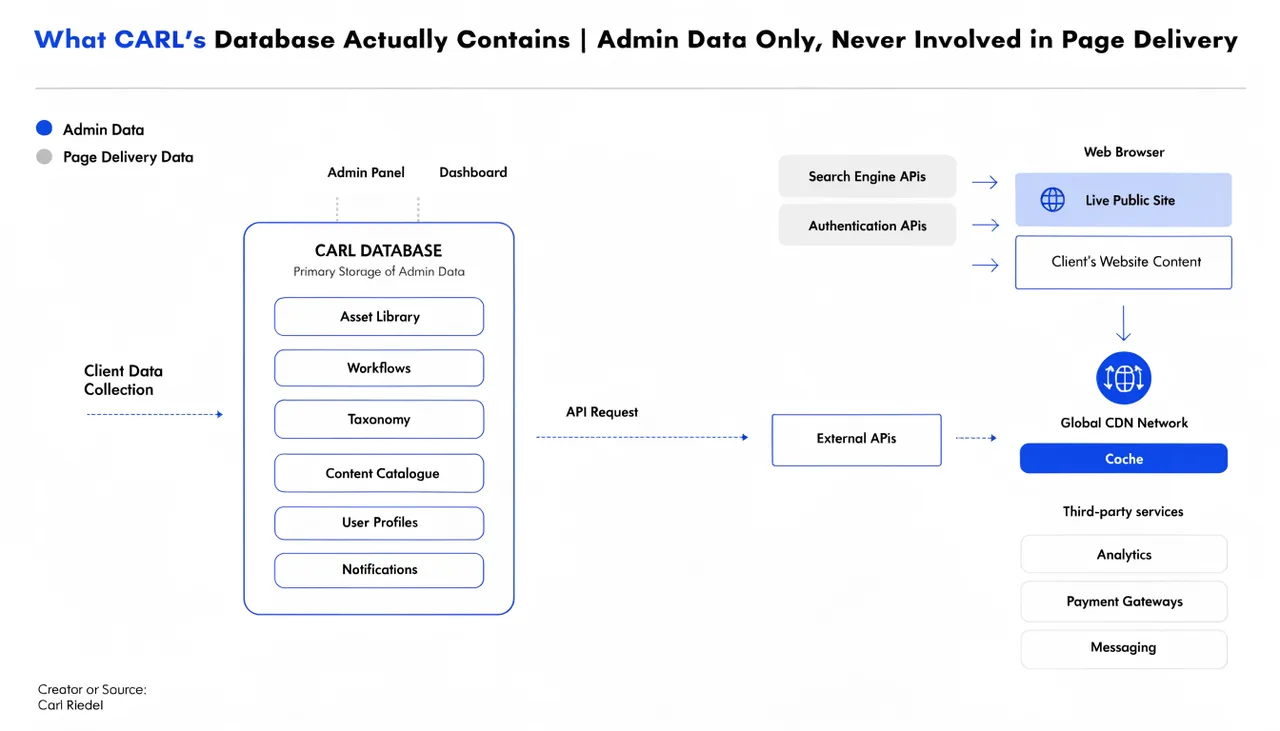
If you remove the admin and leave the database in place, nothing breaks. The published pages don't query it. You can also drop the database entirely if you want a completely clean server with no leftover tables. Either way, the live site is unaffected.
This is the logical conclusion of the separation between admin data and published pages. The database was always an admin tool. Remove the admin, and the database has no role left to play.
Getting Back In
If you removed the admin and need it back, you can upload it again. Re-upload the admin folder, restore the database from a backup, and you're back to full management. Your published pages were sitting on the server the whole time, unchanged.
That's worth sitting with for a moment. In WordPress, the CMS and the site are the same thing. Remove WordPress, remove the site. In CARL, the CMS and the site are separate from the moment you click Generate. The published files are yours, on your server, with no platform holding them together.