How CARL Handles Multiple Domains on One Server
If you run more than one website, chances are they all live on the same cPanel hosting account. CARL is built for exactly that setup. You install a separate CARL instance for each domain, each completely independent and managing its own site without touching the others.
One Install Per Domain
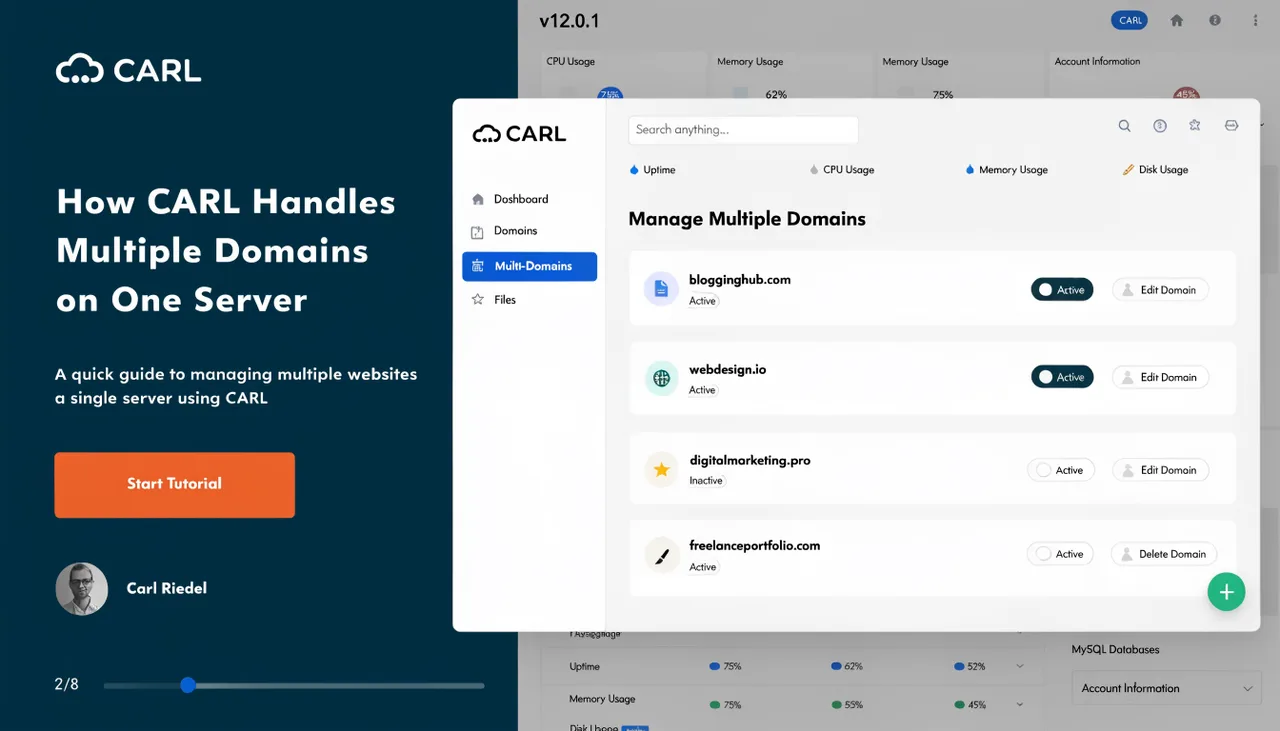
CARL runs inside a domain's document root. For your primary domain, that's public_html/. For addon domains on cPanel, each one gets its own document root, typically something like public_html/clientdomain.com/ or a directory at the same level as public_html/. You install CARL into that directory the same way you install it anywhere: upload the files, create a database, run the setup wizard.
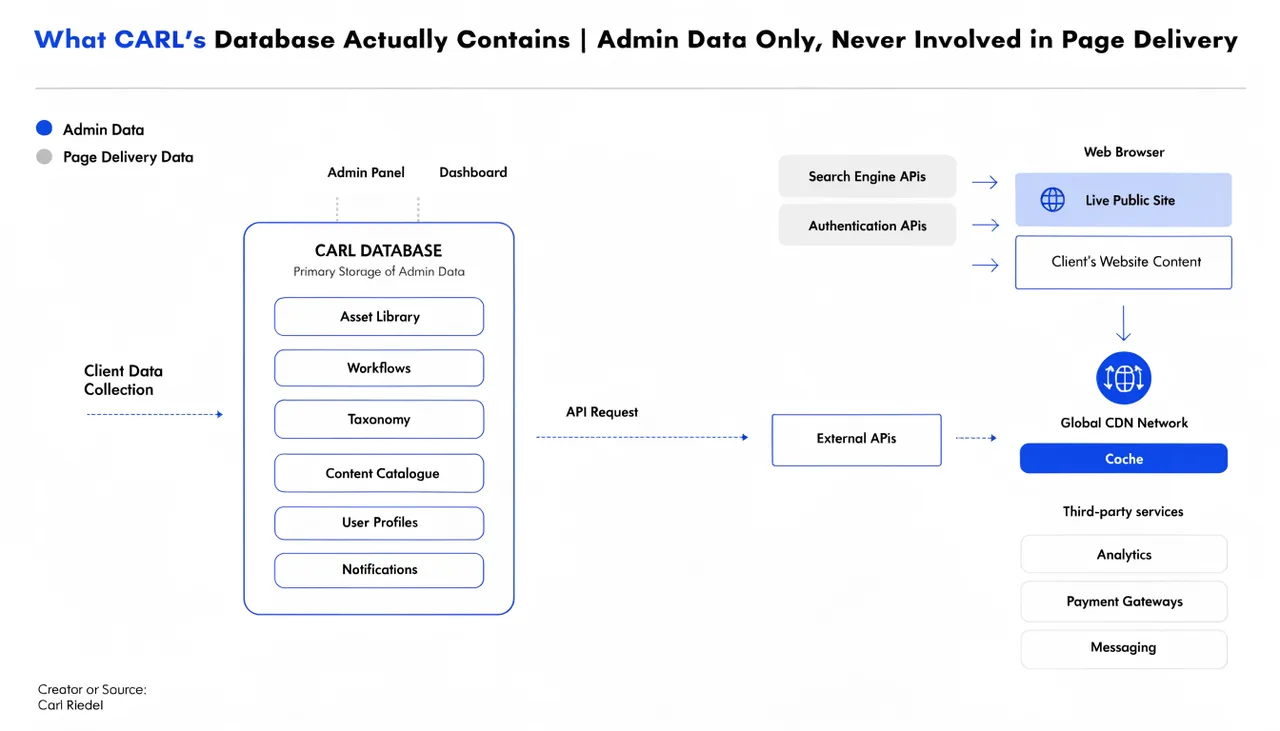
Each install has its own database, admin panel, settings, and published pages on disk. There's no shared state between installs. If you're managing five domains, you have five CARL installs, each completely self-contained.
Why Separation Matters
Isolation between sites is a feature, not a limitation. When sites share a single application instance (or, worse, a single WordPress multisite install), a problem in one site can affect every site on the account. CARL's per-domain approach keeps every site in its own compartment.
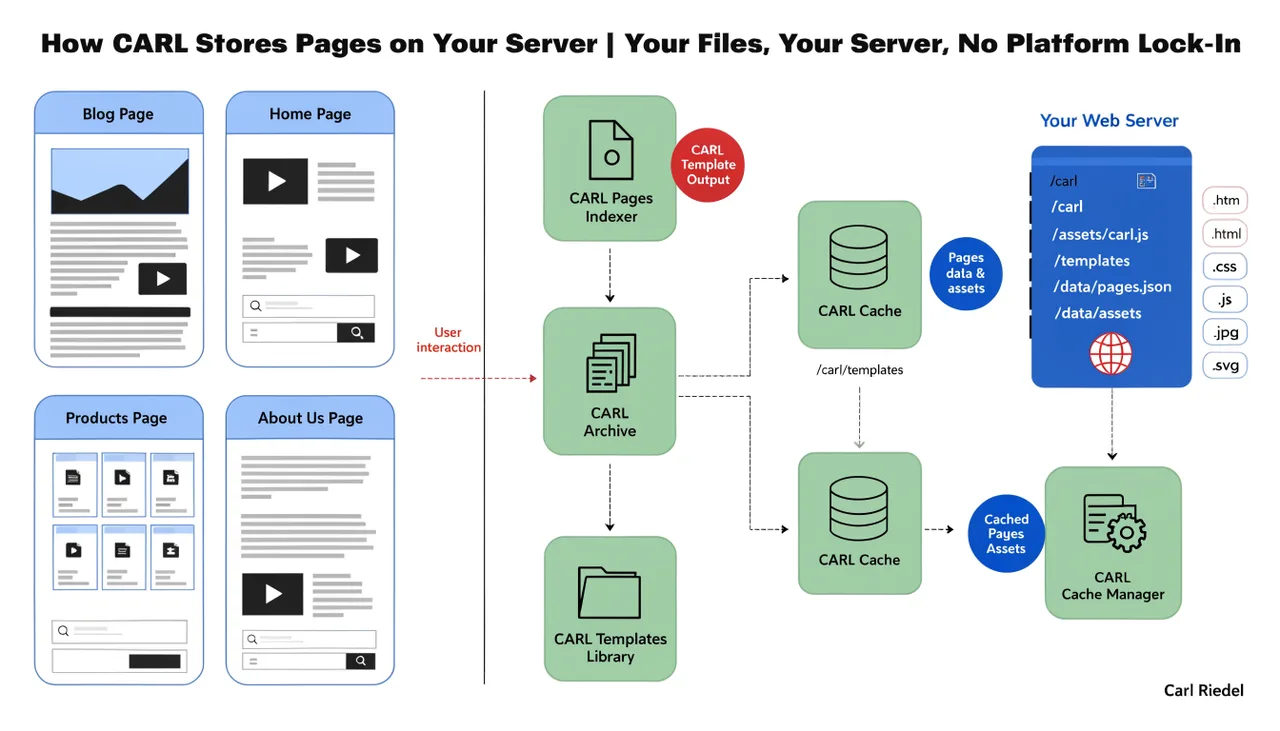
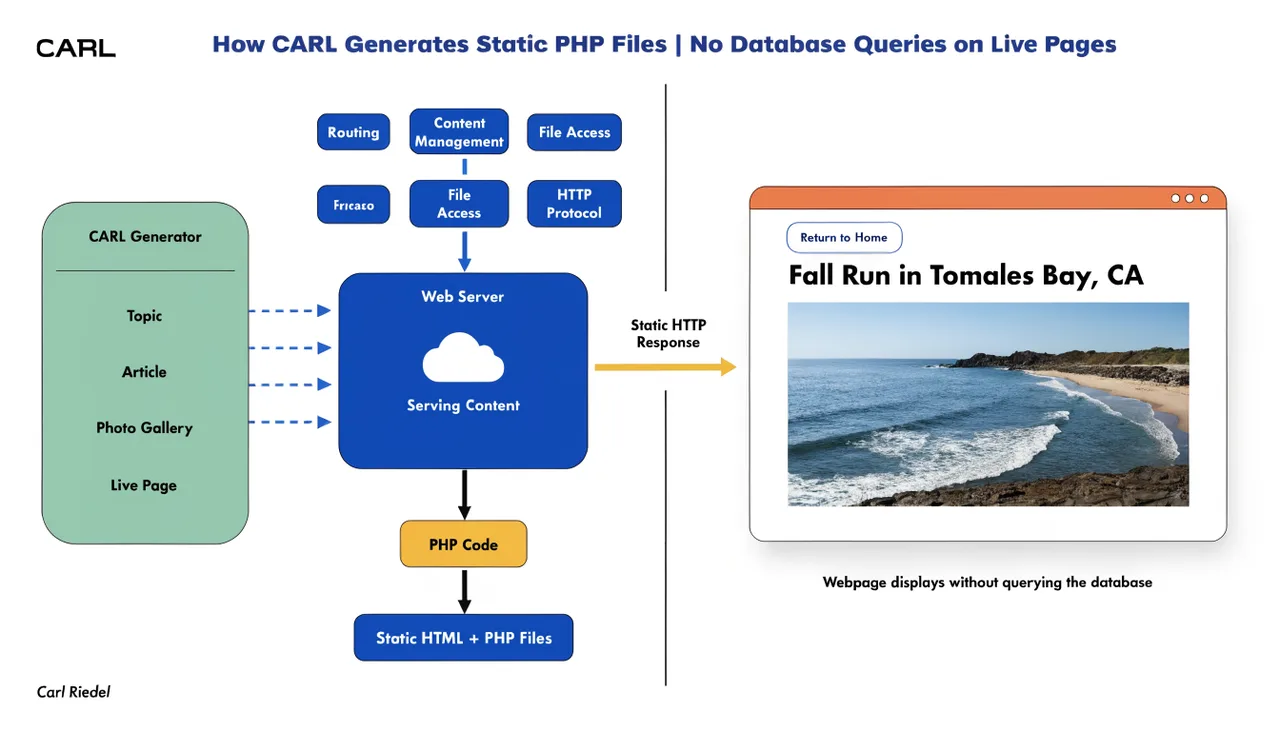
The same logic applies to the static file architecture. Each domain's published pages are pre-built files sitting in that domain's document root. A visitor to domain A never triggers any code that touches domain B. The sites don't interact at the application level at all.
cPanel Handles the Domain Routing
CARL doesn't manage domains. cPanel does. You add addon domains through cPanel's Addon Domains tool, assign each one a document root, point the domain's DNS to your server, and CARL is installed into that root. From CARL's perspective, it simply knows where it lives on the server and operates within that directory.
Subdomains work the same way. If you want blog.yourdomain.com running as a separate CARL site from yourdomain.com, you create the subdomain in cPanel, give it its own document root, and install CARL into it. The setup is identical to any other domain.
One License, Unlimited Installs
A single CARL license covers unlimited domain installs. You pay once and run CARL on as many domains as you manage. There's no per-site fee, no tier that unlocks additional domains, and no annual renewal to maintain your right to run it.
For freelancers and agency builders who maintain sites for multiple clients, that pricing structure changes the math significantly. The files belong to each domain, so you can hand off a completed site to a client, walk away, and the pages keep running without any ongoing platform costs.
Admin Access Per Site
Each CARL install has its own admin panel at yourdomain.com/admin/ (or wherever you place the admin directory during setup). Logging into the admin for one domain gives you no access to any other domain's admin. Credentials are per-install, stored in that install's admin/config.php.
If you regularly manage several domains, you'll have several admin URLs bookmarked. That's the practical reality of the per-install model. The upside is that each site's admin is completely separate; there's no global dashboard where a misconfiguration can affect every domain at once.