What CARL's Database Actually Contains
If you've used WordPress, you're used to a CMS where the database is involved in everything. Every page load, every menu render, every widget and all of it hits the database in real time. CARL's database plays a completely different role. It's an admin tool, not a delivery mechanism. Understanding that distinction changes how you think about the whole system.
The Database Is for the Admin Panel Only
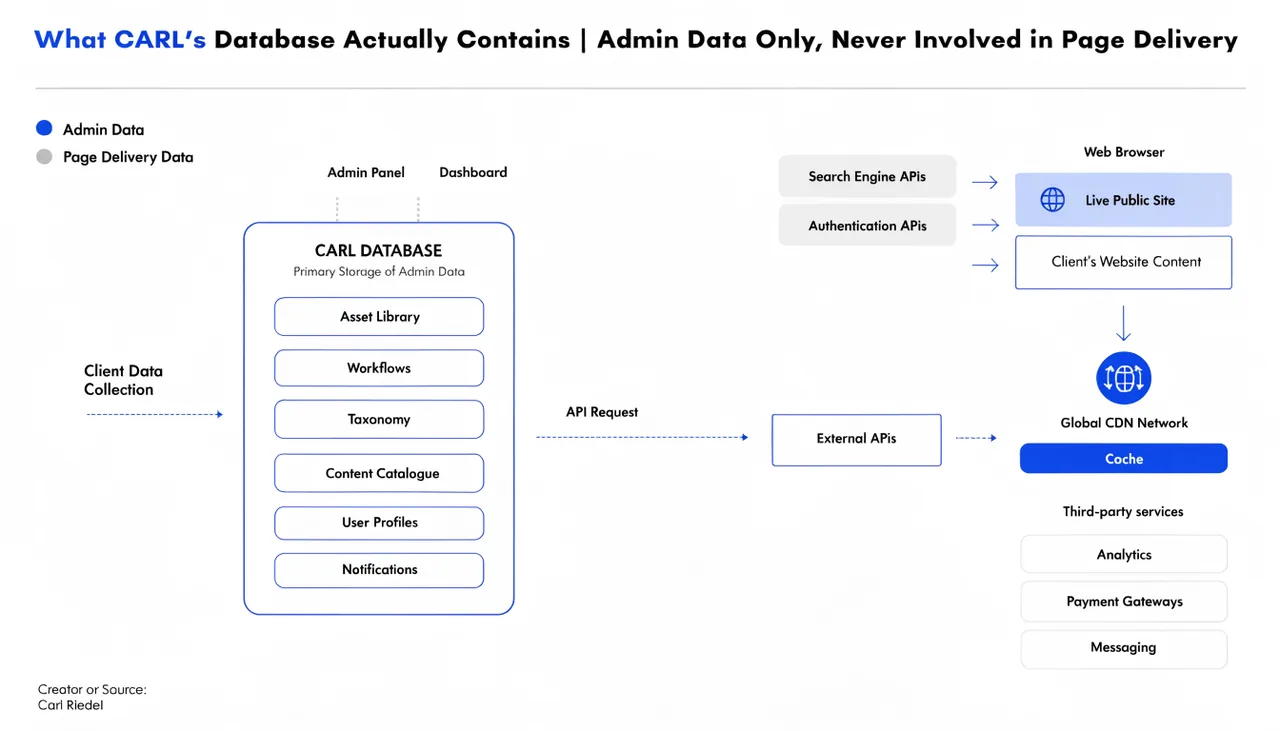
CARL's database is queried in one context: when you're logged into the admin panel. When you create a page, edit a page, change a setting, or manage a product, that data lives in the database. The admin panel reads from it and writes to it constantly.
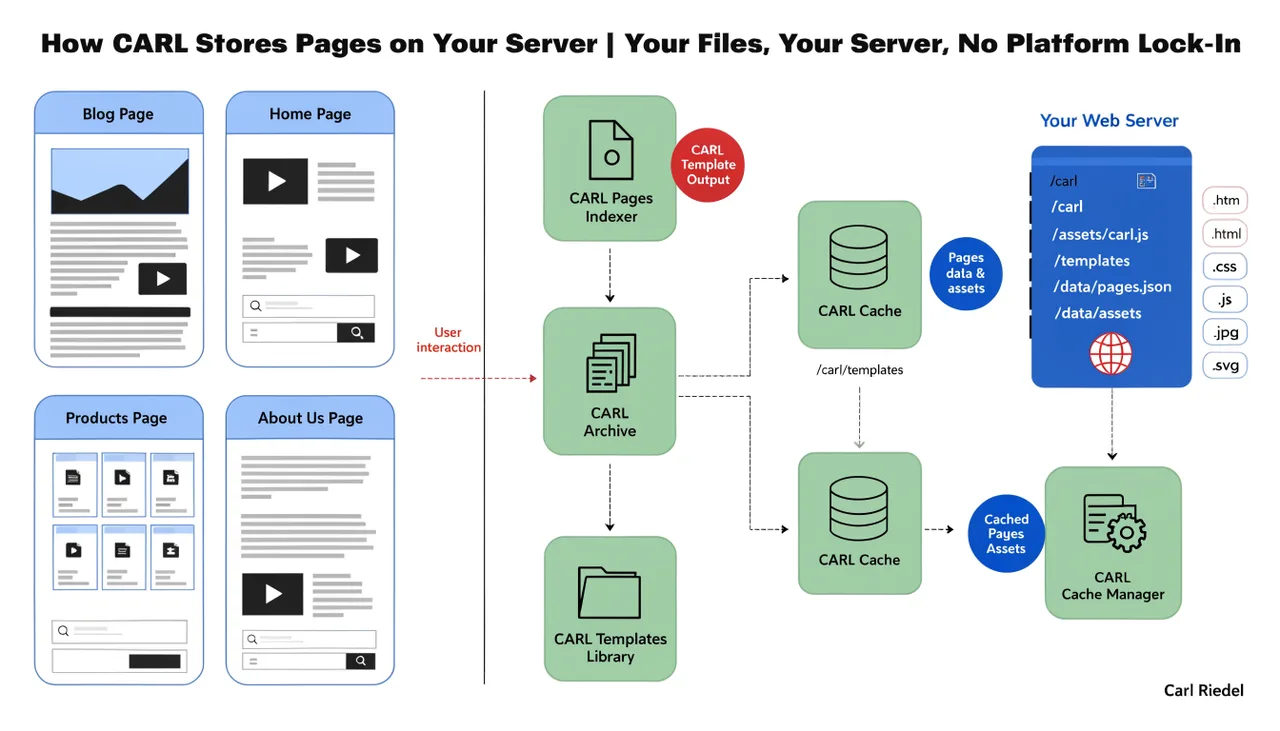
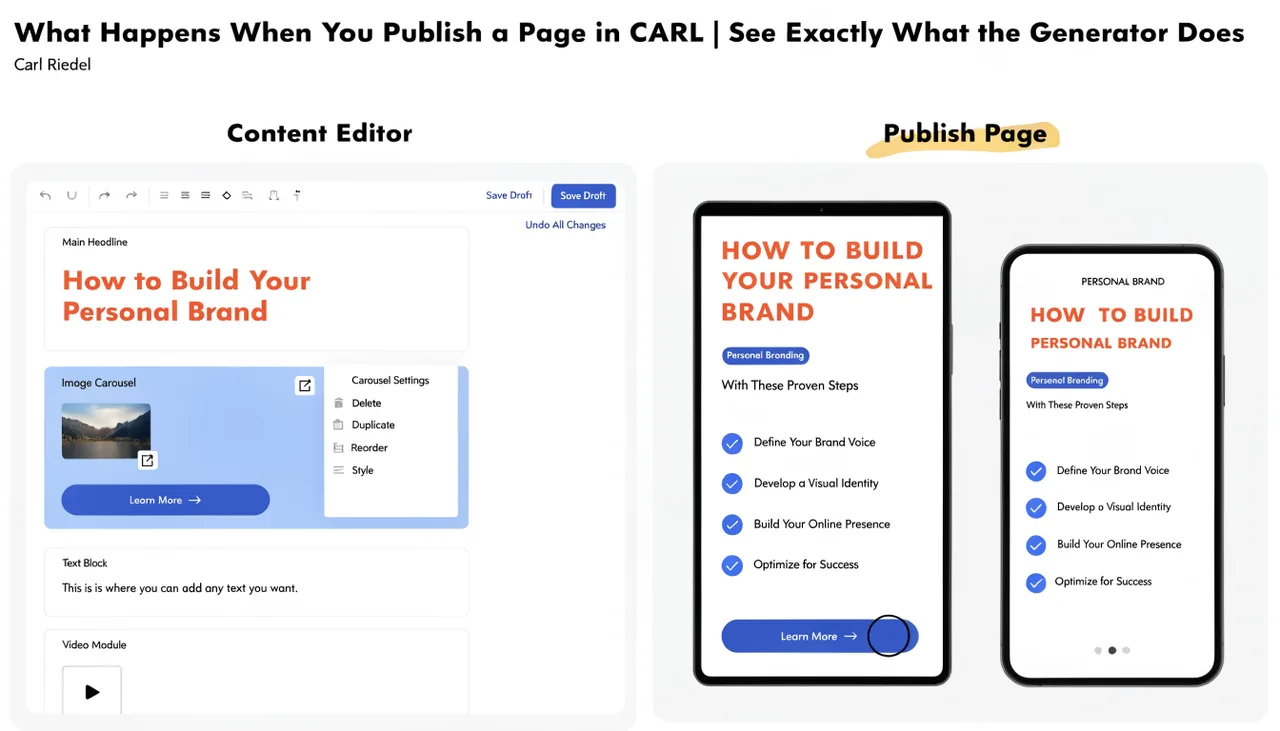
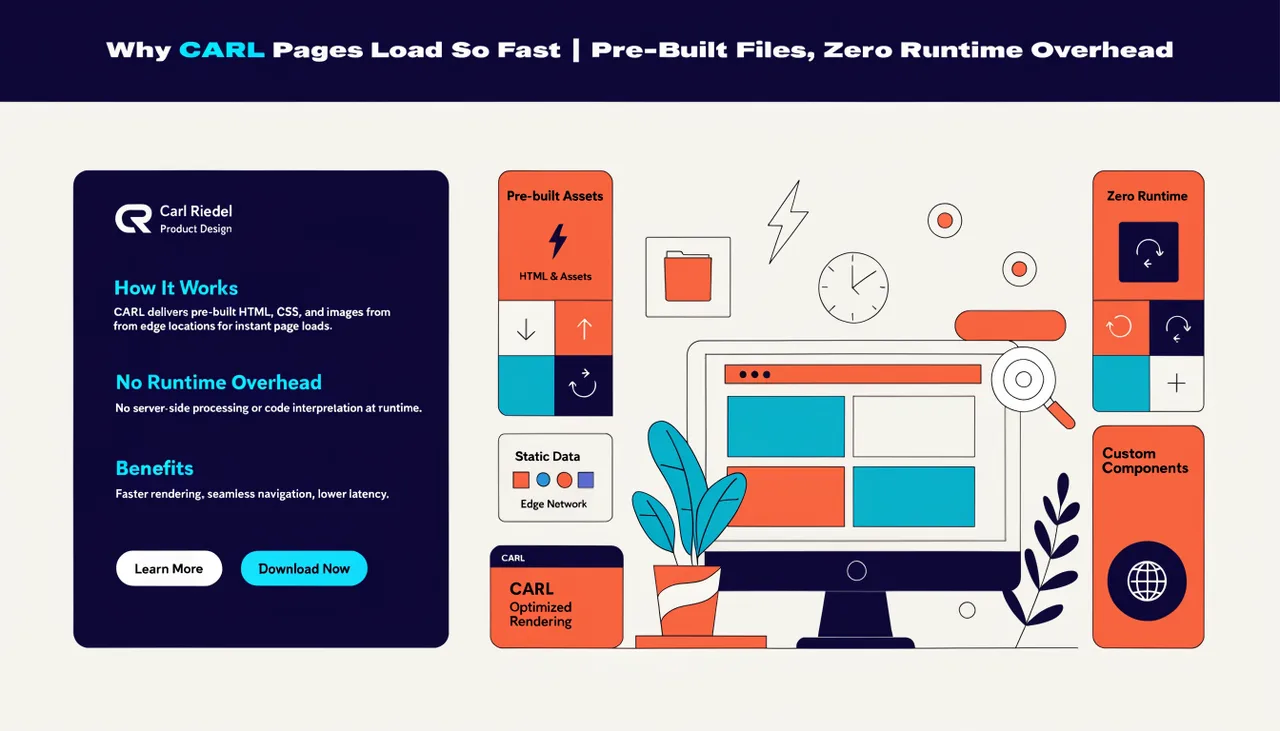
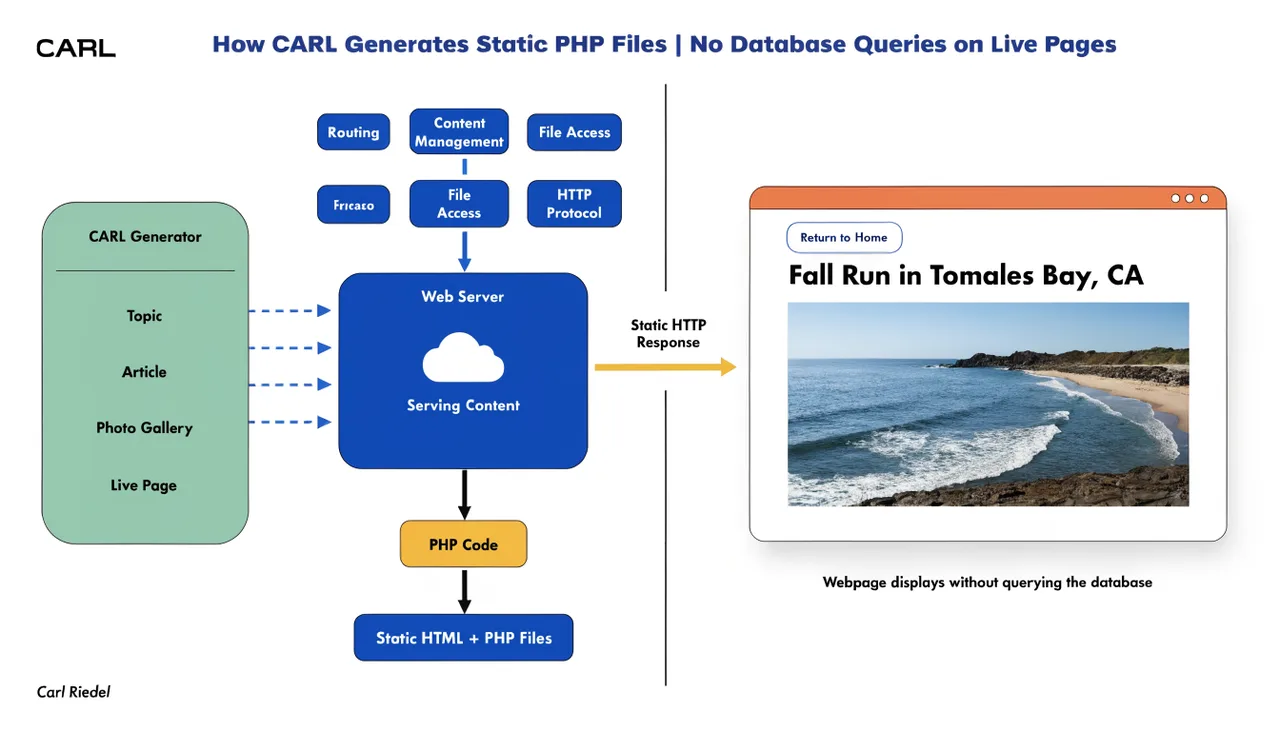
When a visitor lands on one of your published pages, the database is not involved at all. The page was already built and written to disk when you published it. The visitor gets a pre-built file. No database connection, no query, no result set to render. The database sits completely idle during every live page request.
What's Actually Stored in the Database
CARL's database contains your page records (titles, slugs, content, meta fields, template assignments, status), your site settings, your module data (subscribers, members, products, purchases, links, popups, CTAs), and your admin user account. It's the working data that powers the admin panel.
None of that is exposed to the public. The database credentials live in admin/config.php, which sits inside the admin directory. A visitor browsing your site has no path to the database and no reason to look for one. The published pages contain no database calls.
MariaDB 11.4 on Standard Shared Hosting
CARL runs on MariaDB 11.4, the default database engine for most modern cPanel shared hosting accounts. You don't need a managed database service, a separate database server, or any special configuration. If your host provides cPanel with MySQL or MariaDB support, the database side of CARL is already covered.
The database is created during installation through the setup wizard, and all tables are managed by CARL's migration system. You never need to write SQL by hand or manage the schema manually. When a new version of CARL introduces new tables or columns, the migration runner handles the update automatically.
The Tables and What They Do
CARL's database schema is straightforward. The pages table holds your content and page metadata. The settings table holds every key-value pair from the Settings panel. The users table holds admin accounts. Module tables handle their own data: subscribers for email signups, members and member_sessions for the members' area, downloads_products and download_tokens and download_purchases for the Downloads module, links and link_groups for the affiliate tracker, popups and ctas for the content tools.
Every table has a single, clear job. There's no tangled dependency chain, no options table storing serialized PHP objects, no post meta sprawl. If you open the database in phpMyAdmin, you can read exactly what's in it without needing a decoder ring.
What Happens If the Database Goes Down
This is where the architecture pays off in a way that surprises most people coming from WordPress. If your database becomes unavailable for any reason (a hosting issue, a maintenance window, anything) your published pages keep working. Visitors keep reading your content. Google keeps crawling your site.
The only thing that stops working is the admin panel, because that's the only part of CARL that actually needs the database. The public-facing site is completely unaffected. That's a resilience level that a database-driven CMS simply cannot match, regardless of how much caching you throw at it.
Backups Are Simple
Because the database contains only admin and module data, not the live site itself, backing it up is a contained, straightforward task. CARL's built-in backup system handles this for you, but a manual export via phpMyAdmin is also possible. The published pages are already on disk in public_html and can be backed up independently via cPanel's file backup tools.
You end up with two clean backup targets: the database for your admin data and the file system for your published pages. No overlap, no confusion about what's in which backup, and no single point of failure that takes everything down at once.