How to Use the PHP Snippet Field in CARL
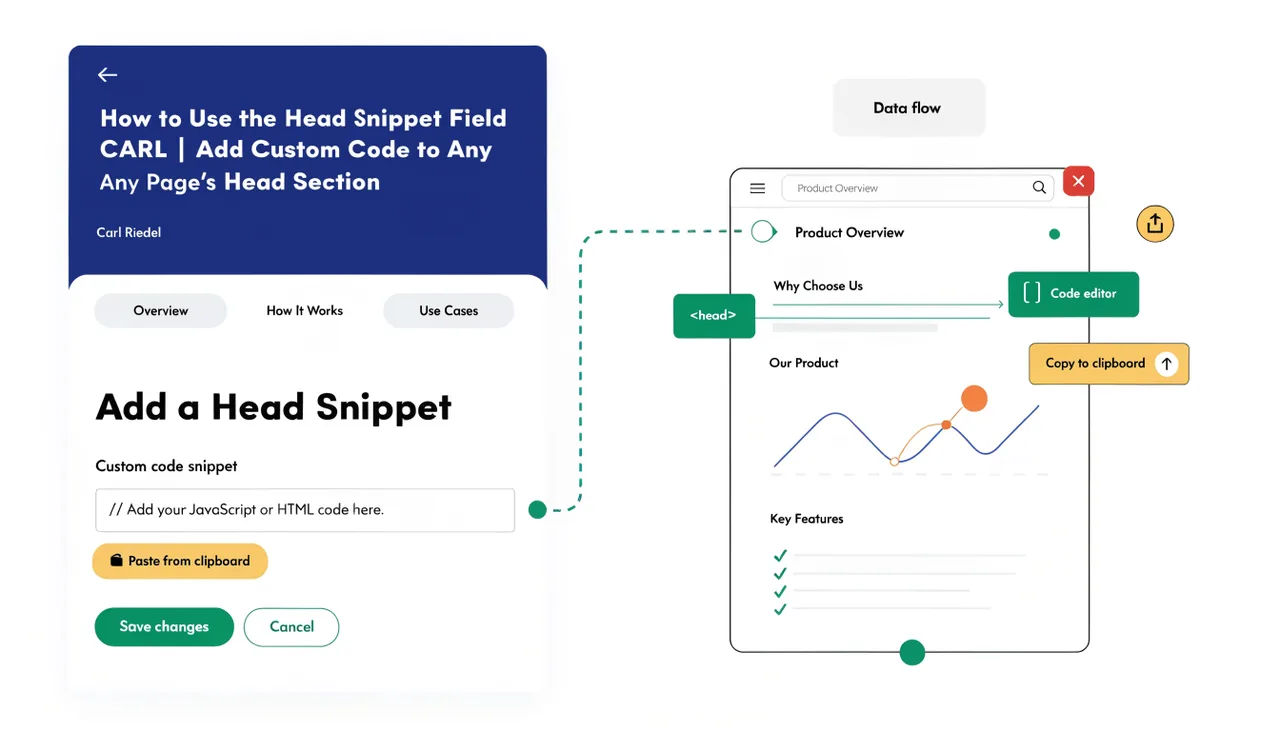
The PHP Snippet field lets you add custom PHP code to an individual page without touching the template. Whatever you enter in this field is written directly into the generated PHP file at a specific position and executed when the page loads. It's a per-page escape hatch for logic that belongs on a single page, keeping that logic out of the template, where it would affect every page using that layout.
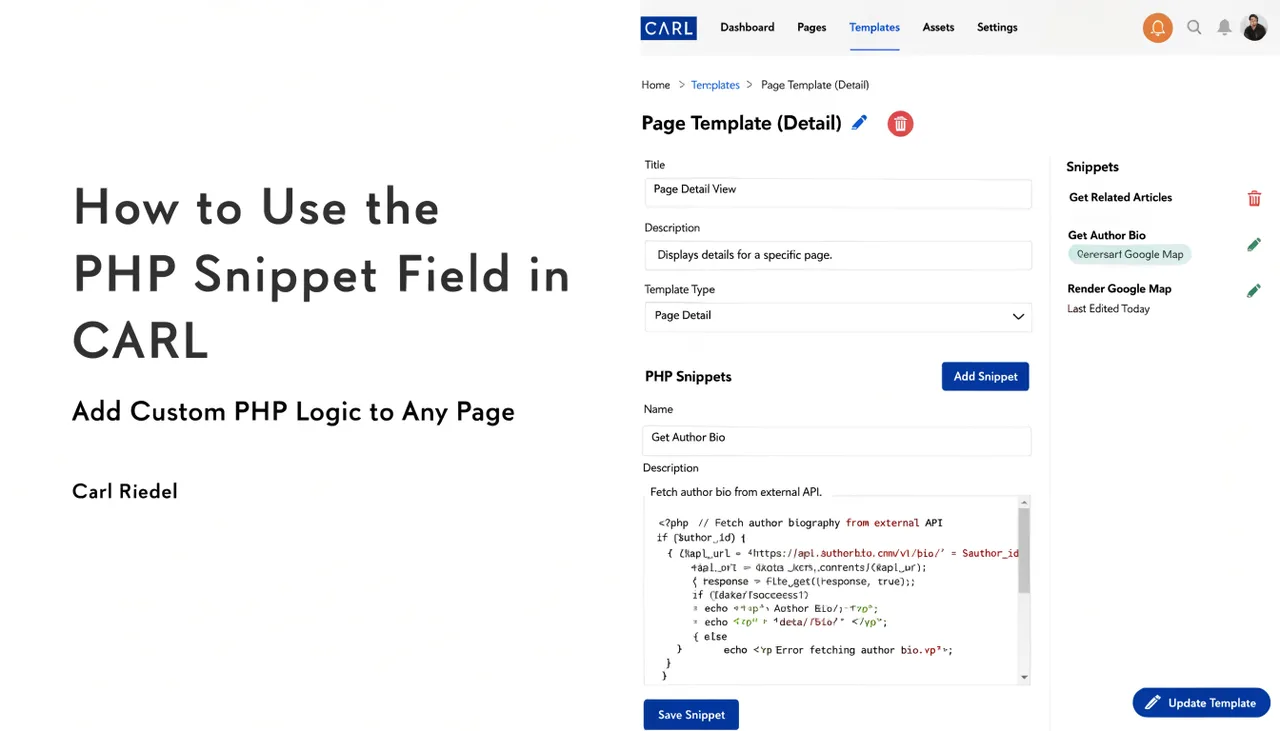
Where the Snippet Appears in the Generated File
When CARL generates a page with a PHP snippet attached, the snippet code is written into the PHP file at the top of the page, before the HTML output begins. This means the code runs before anything is sent to the browser, which is the correct position for any PHP that needs to set variables, check conditions, handle redirects, or interact with sessions. Code that needs to run before output belongs here.
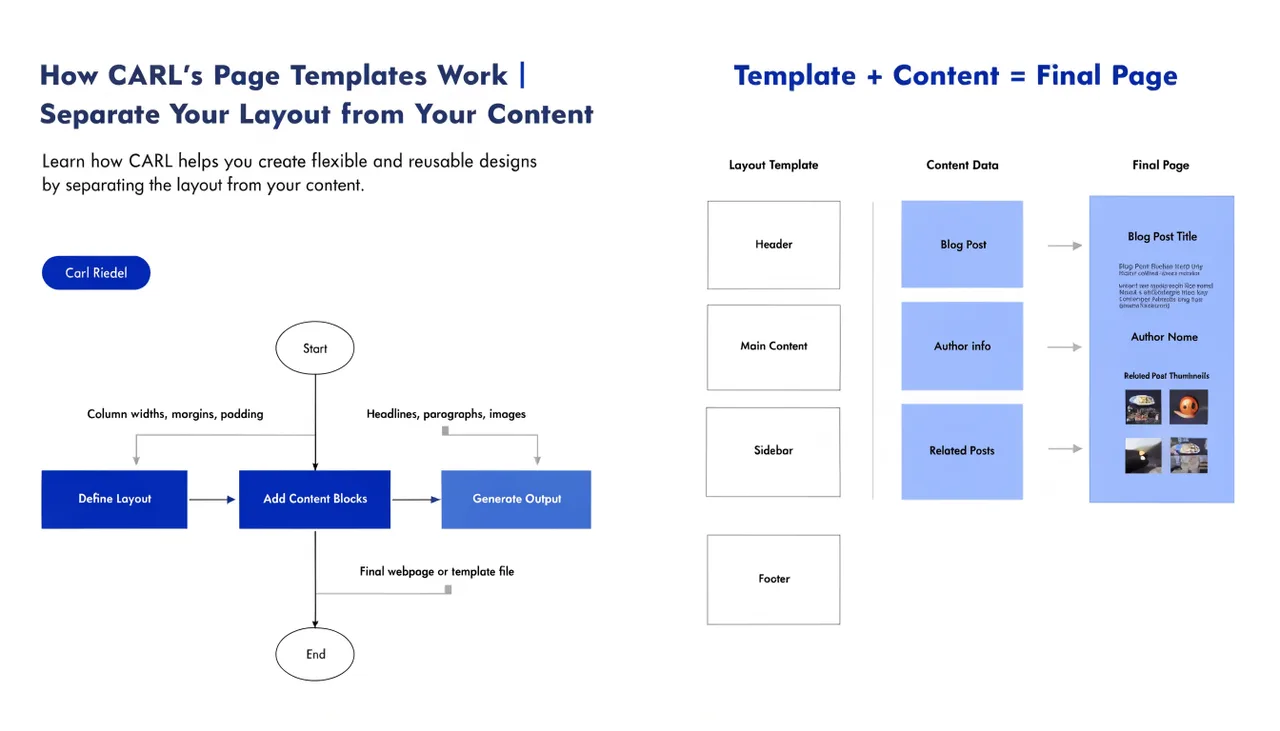
The rest of the page template and content render normally below it. The snippet and the template are independent: changing the snippet on one page has no effect on any other page, even if they share the same template.
What You Can Use It For
The PHP Snippet field is useful anywhere you need page-specific server-side logic. A common use is access control: checking whether a visitor is logged in as a member before rendering the page content, then redirecting to a login page if not. Another use is to set custom variables that are referenced elsewhere in the template or content. You can also use it to include additional PHP files specific to that page, load custom configuration, or run any other server-side logic the page needs.
For pages in the Members Area, the PHP snippet is where member authentication checks typically live. The snippet runs first, confirms the visitor has a valid session, and either lets the page render or sends them elsewhere. All of that happens before a single line of HTML is output.
What to Keep Out of the Snippet Field
The PHP Snippet field is for logic, not for content or markup. Don't use it to output HTML: that belongs in the content field. Don't use it for sitewide functionality that every page needs: that belongs in the template or in an include file. The snippet is deliberately scoped to a single page. Using it for things that should be global creates maintenance work when you need to change that logic later, because you'd have to update it on every page individually.
Keep snippets short, specific, and purposeful. A snippet that runs to dozens of lines is usually a sign the logic belongs in a dedicated include file that the snippet calls with a single require or include statement. That way, the logic lives in one place, and the snippet stays readable.
Snippets Are Baked In at Generation
Like everything else in CARL, the PHP snippet is written into the generated file at publish time. If you update the snippet and want the change to take effect, you need to regenerate the page. The updated code will be in the new file; the old file had the old code. This is the same behavior as template changes: nothing updates on disk until you generate.
For pages where the snippet contains access control logic tied to the members' system, this means the protection is part of the static file itself. There's no dynamic lookup on each visit to check permissions against a ruleset. The check is in the file, runs immediately when the page is requested, and adds negligible overhead compared to a database-driven permission system.