How to Build a Custom Template in CARL
CARL's default Bootstrap template covers a lot of ground, but at some point you'll want a layout that's entirely your own. Building a custom template in CARL is straightforward: you write a PHP file, drop in CARL's variables where the dynamic content belongs, save it to the templates directory, and it's available immediately in the page editor. There's no theme system to register with, no framework to extend, no activation step.
What a Template File Looks Like
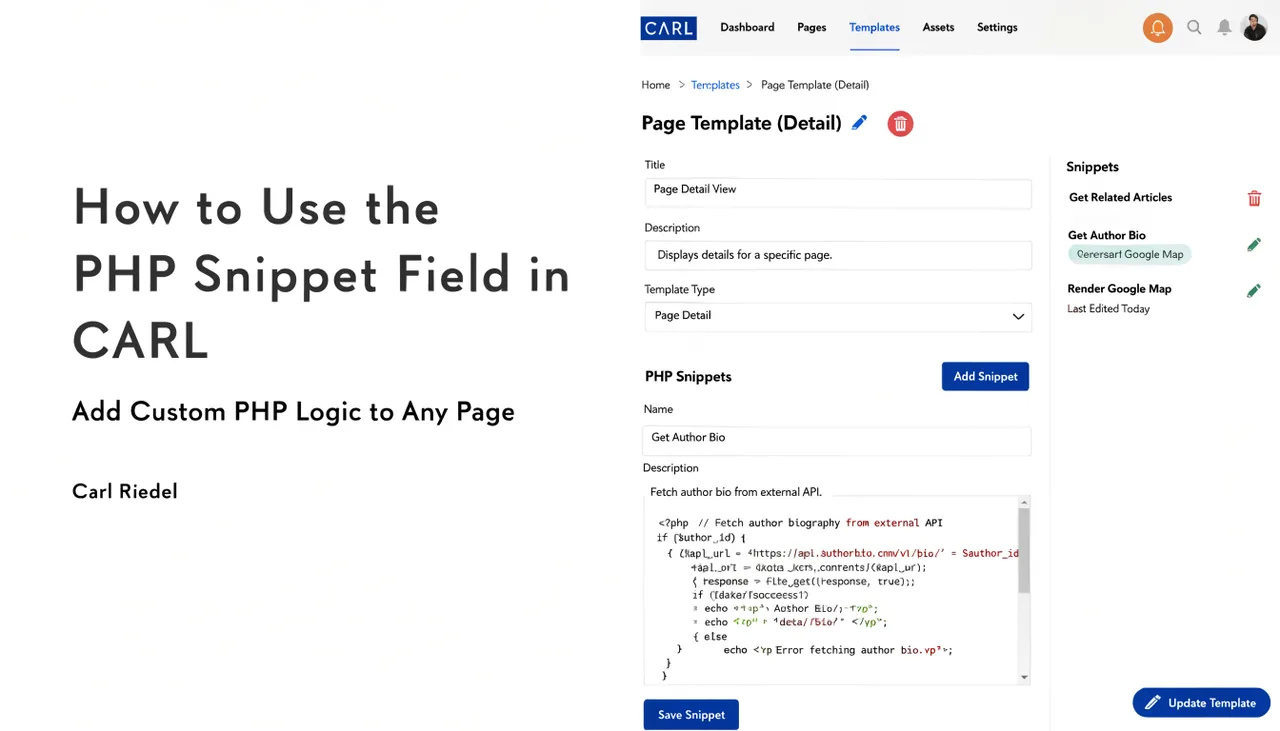
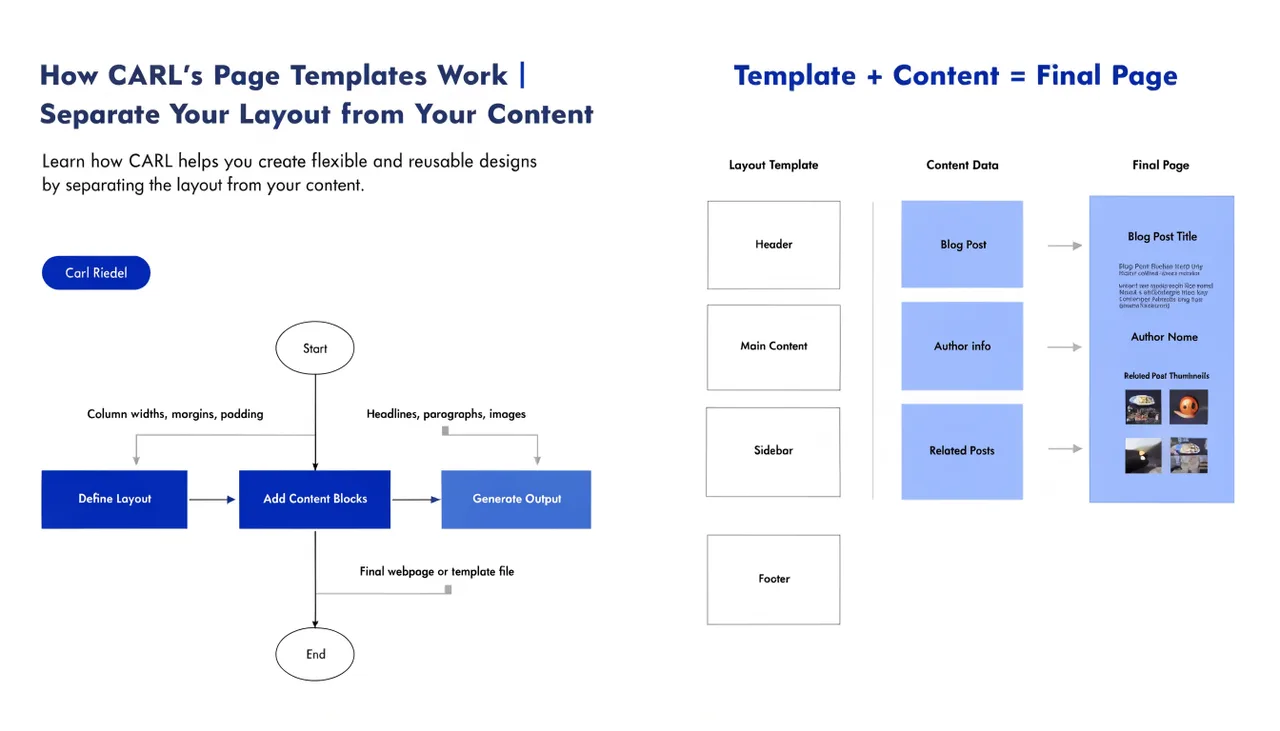
A CARL template is a standard PHP file containing your full HTML document structure. The declaration, the section, navigation, content area, footer: all of it lives in the template. CARL provides a set of PHP variables that get populated with page-specific data at generation time. You place those variables where you want them in the markup.
The core variables you'll use in almost every template are $page_title for the title tag, $meta_description for the meta description, $canonical_url for the canonical tag, $h1 for the page heading, and $content for the main body content. Schema markup, Open Graph tags, and other head elements have their own variables that slot into the section the same way.
A Basic Template Structure
At minimum, a working CARL template needs a valid HTML document structure with the title variable in the head, the content variable in the body, and the meta variables in their correct positions. Everything else, including navigation, sidebars, footers, external CSS, and JavaScript, is markup you write yourself. CARL doesn't impose any structure beyond the variable conventions.
This means you can build templates that look nothing like the default Bootstrap layout. A minimal single-column article template, a landing page with no navigation, and a product page with a custom sidebar: all of these are just PHP files with different HTML structures that wrap the same CARL variables.
Saving the Template
Once your template file is written, save it to the templates/ directory inside your CARL install. The filename becomes the template name that appears in the dropdown in the page editor. Name it something descriptive: landing-page.php, wiki-article.php, members-content.php. The name is for your reference, so pick something that makes the purpose obvious when you're selecting it from a list.
No restart, no cache clear, no admin setting to update. Save the file, and it's available immediately.
Updating a Custom Template
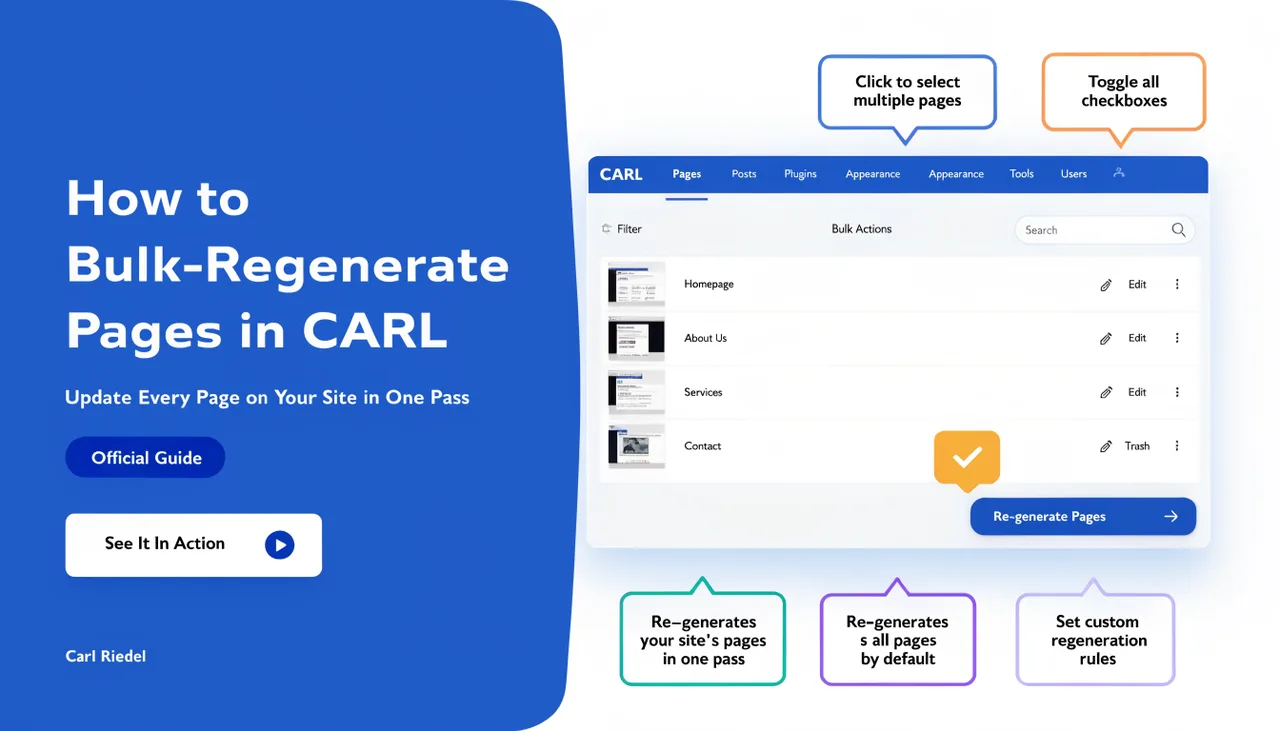
When you need to change the layout, open the template file, make your edits, and save. The change will appear on all pages using that template the next time those pages are regenerated. For sitewide changes, use bulk regenerate to push the updated layout across every affected page in one pass.
Because the template is baked into the generated PHP file at publish time, pages that haven't been regenerated will still show the old layout. That's not a bug: it's the direct consequence of pages being static files rather than assembled on demand. The bulk regenerate tool exists precisely for this situation.
Reusing Templates Across Installs
A template file has no dependencies on a specific CARL install beyond the variable conventions. If you build a template you're happy with on one site, copy the file to the templates directory of any other CARL install, and it works. Over time, you'll build a library of templates you can carry from project to project, which is a significant time saver if you're building sites for clients regularly.