How to Schedule a Page for Future Publishing
CARL's scheduled publishing lets you write a page today and have it go live at a specific date and time, even if you're not at your desk. The scheduler is built into CARL — no plugin, no cron job you have to configure manually, no third-party service standing between your content and your server.
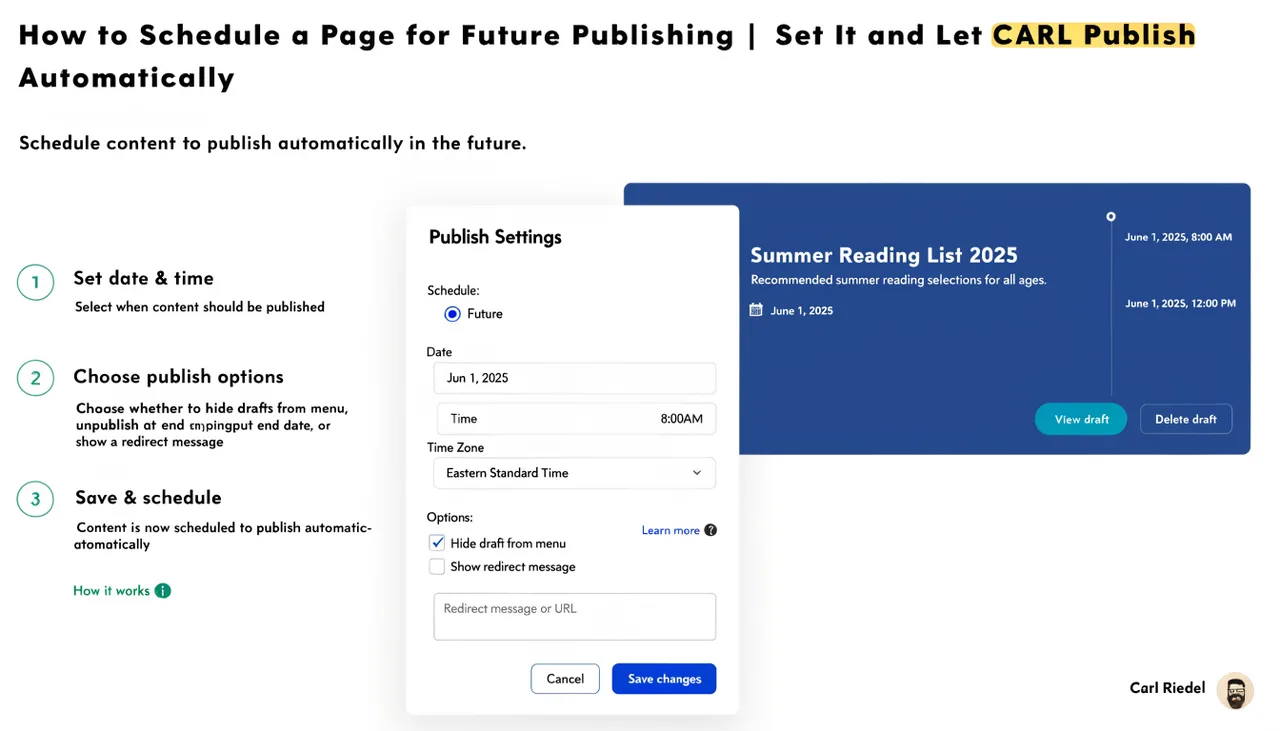
How to Set a Scheduled Date
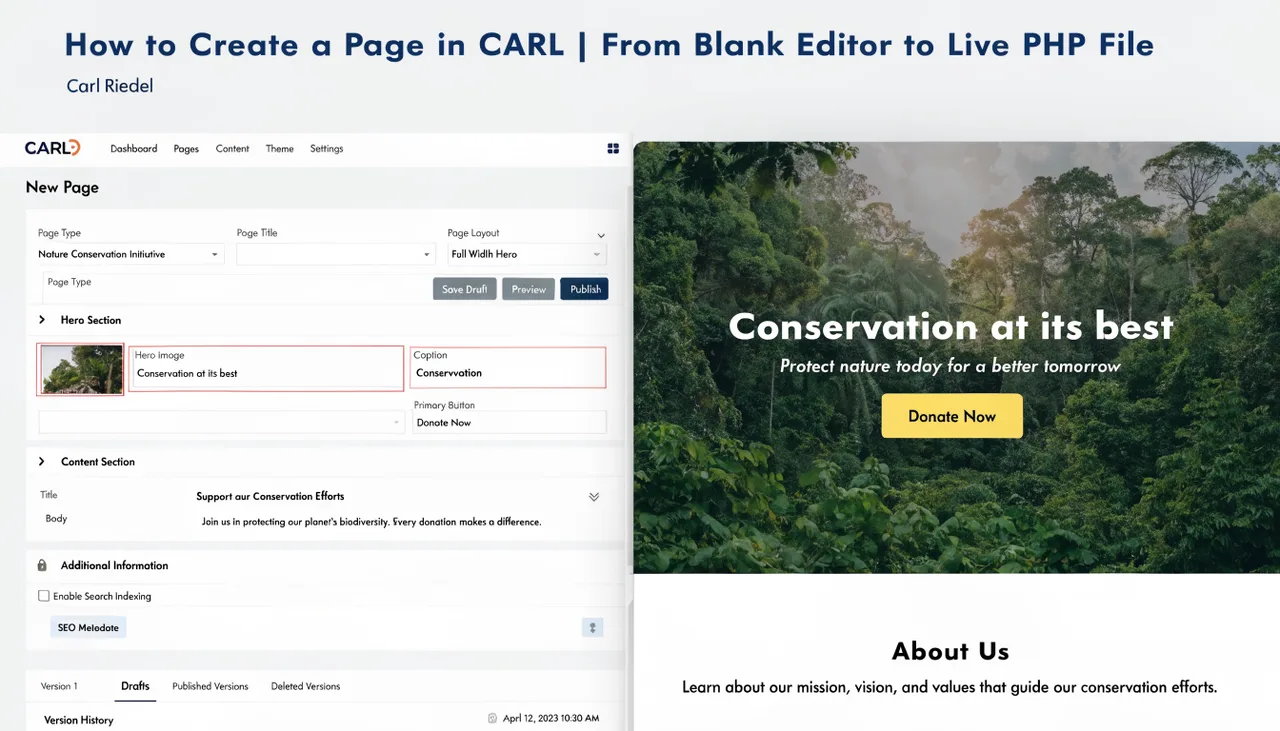
In the page editor, you'll find the scheduling field alongside the other publish options. Set the date and time you want the page to go live, then save the page without clicking Generate. CARL stores it in the database with a scheduled status and the target publish time attached to the record.
Until that time arrives, the PHP file doesn't exist on disk. The page isn't live, the URL returns nothing, visitors can't reach it, and search engines have nothing to crawl. It exists only as a record in your admin panel, waiting for its publish time.
What Happens at Publish Time
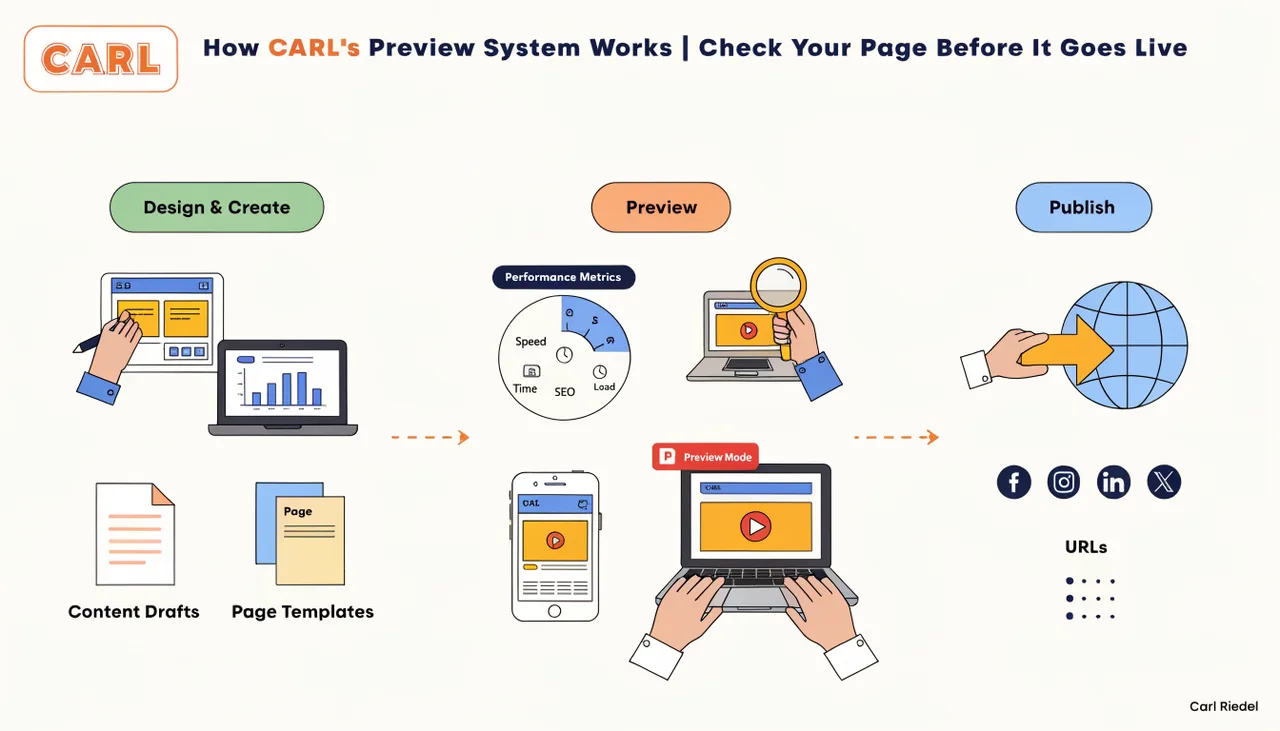
CARL's built-in scheduler runs in the background, checking for pages that are due to go live. When the scheduled time arrives, it triggers the same generation process as a manual publish: your content gets pulled from the database, run through the assigned template, compiled into a complete PHP file, then written to the directory you specified.
From that point, the page is live at its URL. You don't need to be logged into the admin for this to happen. The scheduler runs independently of any active session, so your page publishes whether you're working, sleeping, or on a flight with no wifi.
Editing a Scheduled Page Before It Goes Live
A scheduled page isn't locked. You can open it in the editor, make changes, update the publish date, or cancel the schedule entirely at any point before generation happens. If you change the content, those changes will be reflected in the version generated at publish time. Whatever is saved in the record when the scheduler fires is what ends up on disk.
If you decide you want the page to go live immediately rather than wait, click Generate. The file is written to disk immediately; the scheduled date becomes irrelevant, and the page behaves like any other published page from that point forward.
After the Page Goes Live
Once a scheduled page has been generated, it's just a PHP file on your server. The scheduling mechanism played its role and stepped back entirely. You can edit the page, regenerate it, link to it from other pages, submit it to Google Search Console, and include it in your sitemap. Nothing about how it was published affects what it is now.
This is worth stating clearly because some CMS platforms attach metadata or status flags to scheduled content even after it has been published. In CARL, the generated file has no memory of how it got there. It's a static PHP file, identical to one you published manually five minutes after writing it.
Why This Matters for Content Planning
Scheduled publishing is most useful when you're building content in batches. If you're preparing for a site launch, you can write thirty pages in a week, assign each one a publish date, then let CARL roll them out over the following month while you move on to other work. If you're running a campaign where pages need to appear on specific dates, you set the dates once, and the campaign runs on its own.
It also removes the pressure of writing to a deadline. You can finish a page days before it needs to go live, schedule it, close the tab, and trust that it will appear exactly when it should. The content is done. The timing is handled. There's nothing left to manage.