How to Use the Head Snippet Field in CARL
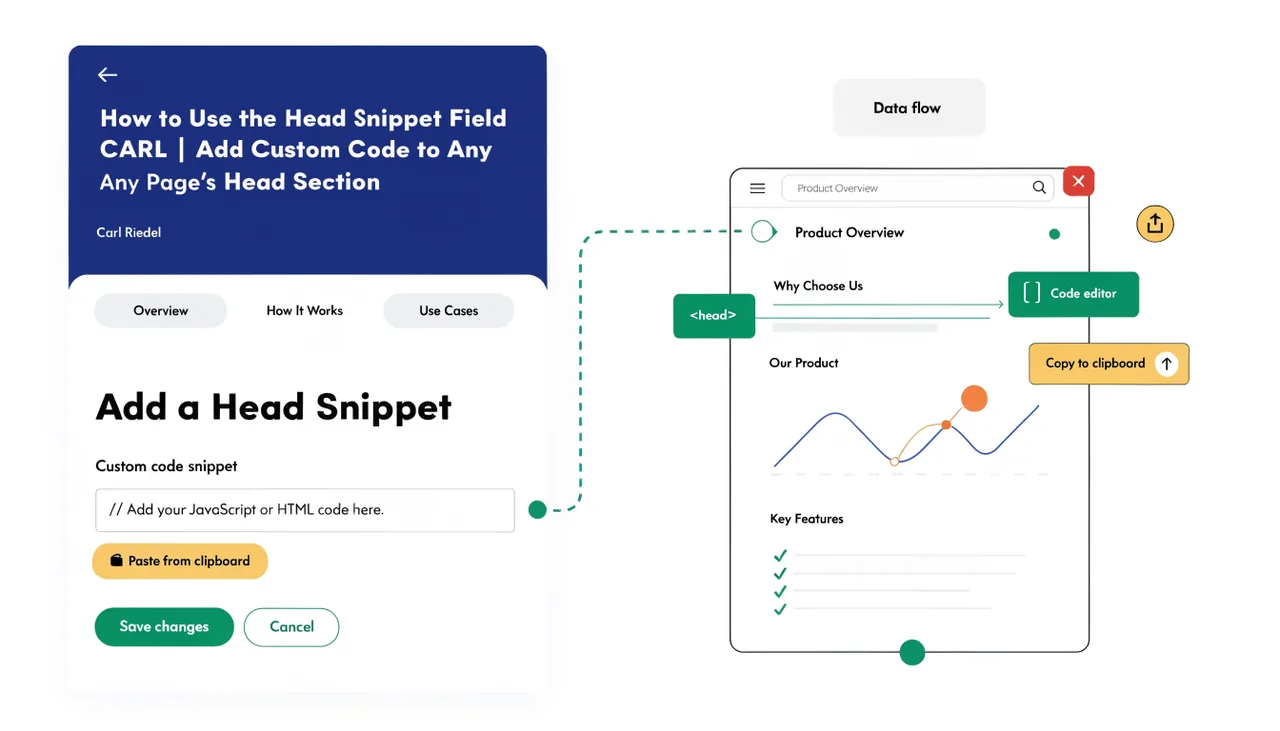
The Head Snippet field lets you add custom code to the section of an individual page without modifying the template. Whatever you put in this field gets written directly into the of the generated PHP file, sitting alongside the standard meta tags, title, and schema markup that CARL outputs by default. It's a clean way to add page-specific head content without affecting your other pages.
What Goes in the Head Section
The section of an HTML document is where browsers and crawlers look for instructions about the page: how to render it, what to preload, which scripts to load early, what additional metadata is attached. Things that belong here include custom stylesheet links, preload directives, verification meta tags, third-party script tags that must load in the head, and any other markup that needs to appear before the page content renders.
Most of the standard head content, including the title tag, meta description, canonical URL, Open Graph tags, and JSON-LD schema, is handled automatically by CARL based on the fields you fill in the page editor. The Head Snippet field is for everything else: the one-off additions a specific page needs that don't belong in the template.
How It Differs from the PHP Snippet Field
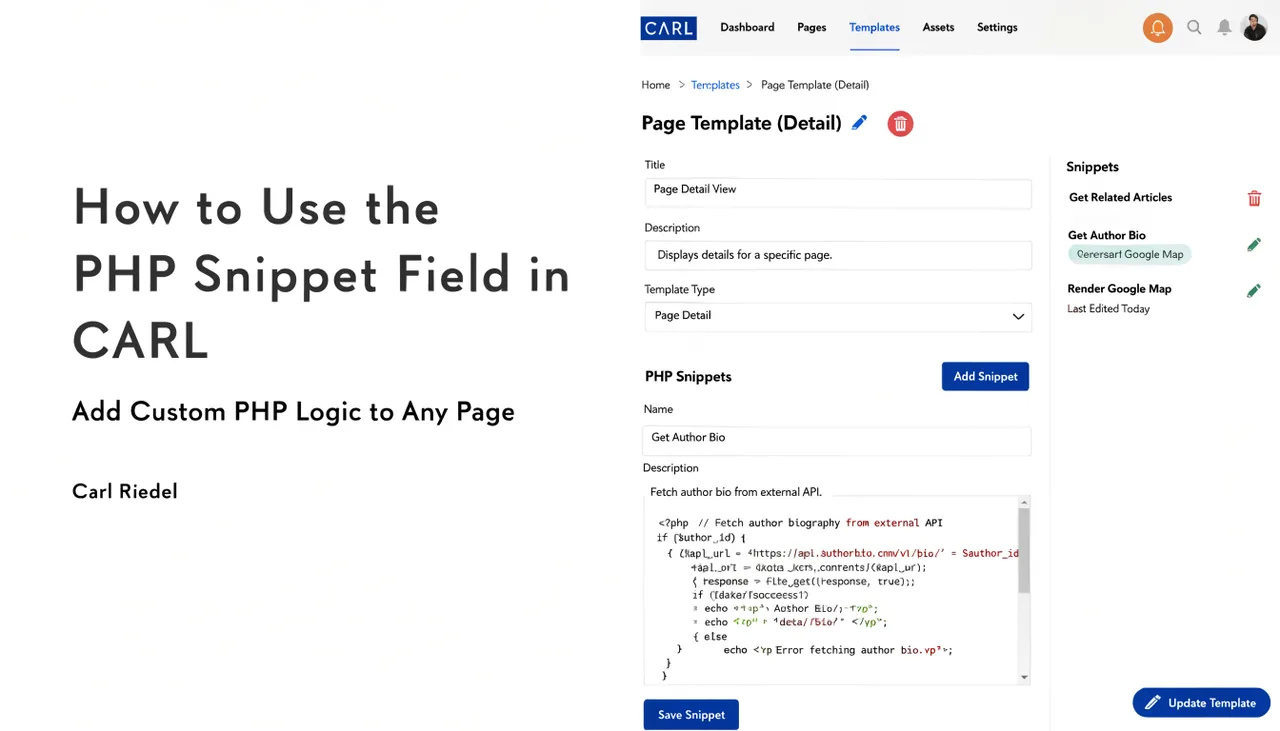
The PHP Snippet field is for server-side logic that runs before any output is sent to the browser. The Head Snippet field is for client-side markup that sits inside the tag in the rendered HTML. They serve different purposes and appear in different positions in the generated file. If you need a redirect or an access check, that's a PHP snippet. If you need a custom stylesheet or a verification tag, that's a head snippet.
Practical Uses
A common use of the Head Snippet field is to add a page-specific stylesheet. If one page uses a custom layout or a component that needs its own CSS, you link that stylesheet in the head snippet rather than adding it to the template, where it would load on every page unnecessarily. The same logic applies to the JavaScript libraries a single page needs: load them in the head snippet and keep the template clean.
Another frequent use is ownership verification tags. Google Search Console, Pinterest, and other platforms sometimes ask you to add a tag to a specific page to verify ownership. Drop it into the Head Snippet field, regenerate the page, and the tag will appear in the live file within seconds. No template edit required, no other pages affected.
Keeping Templates Clean
The Head Snippet field exists specifically to prevent template bloat. Without it, any page-specific head requirement would mean either editing the template (affecting every page using it) or creating a separate template variant just for that one page. Neither option is clean. The head snippet lets you handle the exception without disturbing the rule.
As with the PHP Snippet field, if the logic or code you're adding is needed on multiple pages, it belongs in the template rather than being repeated in individual snippets. Use the head snippet for genuine one-page requirements. For anything sitewide, put it where sitewide things belong.
Snippets Are Baked In at Generation
Whatever is in the Head Snippet field when you click Generate is what ends up in the published file. Update the snippet, regenerate, and the new code will be in the file. The previous version is gone. There's no version history for snippet content, so if you're making significant changes to a head snippet, keep a copy of the original somewhere before you overwrite it.