How CARL's Page Templates Work
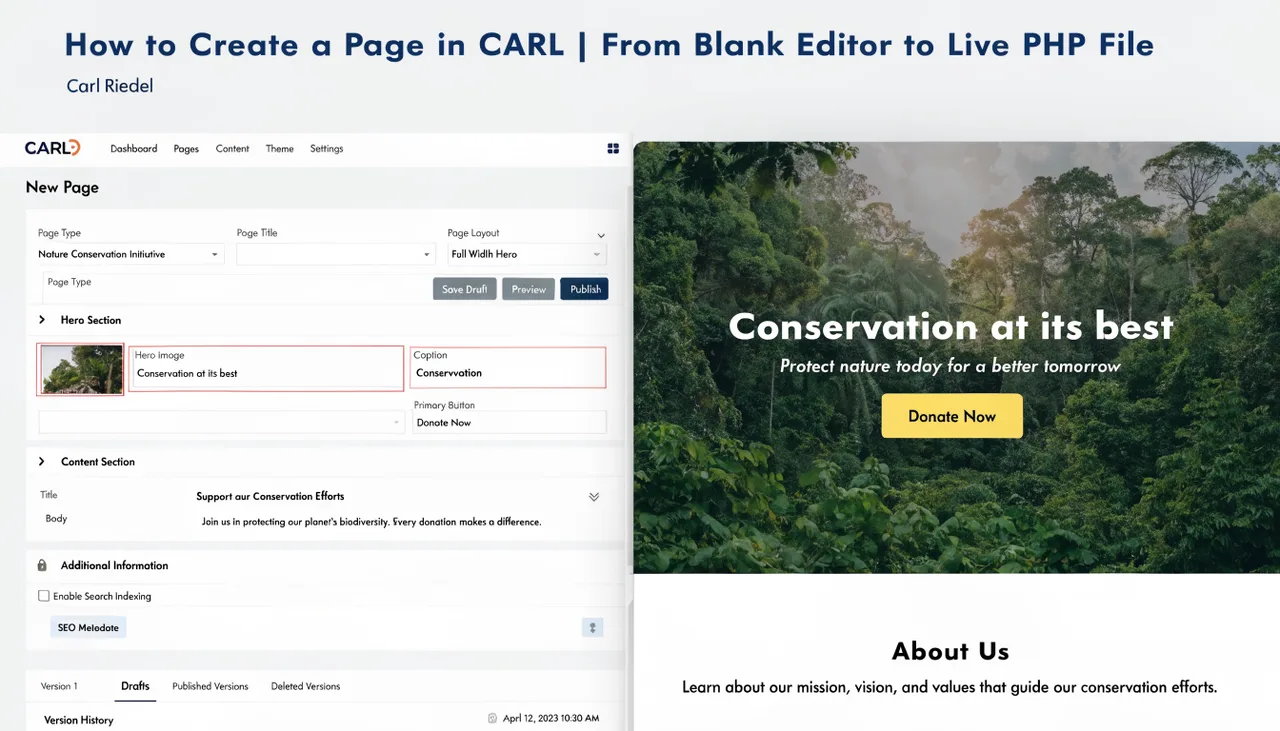
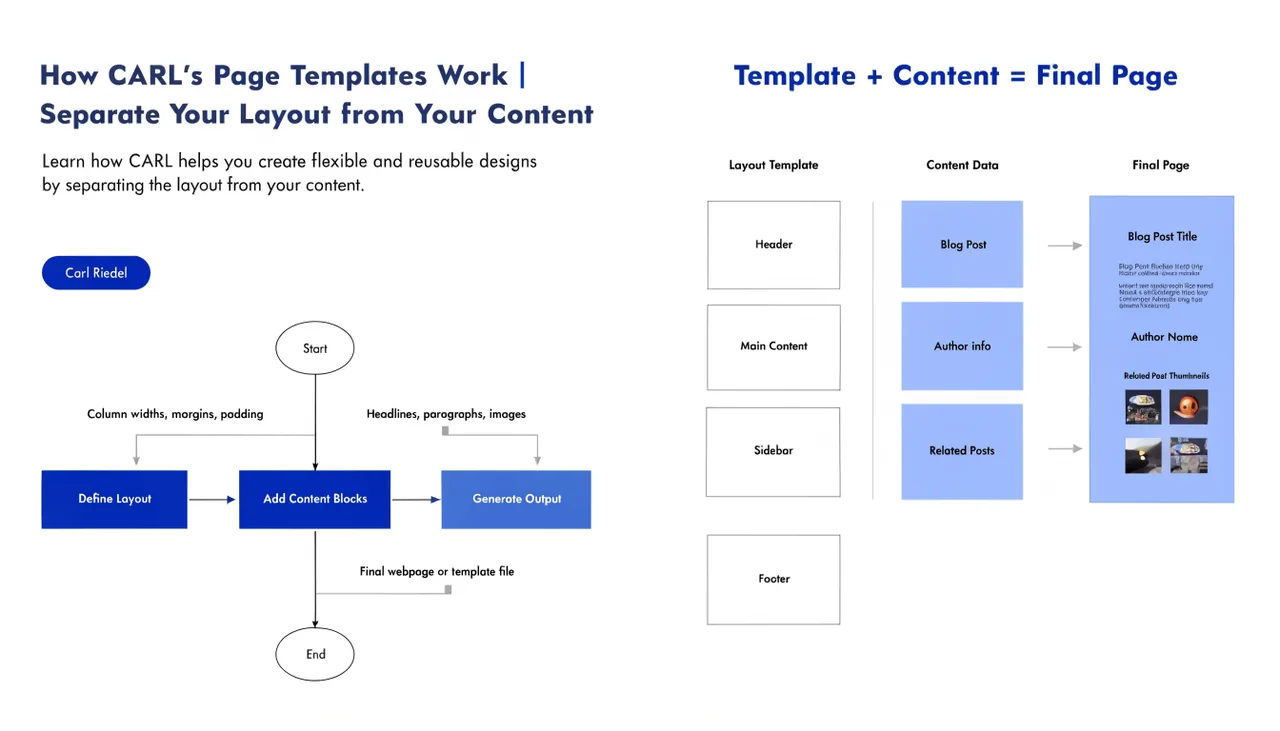
Every page in CARL is built from two things: the content you write in the editor and the template you assign to it. The template is the layout wrapper. It controls everything outside the content area: the HTML structure, the head section, navigation, footer, and any surrounding markup. When you generate a page, CARL combines your content with the assigned template and writes the result to disk as a single, self-contained PHP file.
What a Template Actually Is
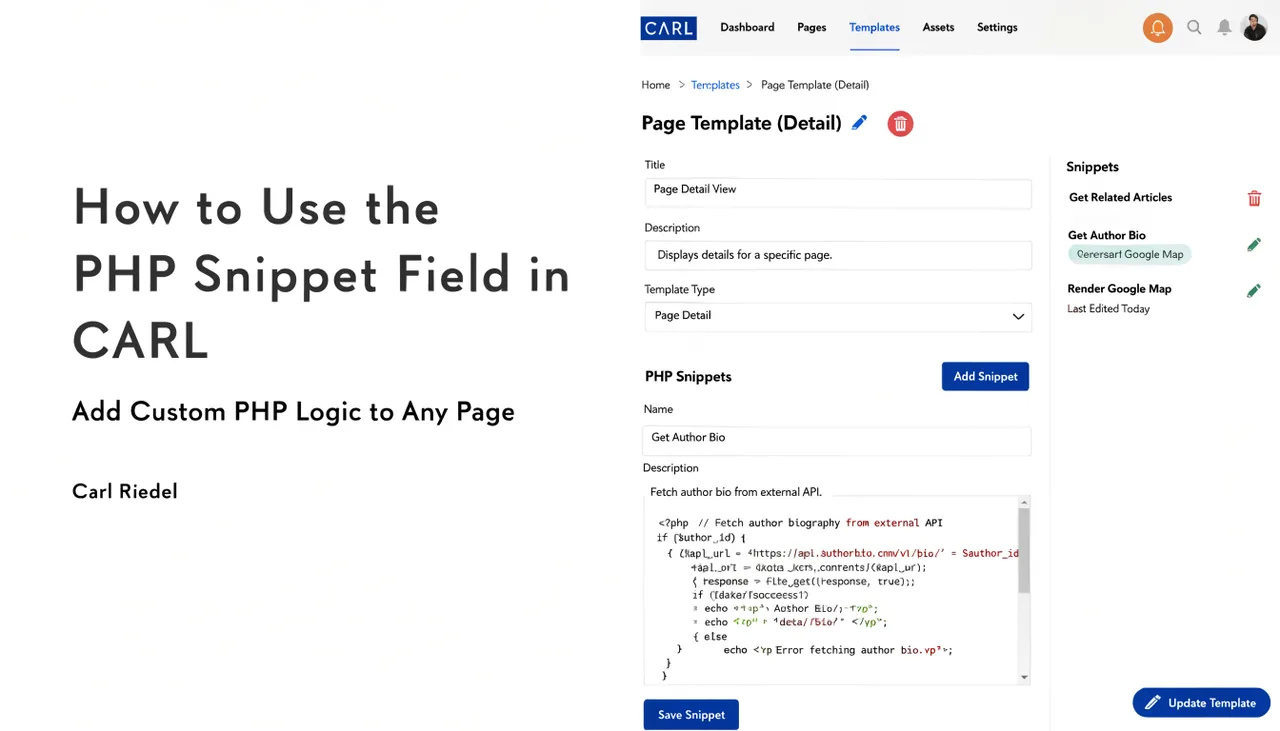
A CARL template is a PHP file stored in the templates directory on your server. It contains your site's standard HTML structure with designated areas where CARL injects page-specific data at generation time: the title, meta description, canonical URL, schema markup, Open Graph tags, the H1, and the main content. The template provides the frame; the page editor provides everything that goes inside it.
This separation keeps your site consistent without any extra effort. Change the template once, and every page using it gets the updated layout the next time you regenerate. You're not hunting through individual pages to update a nav link or a footer copyright year.
The Default Template
CARL ships with a Bootstrap full-width template ready to use from the moment you install it. For many sites, particularly content-heavy pages and wiki-style articles, this template covers everything you need without modification. The Bootstrap framework is loaded from the CDN, so there's no extra file weight on your server, and the layout is responsive out of the box.
Assigning a Template to a Page
In the page editor, the Template field is a dropdown that lists every template available on your installation. You select the one you want for that page, and it gets baked in at the time of generation. Different pages can use different templates. A homepage, a blog article, a product page, and a members-only content page can each use a different layout while sharing the same CARL install and database.
Template assignment is per-page, so there's no site-wide default you're locked into. If you want every page in the wiki/ directory using a sidebar layout and every page in blog/ using a full-width layout, you assign templates accordingly when creating each page.
Templates Are Baked In at Generation
This is the part that catches people coming from WordPress. In WordPress, a template change takes effect immediately on every page because the template is applied at request time. In CARL, the template is applied at the time of generation. The generated PHP file already contains the full layout.
There's no template lookup happening when a visitor lands on the page.
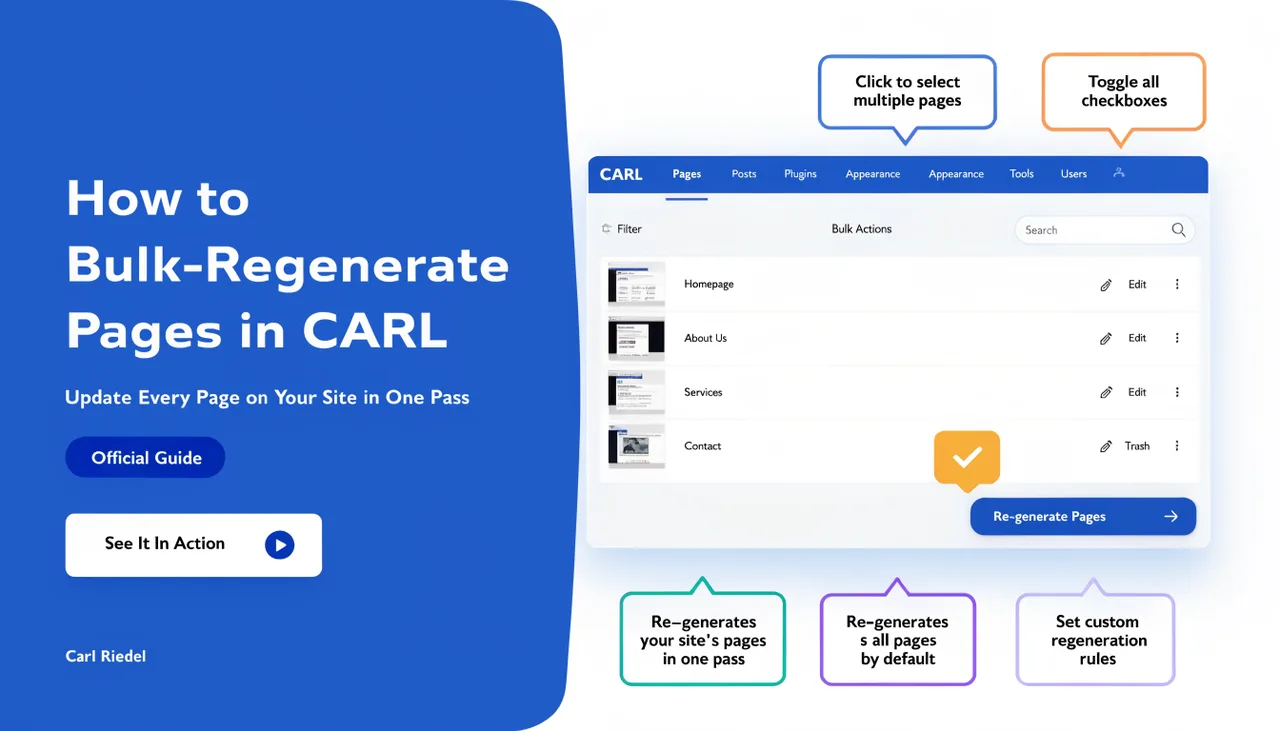
The practical implication: if you update a template, pages using that template don't automatically reflect the change. You need to regenerate them. For sitewide template changes, CARL's bulk regenerate tool handles this in one pass. It's an extra step, but it's the direct cost of having pages that load without any runtime overhead.
Building Custom Templates
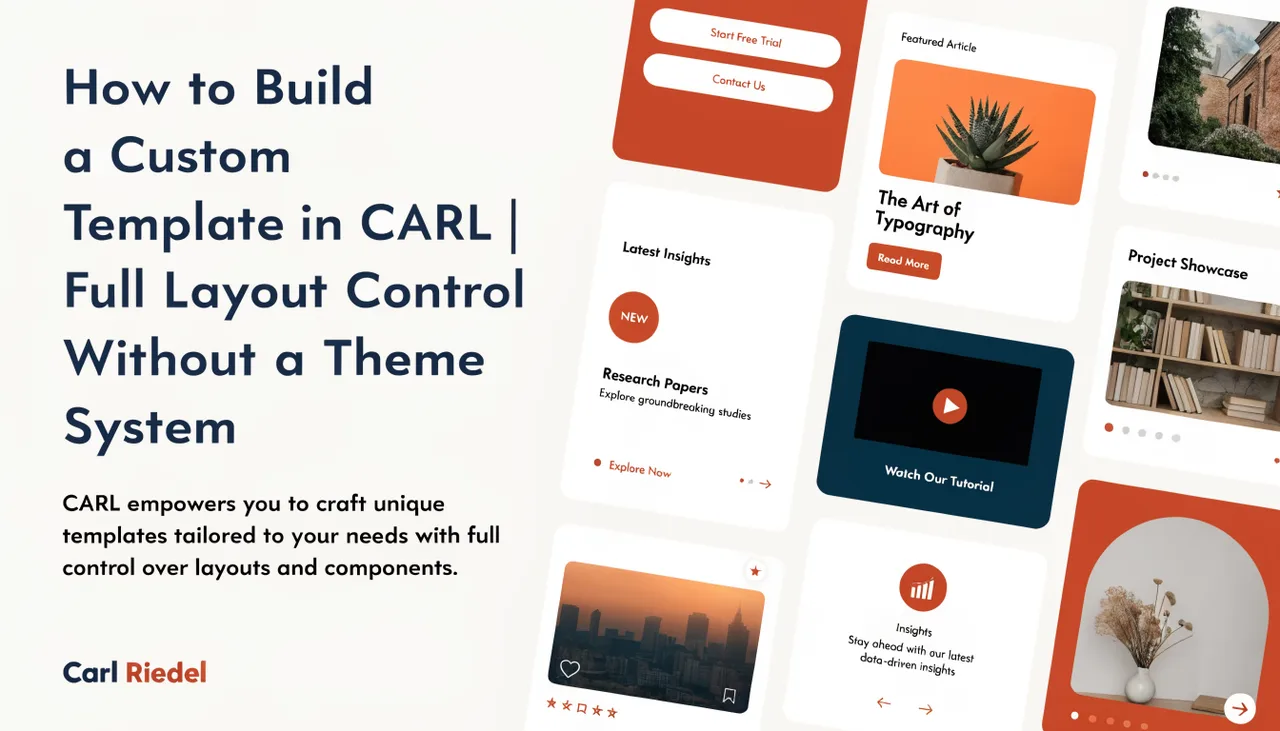
If the default template doesn't fit your design, you can build your own. A custom template is just a PHP file following CARL's variable conventions. You write the HTML structure you want, drop in the CARL variables where your dynamic content belongs, save the file to the templates directory, and it appears in the Template dropdown immediately. No registration step, no plugin activation, no theme system to navigate.