How CARL's Scheduler Works
CARL's scheduler lets you set any page to go live at a specific date and time. Set the schedule, save the page, and CARL handles the rest. The page file is generated and written to disk automatically when the scheduled time arrives, with no manual action required on your part.
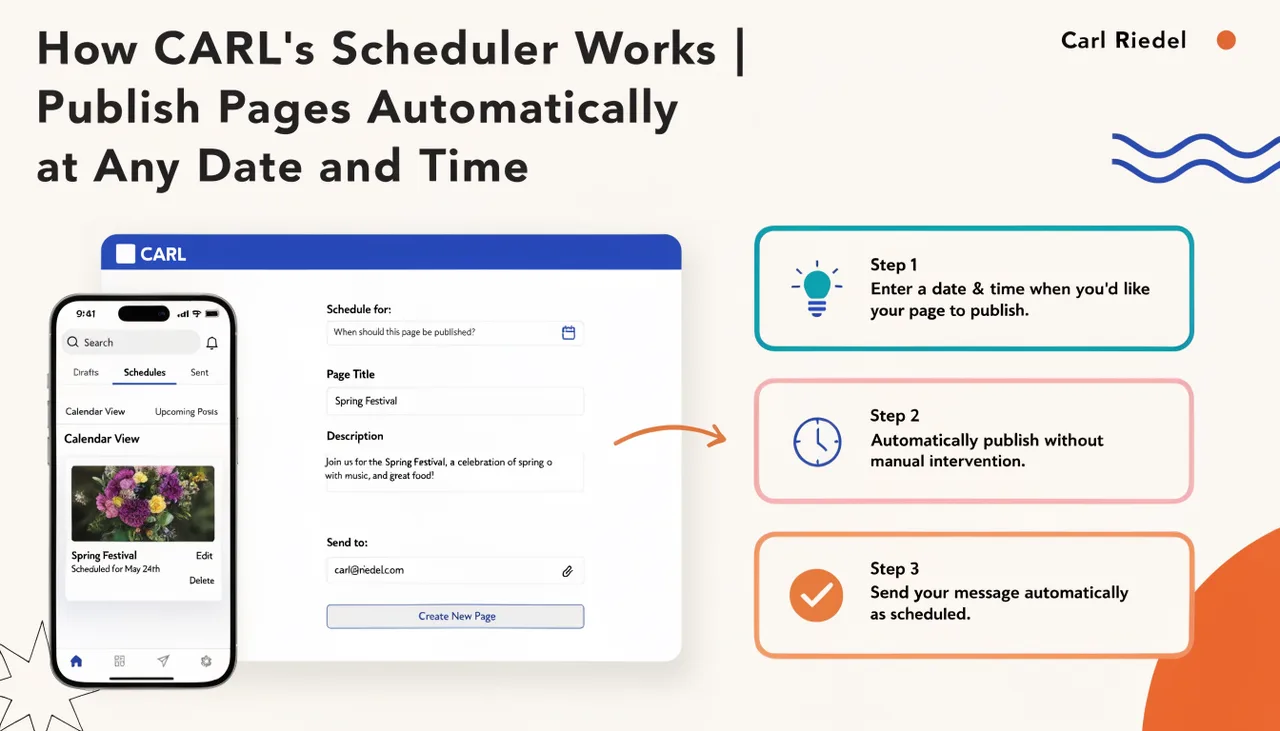
How Scheduling Is Triggered
CARL checks for due scheduled pages on every admin panel page load. When you open any page in the admin, CARL silently queries the database for pages whose scheduled time is at or before the current UTC time and publishes any it finds. This means scheduling works reliably on any shared hosting account without requiring a cron job, though a cron job can be added for more precise timing on high-volume sites.
For installations where consistent timing matters regardless of admin activity, CARL includes a dedicated cron endpoint at admin/modules/scheduler/run.php. This can be called via cPanel's Cron Jobs tool on a schedule you define, or triggered via HTTP using a scheduler key set in Settings. Either method works. The admin-trigger approach is sufficient for most sites.
Timezone Handling
CARL converts the date and time you enter from your configured admin timezone to UTC for storage. This means the page publishes at the correct moment regardless of where your server is located. Your admin timezone is set in Settings under General. For a walkthrough of setting a schedule on a specific page, see How to schedule a page for future publishing.
What Happens at Publish Time
When the scheduler finds a page that's due, it runs the same generation process as a manual publish. CARL builds the complete PHP file from the page record, writes it to disk at the correct path, and updates the page status to published. The scheduled time field is cleared from the database record. After each successful publish, CARL pings Google with your sitemap URL so the new page is picked up for indexing as quickly as possible.
If a page fails to generate, the error is logged and the page remains in scheduled status rather than being silently dropped. On the next scheduler run, CARL will attempt it again. Any generation errors are written to your server's PHP error log for diagnosis.
Preventing Overlapping Runs
CARL uses a database lock to prevent two scheduler runs from executing simultaneously. If a cron job and an admin-triggered check happen to fire at the same moment, the second run detects the lock and exits immediately. The lock is released as soon as the first run completes, so there's no risk of it blocking future runs if the process finishes normally.