How to Change Your CARL Admin Password
CARL gives you two ways to update your admin password: through the Settings panel when you're logged in, and through the password recovery flow when you're not. Both methods update the same bcrypt-hashed password record in the database.
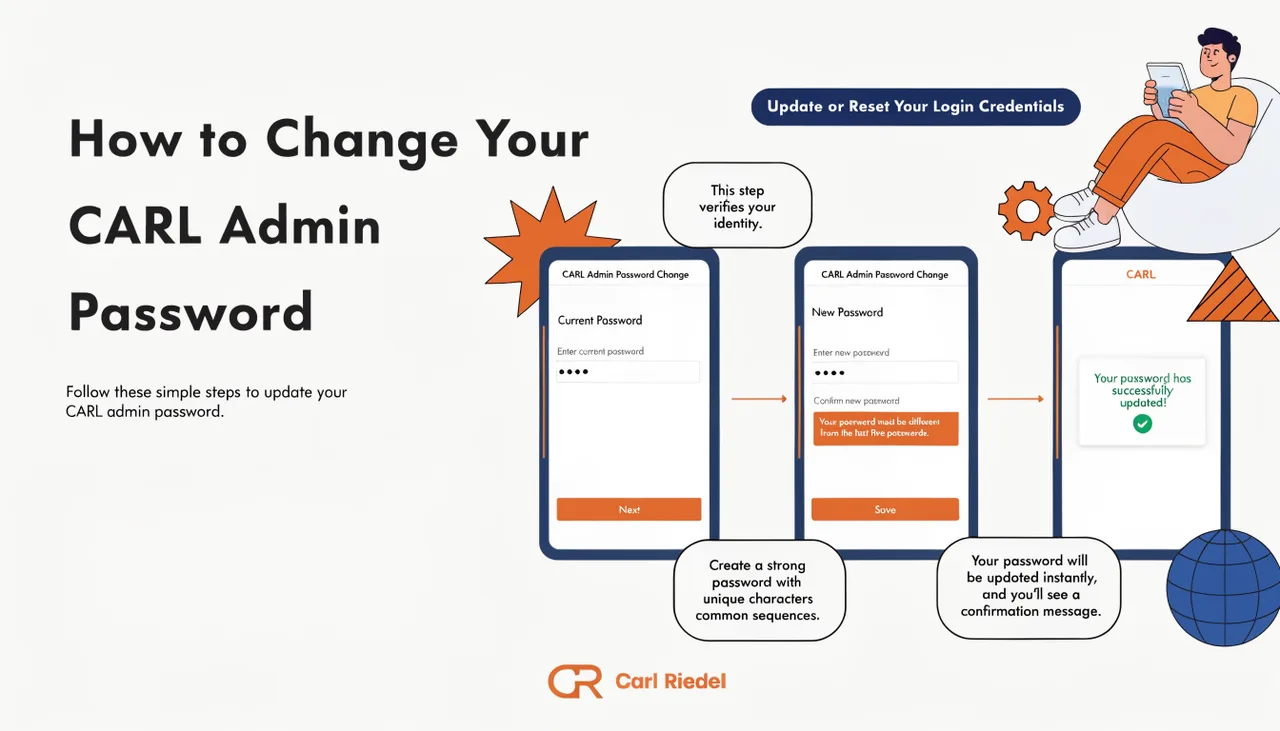
Changing Your Password While Logged In
In the CARL admin panel, go to Settings and find the password change section. Enter your new password, confirm it, and save. CARL hashes the new password using bcrypt and updates the admin account record immediately. Your current session stays active after the change, so you won't be logged out. The new password takes effect on the next login.
Resetting Your Password When Locked Out
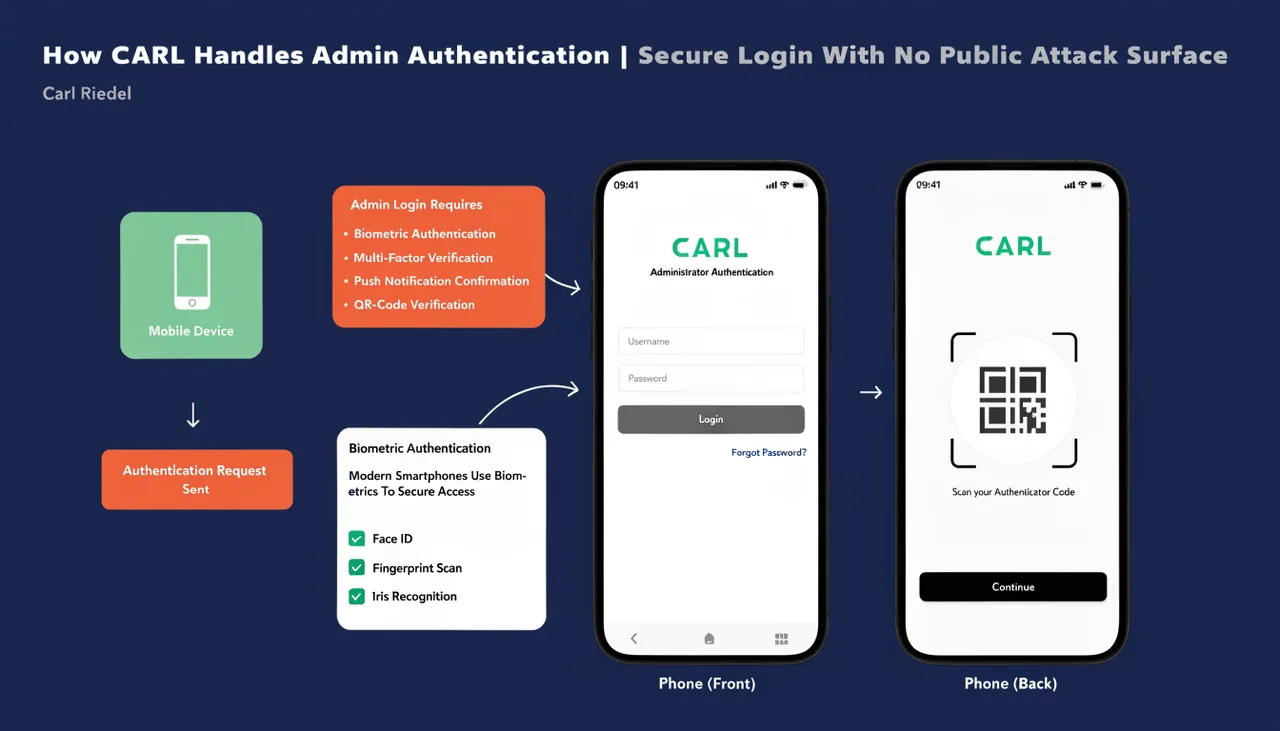
If you can't log in, CARL's password recovery flow uses a recovery key instead of email. The recovery key is a value you set in Settings under General while you still have access. If you haven't set one yet, do it now before you need it.
To reset your password, go to admin/forgot-password.php on your site. The process runs in two steps. First, enter your recovery key. CARL verifies it against the stored value using a timing-safe comparison, so there's no way to probe for valid keys through response timing. If the key matches, you're moved to the second step. Enter your new password, confirm it, and submit. CARL updates the password and redirects you to the login page.
Password Requirements
Passwords must be at least 8 characters. There are no complexity requirements beyond that, but a longer passphrase is more secure than a short one with mixed characters. CARL stores passwords as bcrypt hashes. The plain-text password is never stored anywhere on the server.
If You've Lost Your Recovery Key
If you're locked out and have no recovery key set, you'll need to update the password directly in the database via phpMyAdmin. Generate a bcrypt hash of your new password using an online bcrypt tool or a quick PHP script, then update the password column in the users table with the hash. Log in with the new password, then immediately set a recovery key in Settings so you're not in this position again.