How CARL's Site Search Works
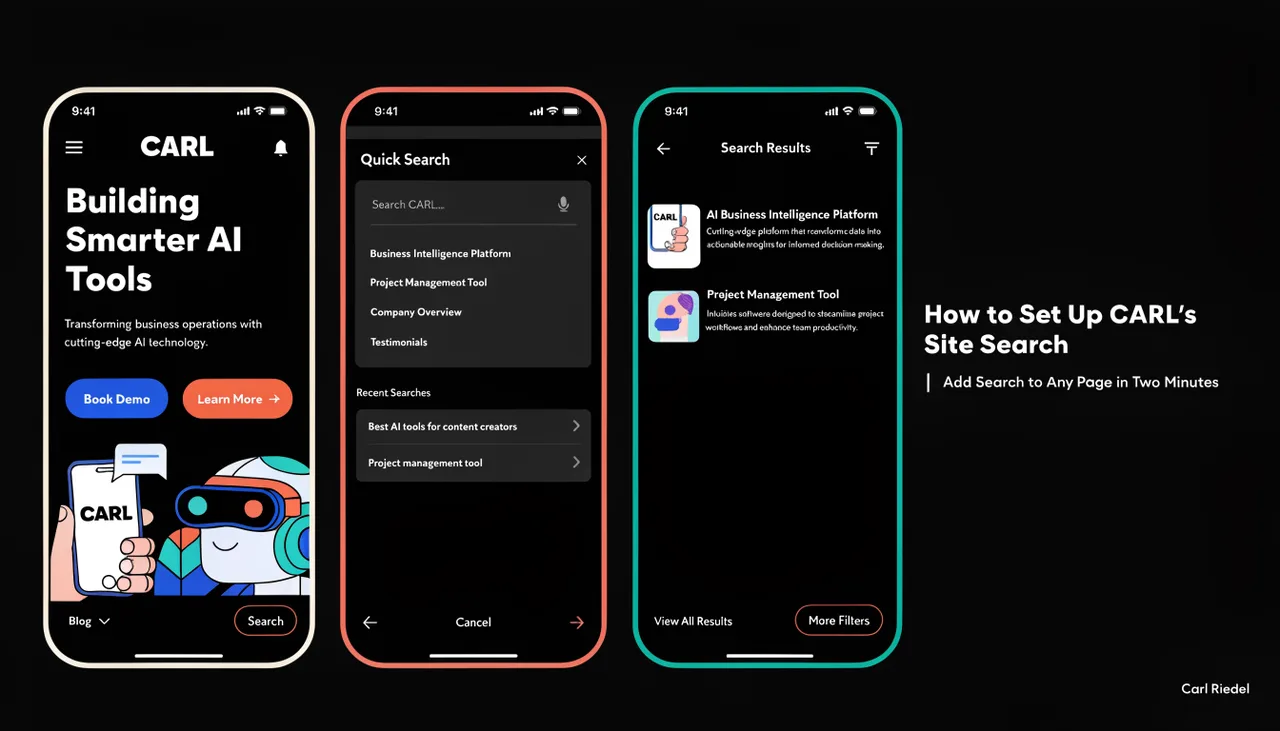
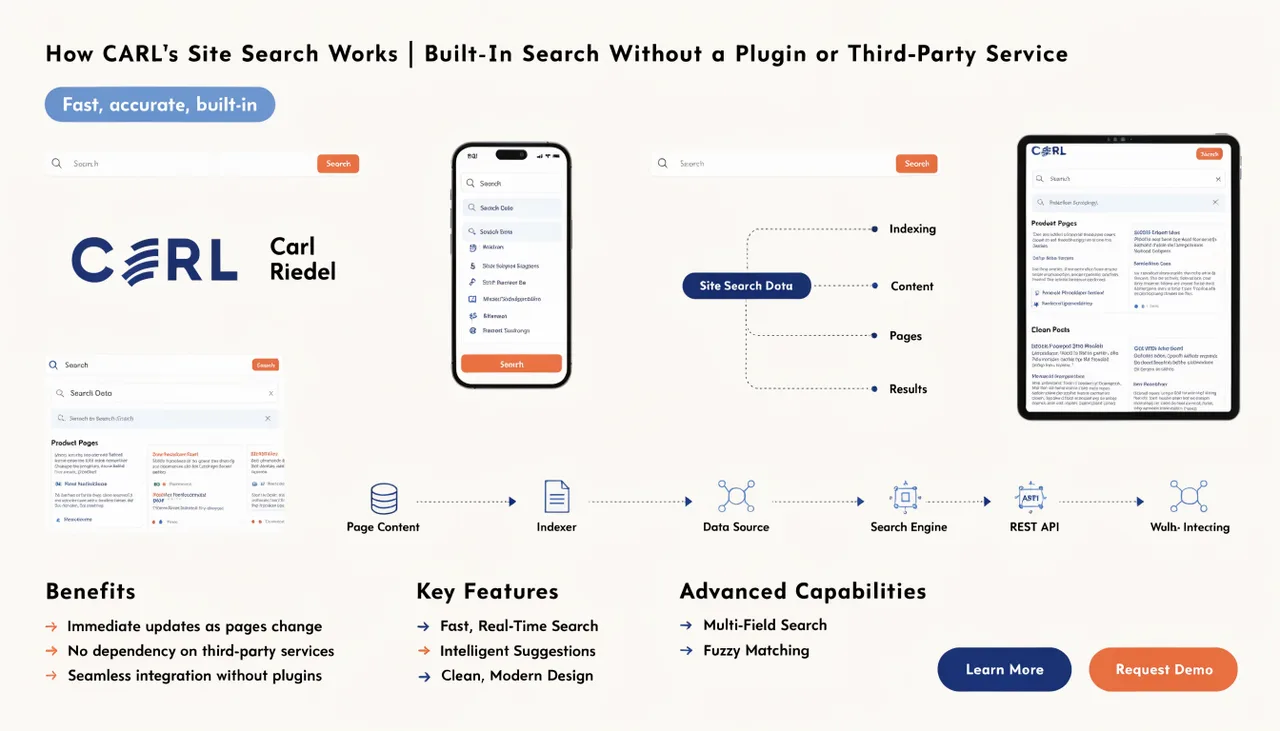
CARL includes a built-in site search that lets visitors search your content without a third-party service, a search plugin, or an API subscription. The search functionality is part of CARL's core install. You add the search bar to your pages using an include file, and the search dashboard in the admin gives you visibility into what your visitors are looking for.
The Search Bar Widget
CARL's search bar lives in an include file called search_bar.txt. If you're using the Bootstrap Blog template, the search bar is already present in the sidebar by default. It's one of the standard include files that the Blog template loads automatically, so any page using that template has search built in without any additional setup required.
For pages using a different template, or for pages where you want the search bar in a different position, you add it through the PHP Snippet field. Open the page in the editor, go to the PHP Snippet field, open the Include Picker, select search_bar.txt, and click Insert. When you regenerate the page, the search bar is present at that position.
How Search Works on a Static Site
CARL pages are static PHP files, which means there's no dynamic page assembly happening at request time. The search system works within that constraint: when a visitor submits a search query, the request goes to CARL's search handler, which queries the database for matching page records and returns the results. The search results page is served dynamically, while the individual content pages themselves remain static files.
This is a clean division of responsibility. Your content pages are fast, secure, static files. Search is a separate, contained operation that only runs when a visitor actively requests it. The search function doesn't add any overhead to regular page loads.
The Search Dashboard
In the CARL admin panel, go to Tools, then Search. The search dashboard shows you what queries visitors have been entering on your site. This data is genuinely useful for content planning: recurring searches for topics you haven't covered yet are a direct signal of what your audience wants. If visitors keep searching for something and not finding it, that's an article to write.
Search and Your Content Structure
CARL's search indexes your published pages by their titles and content. Pages that are clearly titled, well-structured, and contain the specific language your audience uses will return better search results than pages with vague titles or thin content. The same principles that make a page rank well in Google also ensure it surfaces correctly in CARL's internal search.
Hub pages and index pages are generally less useful search results than individual articles. If you want to refine what appears in search results over time, the search dashboard gives you the data to make those decisions based on what visitors are actually looking for rather than what you assume they want.
Setting Up Search on a New Install
If you're using the Bootstrap Blog template for your articles, the search is already in place, and nothing further is needed. If you're using a custom template and want search available sitewide, add search_bar.txt to your template directly via Include Files so it appears on every page using that template without requiring individual PHP snippet insertions. For a full walkthrough of how include files work in CARL, see How to manage include files in CARL.