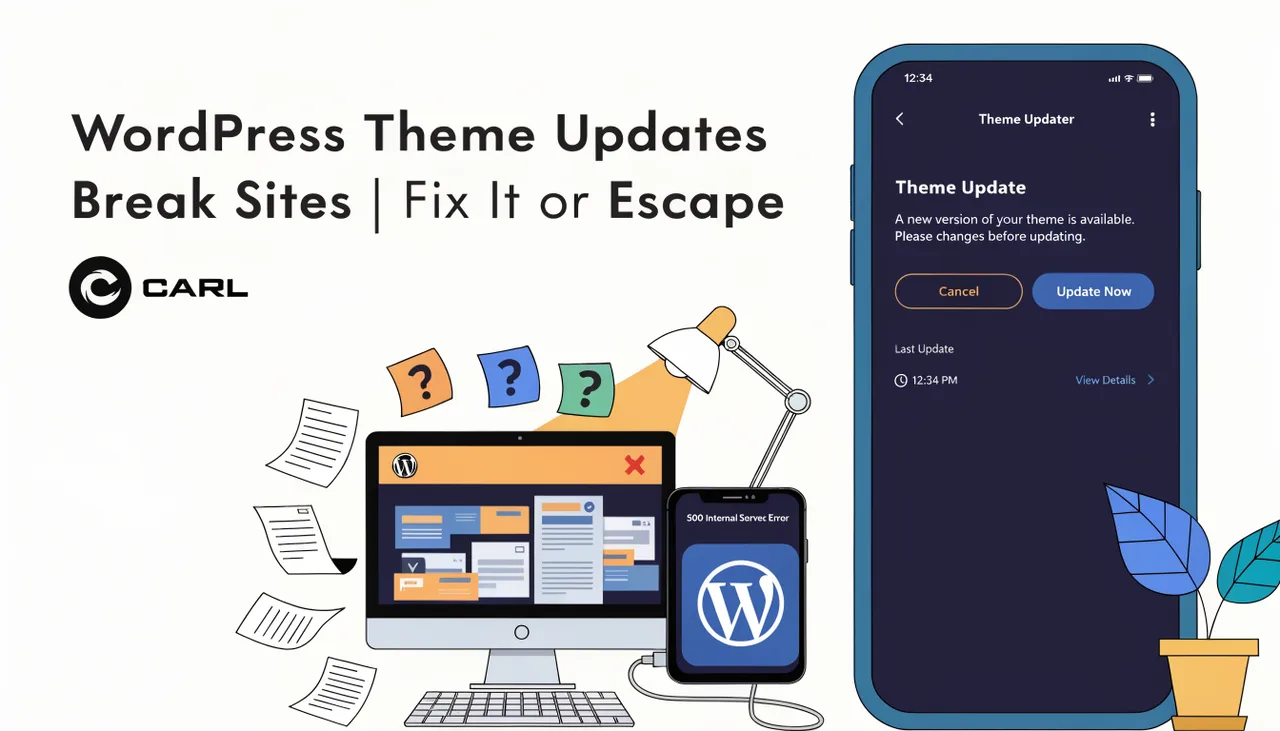
WordPress Theme Updates Break Sites. Here's Why That's a Design Flaw.
By Carl Riedel, Builder of CARL, Recovering WordPress Survivor
You wake up, check your site, and it's gone. Not hacked. Not down. Just broken. A white screen where your homepage used to be, or a layout so mangled it looks like someone dropped your site from a 10th floor window.
You didn't do anything. You were asleep. WordPress did this to you.
What Actually Happens During a Theme Update
When WordPress updates your theme, it overwrites the theme files on your server. Every customisation you made directly to those files dies in the process. Every tweak, every CSS hack, every line of PHP you added to functions.php — gone.
If your theme and a plugin have been working together through a shared hook or function, a theme update can pull that hook out from under the plugin mid-air. The plugin crashes. Your site crashes with it.
This isn't a bug. It's how WordPress is built.
Child Themes Are the "Official" Fix. They're Also a Trap.
WordPress developers will tell you to use a child theme. A child theme inherits from the parent theme but keeps your customisations separate, so updates don't wipe them out.
That's true. It's also a lot of work most site owners were never told about when they started. And it still doesn't protect you when the parent theme changes a template file your child theme depends on.
A theme update can change the structure of a template so completely that your child theme's overrides break anyway. You're back to square one, still debugging at midnight.
The Real Problem Is Dependency
Your WordPress site depends on a theme you don't control, built by a developer you've never met, updated on a schedule you weren't told about, tested on a setup that isn't yours.
Every update is a gamble. Most of the time you win. Sometimes you don't. And when you don't, your site is down, your traffic is bleeding out, and you're on Google trying to figure out what Fatal error: Cannot redeclare register_block_style() means.
I've been there 18 times. Literally 18 sites in a single day from 1 plugin update alone. I built CARL because I refused to go back.
What CARL Does Instead
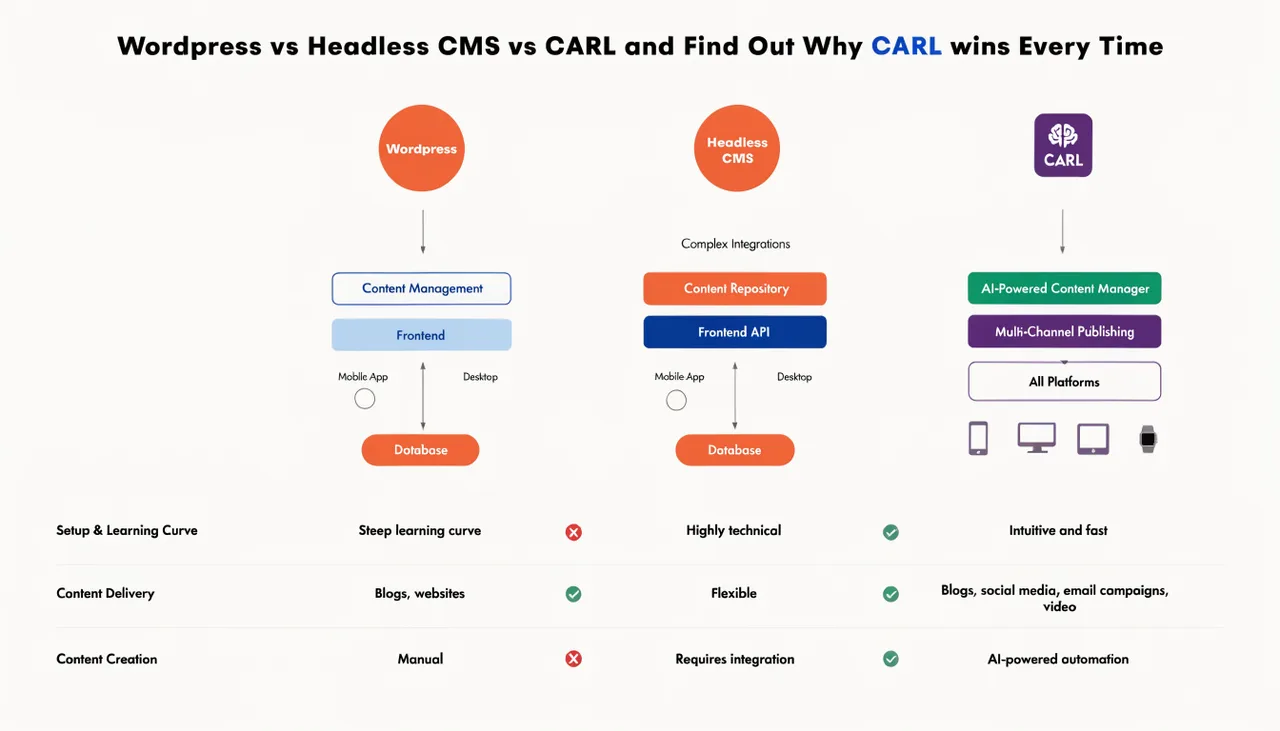
CARL doesn't have themes in the WordPress sense. It has templates — clean PHP files that you control completely. They live on your server. Nobody updates them without your say-so.
When you generate a page in CARL, it writes a static PHP file to your server. That file doesn't depend on a theme loading correctly, a plugin being active, or a function being registered at the right moment in the WordPress boot sequence. It just loads. Every time. Instantly.
Your layout is your layout. It stays exactly the way you built it until you change it yourself.
What To Do If You're Still on WordPress
If you can't move yet, here's the minimum you should do before any theme update:
Take a full backup first. Not just a database backup. A full file backup including your wp-content folder. Then test the update on a staging environment if your host provides one. If you don't have staging, you're one update away from a very bad morning.
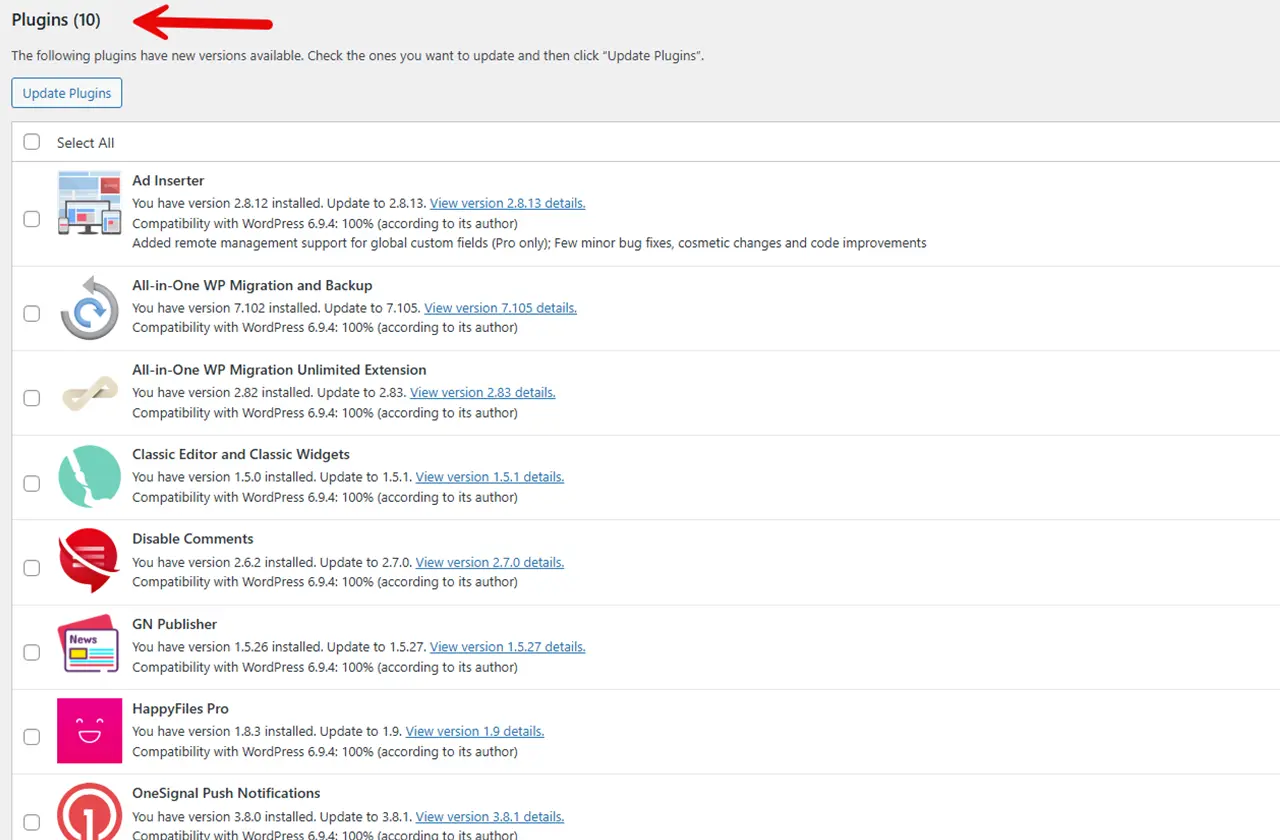
Turn off auto-updates for themes completely. Go to Appearance → Themes, click your active theme, and disable automatic updates. Do the same for every plugin. Manual updates are slower. They're also survivable.
And if you're running customisations directly in your theme files rather than a child theme, stop. Move everything to a child theme now, before the next update hits.
Or Just Stop Playing the Game
Every workaround for WordPress theme updates is a workaround for a problem that shouldn't exist. You're patching over a design flaw that's been in WordPress since the beginning.
CARL was built so site owners could stop managing infrastructure and start managing content. No theme updates to worry about. No plugin conflicts to debug. No staging environments to maintain just to survive a routine update.
Your templates are yours. Your content is yours. Your site stays up.
Ready to build a site that can't be taken down by a student's plugin?