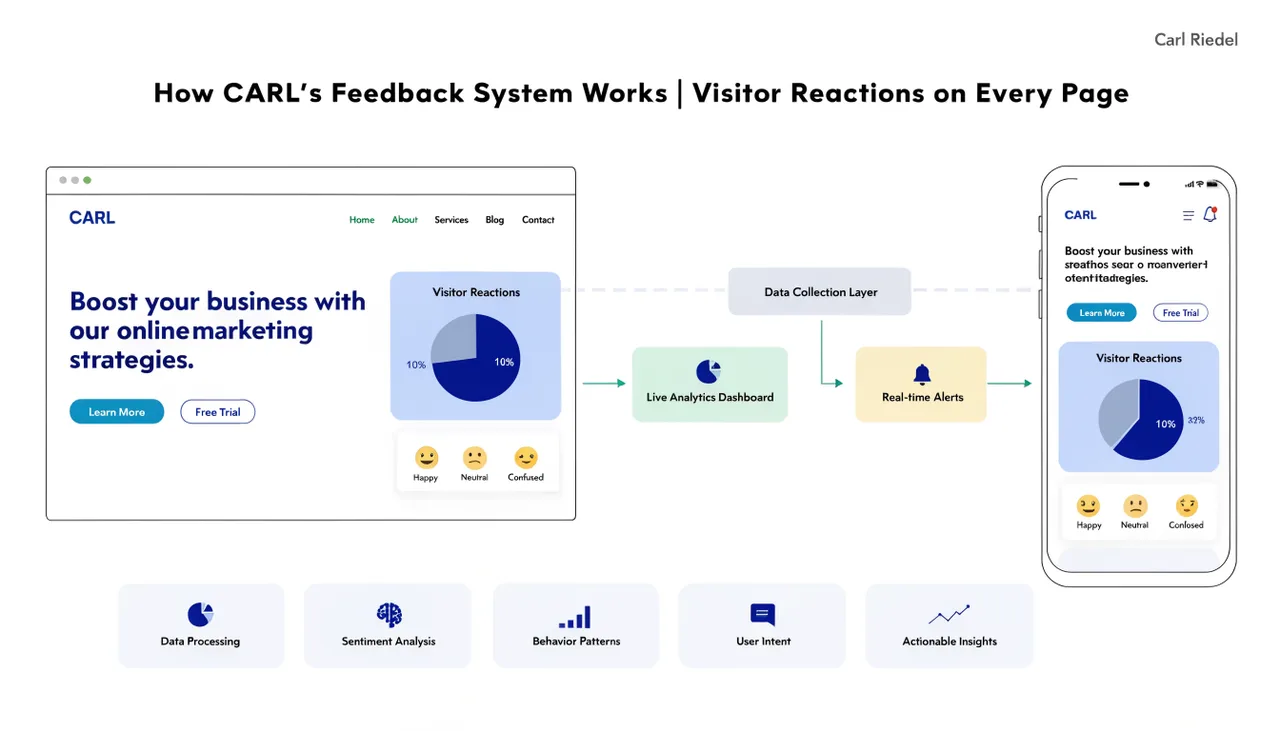
How CARL's Built-In Analytics Work
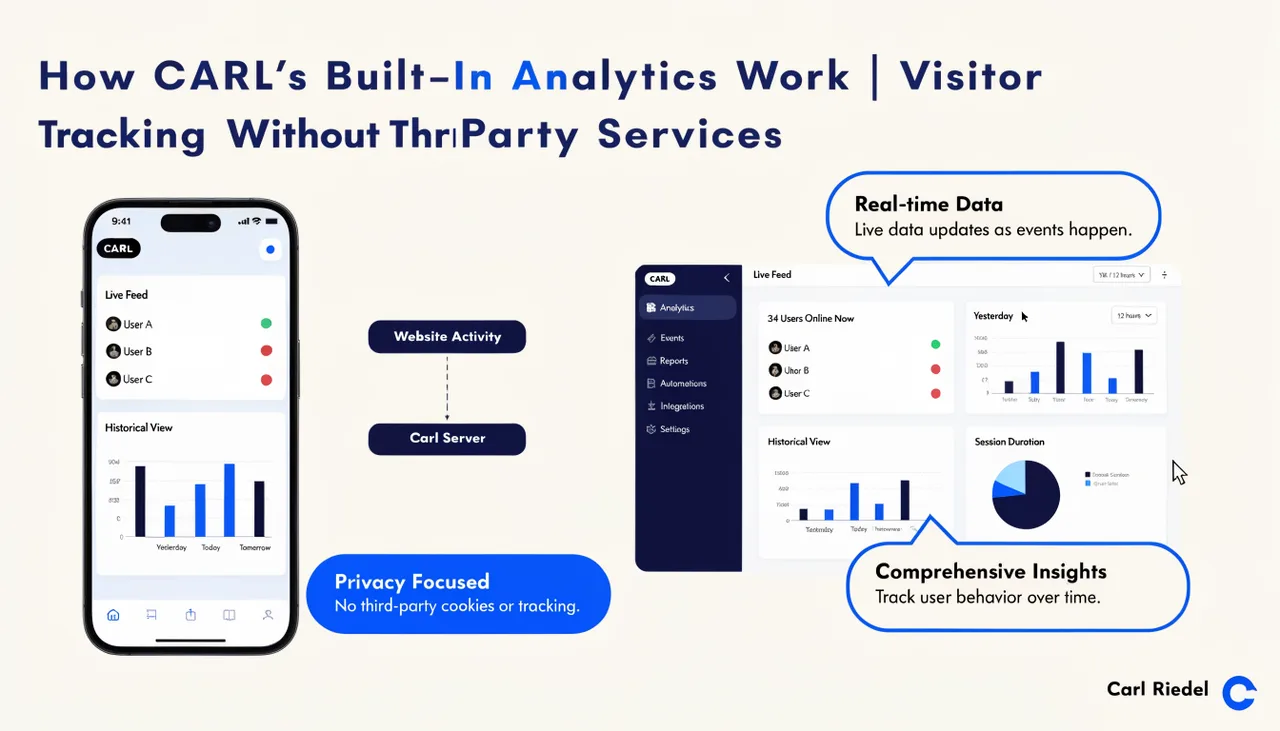
CARL includes a built-in analytics system that tracks visitor activity directly on your server. No third-party service required, no data leaving your hosting account, no cookie consent banner forced on you by a tracking platform you don't control. The data is yours, and it stays on your server.
How Tracking Works
When a visitor loads a CARL page, a lightweight JavaScript beacon fires in the background and sends pageview data to a tracking endpoint on your server. The beacon captures the page URL, page title, referrer, and any UTM parameters present in the URL. A second beacon fires when the visitor leaves the page to record time on page. Both happen silently without affecting page load performance.
Bots are filtered automatically. CARL parses the visitor's user agent on every request and discards any hits identified as crawlers, spiders, or monitoring bots. Your view counts reflect real human visitors, not Google's crawl activity inflating your numbers.
What Gets Recorded
Each pageview record includes the URL, page title, referrer URL, referrer domain, and referrer type (organic search, direct, social, referral, or email). UTM parameters are captured and stored individually when present, so campaign traffic is clearly broken out. Device type, browser, operating system, and approximate geographic location are recorded for each visit.
Sessions are tracked using a short-lived cookie with a 30-minute inactivity window. A separate visitor cookie with a 30-day window identifies returning visitors. IP addresses are hashed before storage and never saved in plain text, so the system gives you meaningful audience data without retaining personally identifiable information.
The Analytics Dashboard
In the CARL admin panel, the Analytics dashboard shows an overview of pageviews, unique visitors, sessions, new visitor count, average time on page, and bounce rate for the selected period. Period filters cover the last 1, 7, 30, 90, or 365 days, with a custom date range option for anything in between. A trend indicator compares the current period against the previous equivalent period so you can see at a glance whether traffic is moving up or down.
Beneath the overview cards, the dashboard breaks down traffic by top pages, referrer sources, countries, devices, and browsers. Each breakdown lets you see where your traffic is coming from and which content is performing. The data updates in real time as new visits come in.
What It Doesn't Do
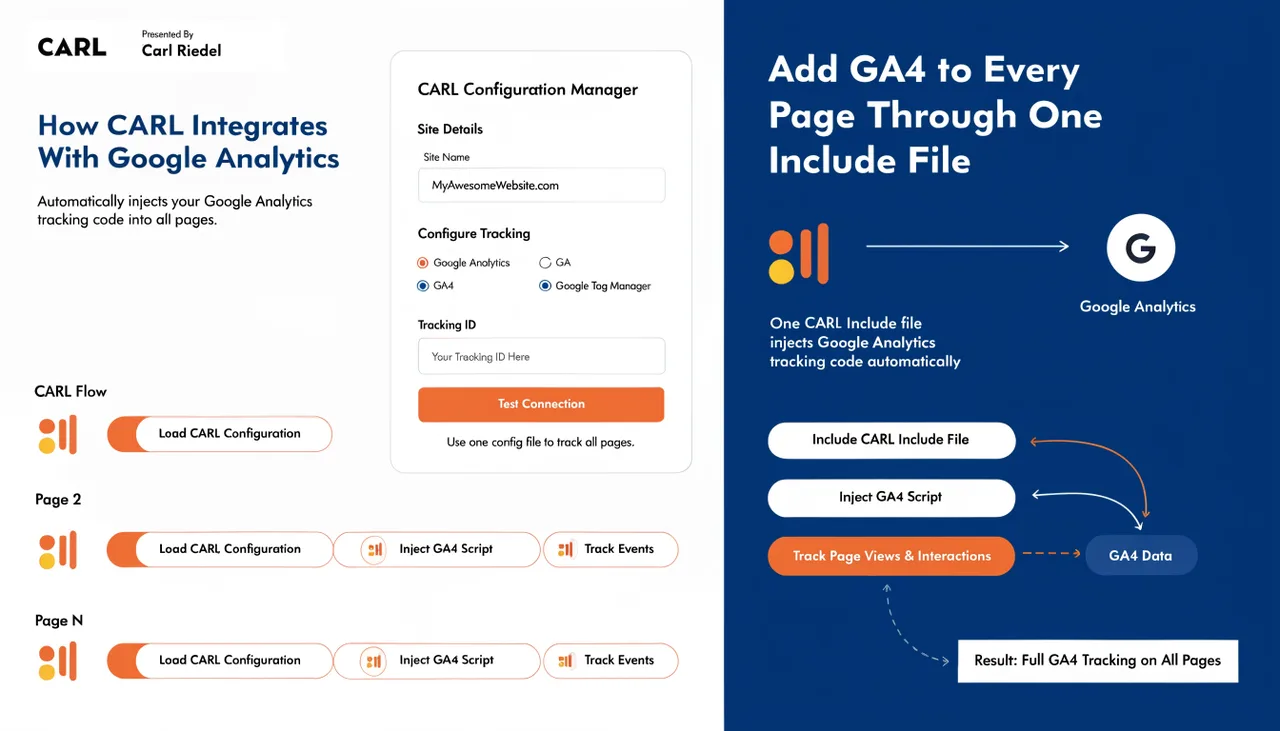
CARL's built-in analytics covers traffic patterns and content performance. It doesn't replace a full analytics platform if you need conversion funnels, goal tracking, or event-level reporting. For those use cases, adding GA4 through your header_scripts.txt include file runs both systems in parallel without any conflict. See How CARL integrates with Google Analytics for the setup steps.