How CARL's Affiliate Link Tracker Works
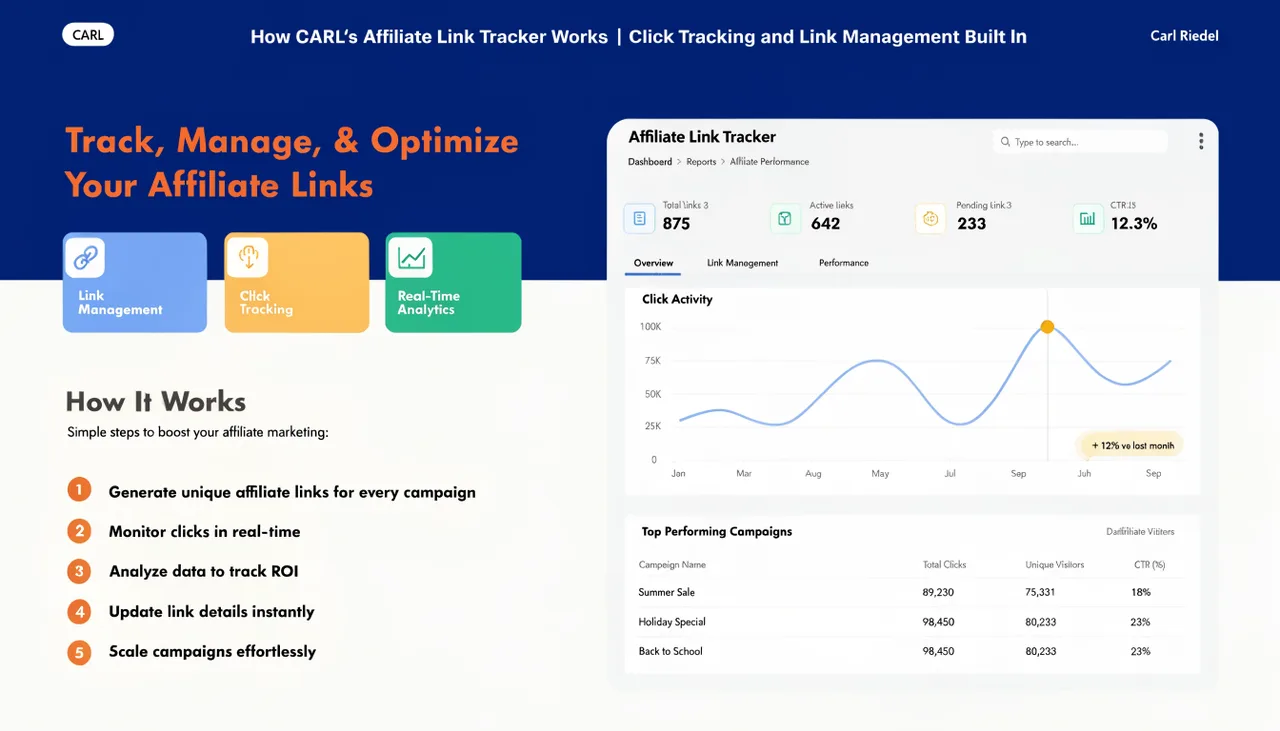
CARL's Link Tracker lets you create, manage, and track every affiliate and outbound link on your site from one place in the admin panel. Every click is logged, bots are automatically filtered out, and the data is stored on your own server with no third-party tracking service involved.
How Links Work
Each link you create gets a unique 6-character short code. When a visitor clicks the link, they're routed through go.php on your site using a URL in the format yoursite.com/go.php?code=XXXXXX. CARL logs the click, resolves the destination, and sends the visitor on their way. The whole process takes milliseconds.
Links can be organized into groups, making it much cleaner to manage large numbers of affiliate links across multiple programs or campaigns. Each group has its own name and slug, and reports can be filtered by group to isolate performance by campaign or affiliate program.
Redirect Types
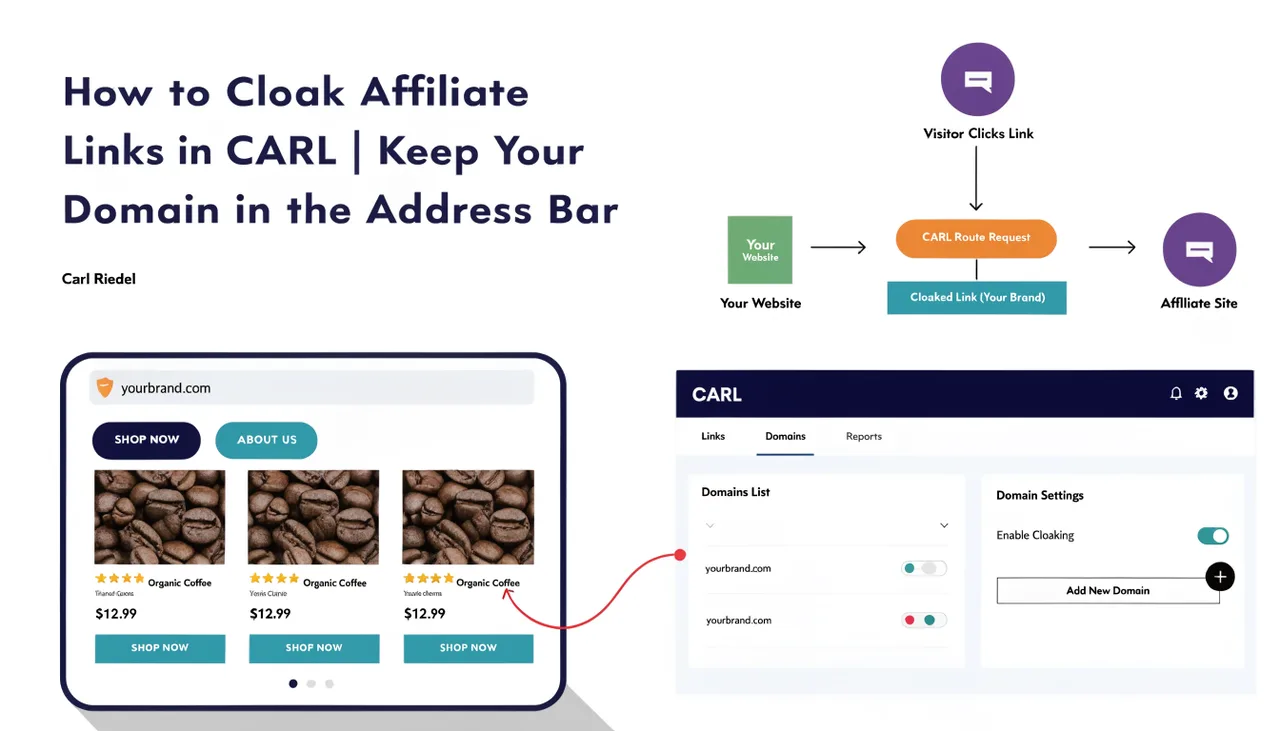
Each link is assigned one of four redirect types. A 301 sends a permanent redirect to the destination. A 302 sends a temporary redirect. The two cloaking options keep your domain in the browser's address bar throughout the visit: iframe cloaking loads the destination inside a full-screen frame, and JavaScript cloaking bounces the visitor instantly via a client-side redirect while serving a noindex page to search engines. For more details on when to use each option, see How to cloak affiliate links in CARL.
UTM Parameters
Each link has optional UTM fields: source, medium, campaign, term, and content. When a visitor clicks a link with UTM parameters configured, the CARL appends them to the destination URL automatically. This means your affiliate traffic appears correctly segmented in Google Analytics, without you having to manually build UTM URLs for every link.
Click Logging
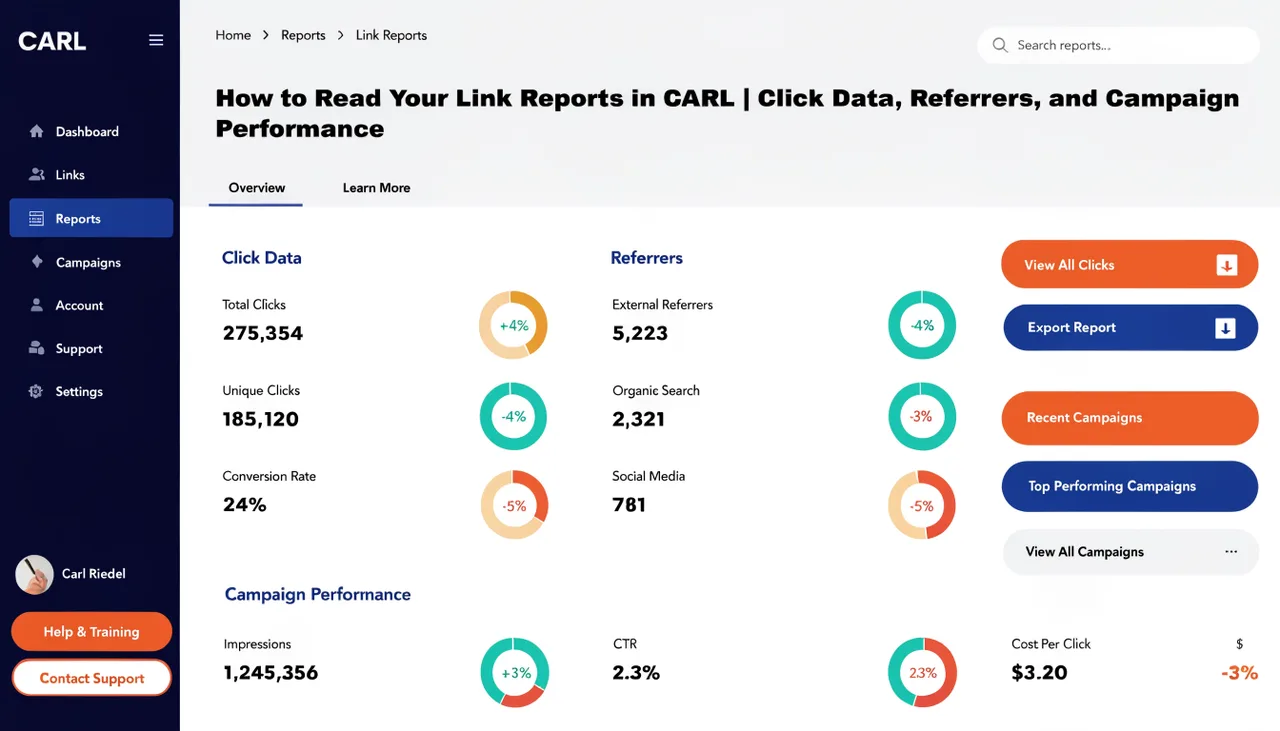
Every click is logged with the timestamp, referrer URL, country code, and user agent. IP addresses are hashed before storage, so raw visitor IPs are never retained. Bot detection runs on every click using a pattern list that covers search engine crawlers, SEO tools, uptime monitors, and common HTTP clients. Bot clicks are logged separately and excluded from your human-click totals, so your performance data stays clean.
Managing Links
From the Link Tracker dashboard in the admin panel, you can create new links, edit existing ones, toggle any link active or inactive without deleting it, and see a running human click total for each link at a glance. Inactive links return a 404 rather than redirecting, allowing you to pause a link during a campaign without removing it from your pages.