How to Create a Members-Only Content Area in CARL
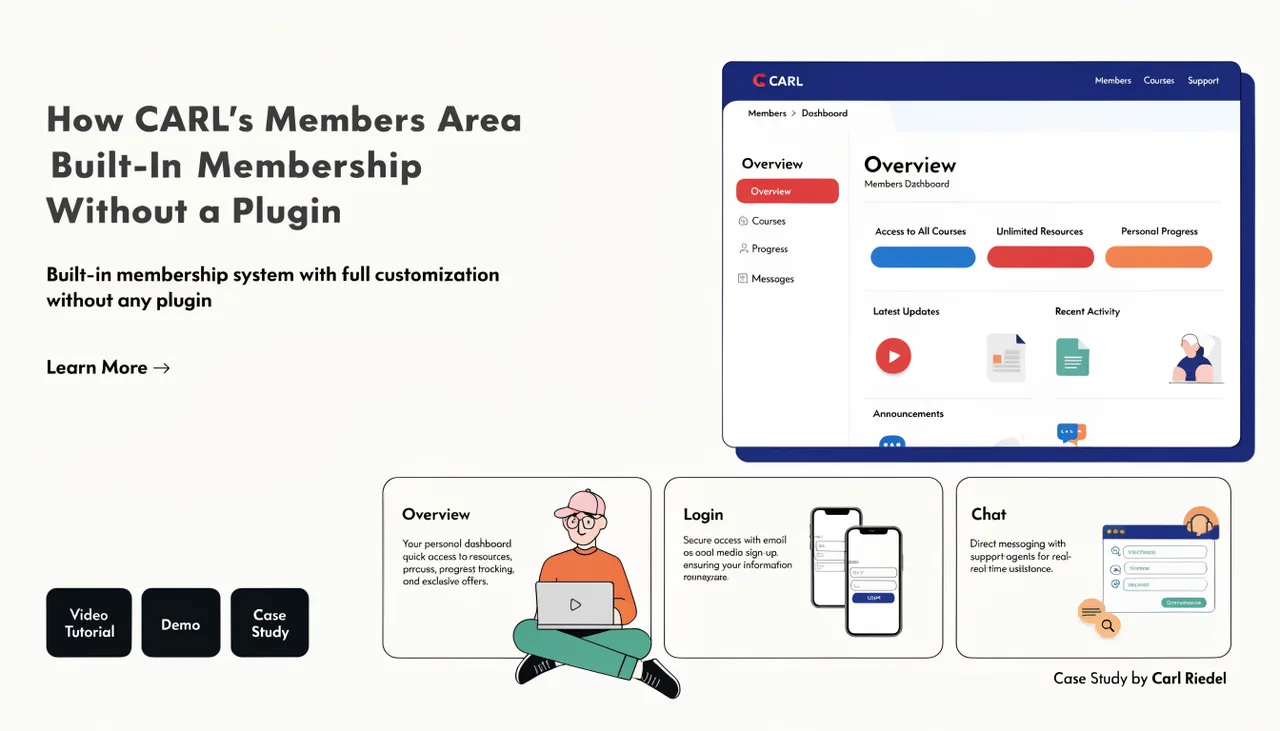
A members-only content area in CARL is a section of your site where some or all pages require a login to view. You can run free and premium tiers on the same site, with different pages accessible to each level. The setup is entirely managed through the page editor and your Members settings, with no code required.
Plan Your Access Structure First
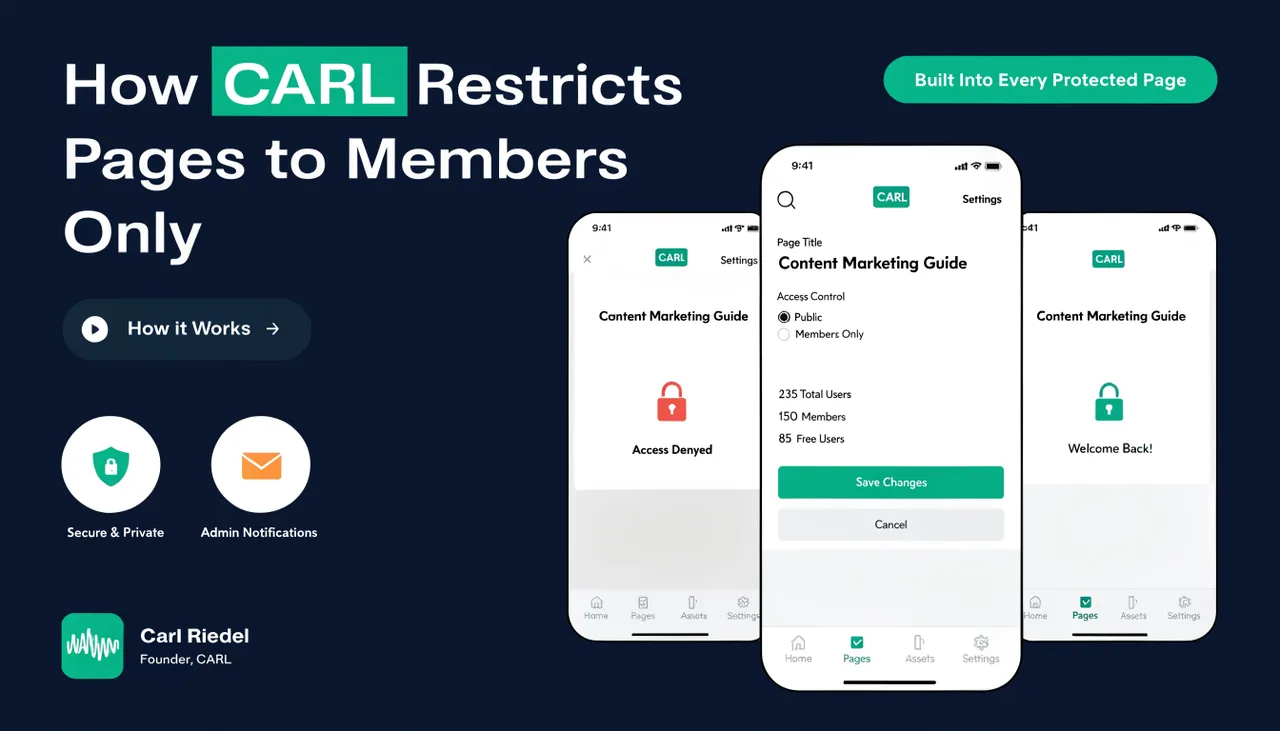
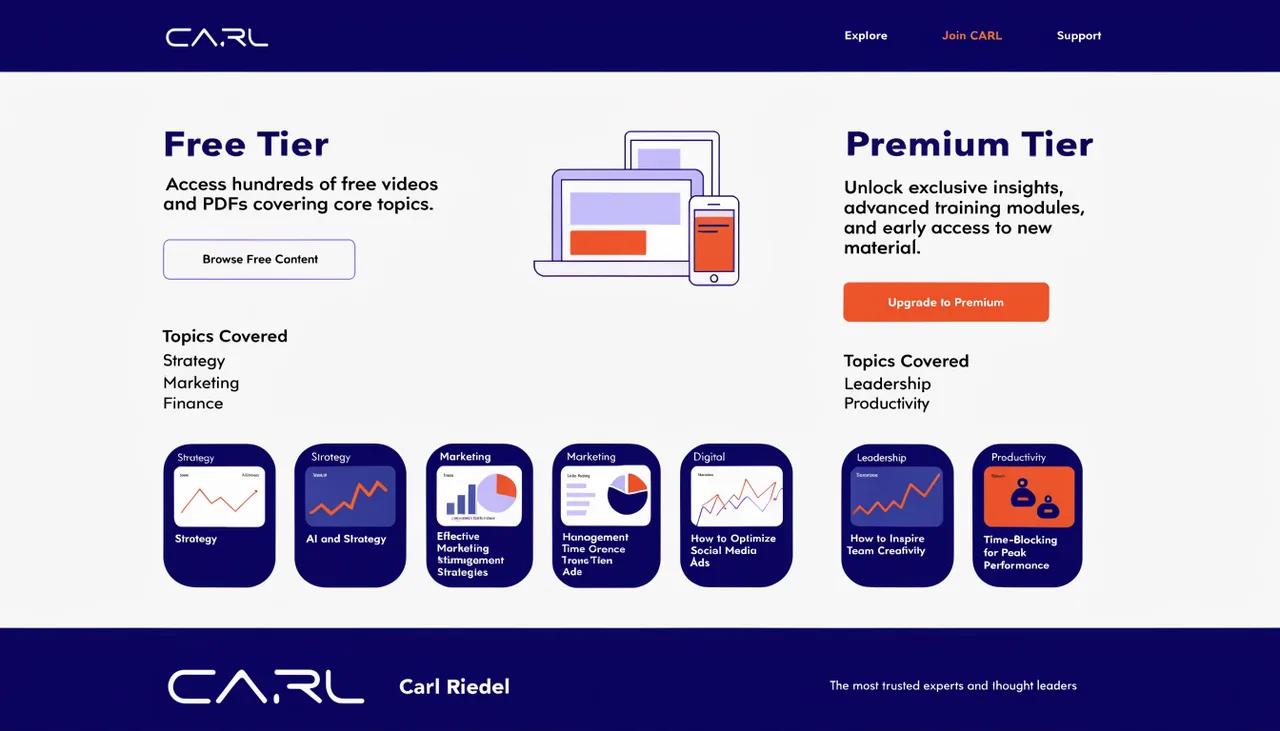
Before creating any pages, decide which content is public, which is free-member-only, and which is premium-only. CARL supports three states for any page: public (accessible to all logged-in members), accessible to all logged-in members, or accessible to premium members only. A clear structure before you start saves you from having to change access levels and regenerate pages later.
Set Up the Member Pages
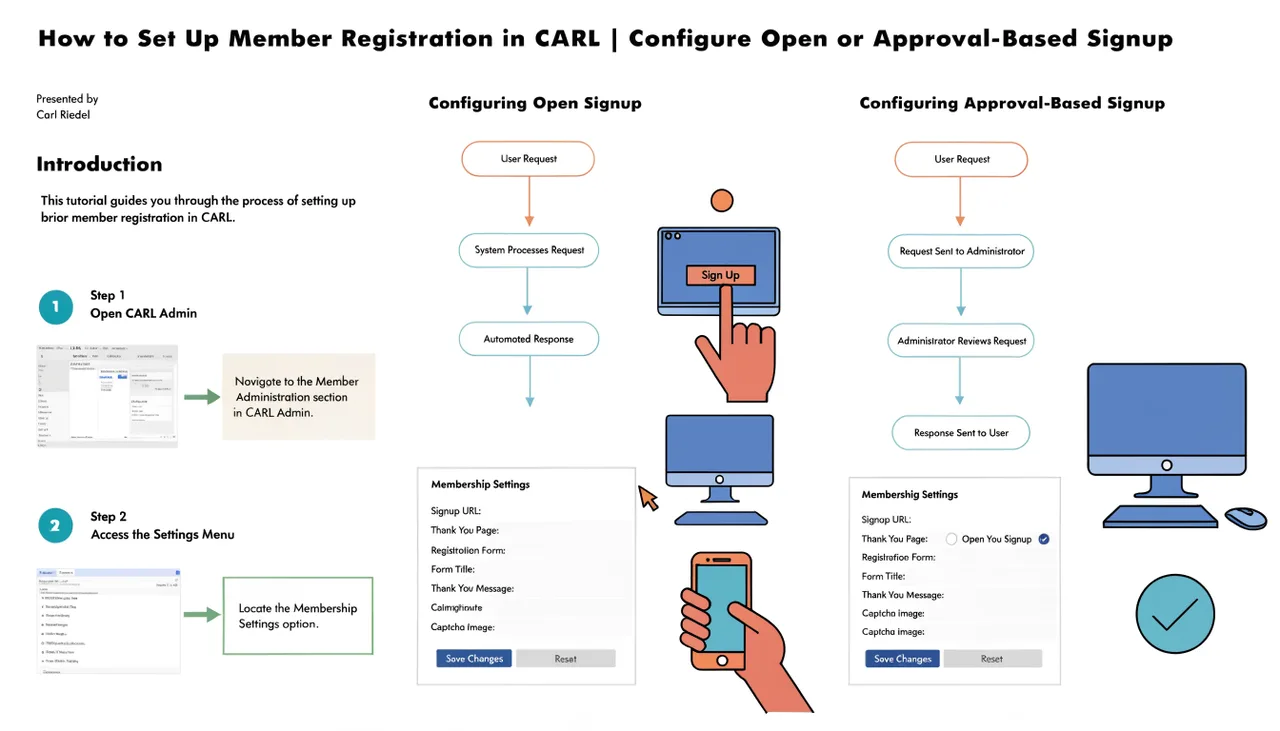
Your members' area needs a small set of supporting pages: a registration page, a login page, a member dashboard, and an upgrade page for logged-in visitors trying to access premium content. Create these first using the appropriate CARL member templates before you start restricting any content pages.
The login page must be at /members/login.php since that's where CARL's access guard redirects unauthenticated visitors. For the full setup walkthrough, see How to set up member registration in CARL.
Restrict Your Content Pages
With the supporting pages in place, open any content page you want to protect in the CARL page editor. Find the members' access setting and select the required level: free membership or premium. Save and generate the page. The access guard is written into the file at that point. Repeat for every page you want to restrict.
There's no requirement that all protected pages use the same access level. You can have a mix of public articles, free-member guides, and premium content on the same site. Each page has its own access level.
Directing Visitors to Register
Public pages that preview your members' content are your main conversion tool. Link to the registration page from those public pages at the natural point where a visitor would want more. A public introduction page that ends with a clear call to action linking to registration converts better than a wall that simply redirects visitors without explanation.
Managing the Content Area Over Time
As your members area grows, use the Members dashboard to monitor signups, approve pending registrations if you're running approval mode, and upgrade free members to premium when appropriate. If you restructure your access levels at any point, remember to regenerate the affected pages so the updated guard code is written to disk. The content itself doesn't change during a regeneration, only the access rules embedded in the file.