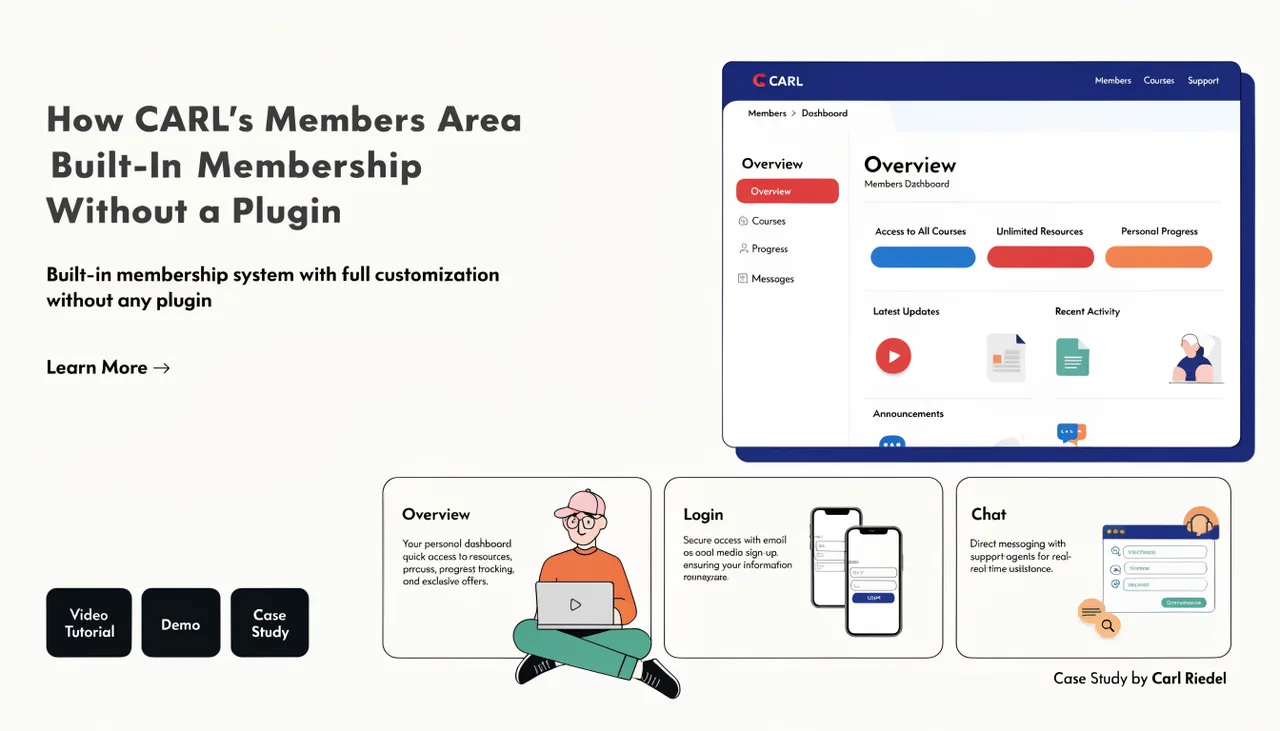
How CARL Restricts Pages to Members Only
When you generate a members-only page in CARL, the access control code is written directly into the page file. There's no middleware, no separate authentication layer, and no request routing through the admin panel. The protection is built directly into the file that lives on your server.
How the Guard Works
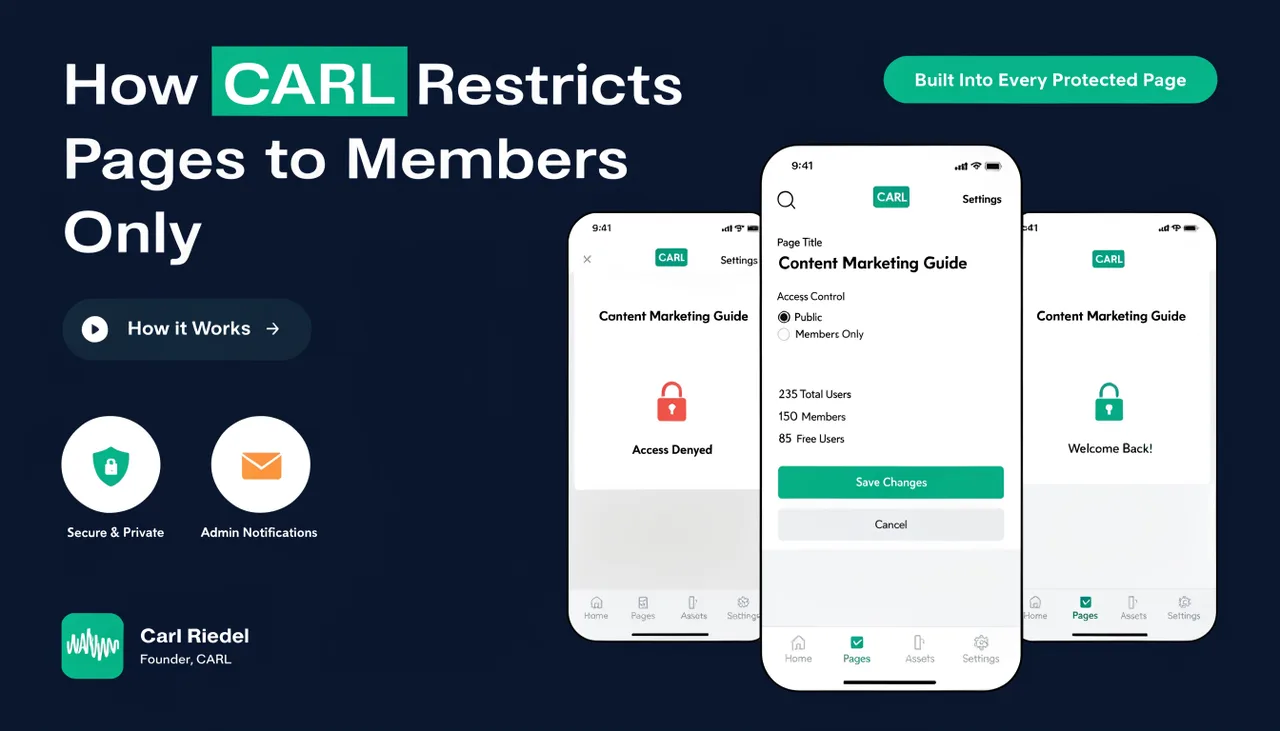
At the top of every protected page CARL generates, an access guard is injected before any content is rendered. The guard reads the member session cookie, validates the token against the database, confirms the account is active, and checks the member's access level against the level required for that page. All of this happens before a single line of page content is sent to the browser.
If the visitor has no valid session cookie, they're redirected to /members/login.php with the current URL attached as a redirect parameter. After logging in, they're returned to the page they were trying to reach. If they're logged in but their access level is too low, they're redirected to /members/upgrade.php instead.
Setting the Required Access Level
When creating or editing a page in CARL, the members' access setting lets you choose which membership level is required: free or premium. Free-level pages are accessible to any logged-in member regardless of their tier. Premium-level pages are restricted to members with premium access only. Pages with no access restriction are public and visible to everyone.
What Happens if the Database Is Unavailable
Because the guard makes a database call to validate the session, a protected page cannot be served if the database is down. The guard will fail to load the session and treat the visitor as unauthenticated, redirecting them to the login page. This is the correct behavior: it's better to redirect than to accidentally serve protected content. Your public pages, which have no guard code, are unaffected and continue to load from disk as normal.
Regenerating Protected Pages
If you change the access level setting on a page after it has already been published, you need to regenerate the page for the change to take effect on disk. The guard code embedded in the existing file still reflects the old setting until you regenerate. Use bulk regenerate when updating access levels across many pages at once.