How CARL's Download Tokens Work
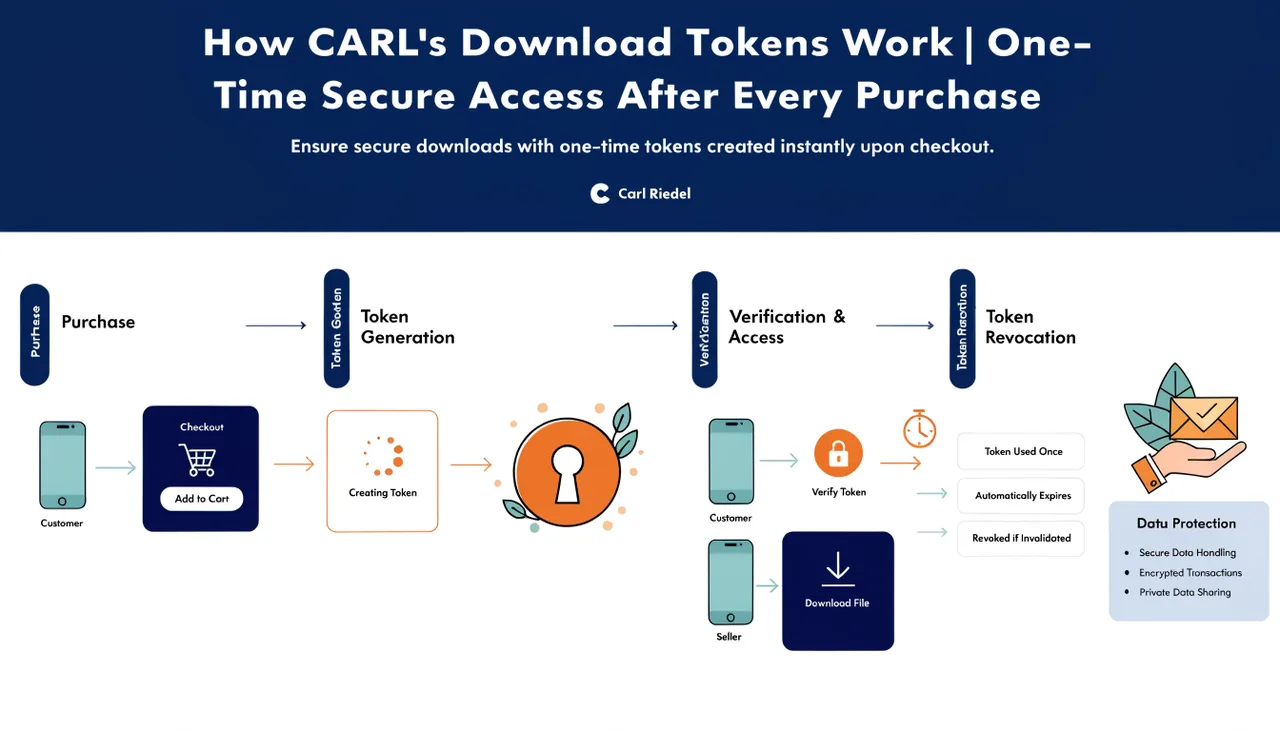
Every purchase made through CARL's Downloads module generates a unique download token. That token is the buyer's key to their file. It's tied to a specific purchase, valid for a limited time, and usable a limited number of times. Once it expires or is used up, it stops working. The file stays protected, and access stays controlled.
What a Token Actually Is
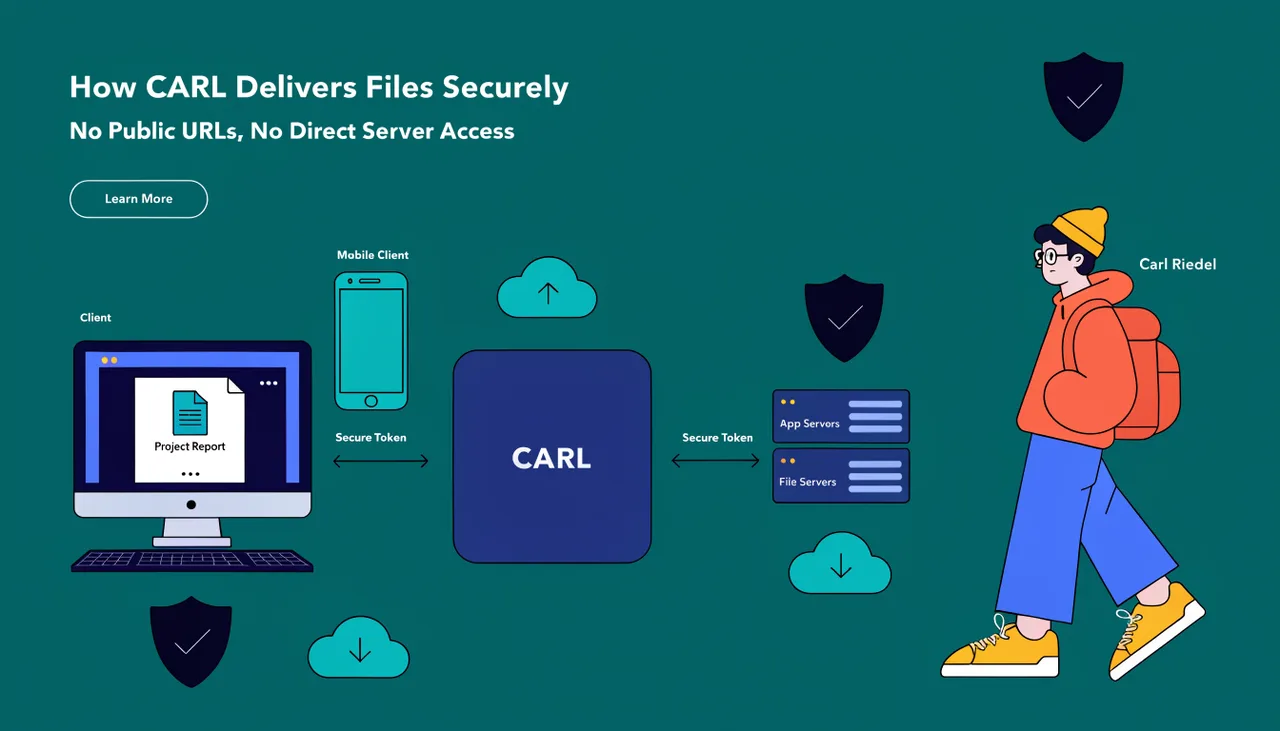
A download token is a randomly generated string stored in CARL's database alongside the purchase record to which it belongs. When a buyer clicks their download link, the URL contains that token as a parameter. CARL's delivery script reads the token, looks it up in the database, checks its validity, and either streams the file or returns an error. The token is the only thing standing between the request and the file.
Because the token is random and generated fresh for each purchase, there's no way to guess or construct a valid one. A buyer can't share their link with someone else and expect it to work indefinitely because the token has an expiry and a usage limit.
Expiry and Use Limits
When you set up a product in CARL's Downloads module, you configure how long the token remains valid and how many times it can be used. A token might be valid for 48 hours and allow three downloads, giving the buyer enough flexibility to download on multiple devices without leaving access open indefinitely. Once the expiry time passes or the use count is reached, whichever comes first, the token stops working.
These limits are practical rather than restrictive. Most buyers download a file once or twice immediately after purchase. The limits exist to prevent a download link from circulating as permanent free access to your product, not to create friction for legitimate customers.
What Happens When a Token Is Checked
When the delivery script receives a download request, it runs through a short sequence of checks: does this token exist in the database, is it linked to a completed purchase, has it expired, has it exceeded its use limit? If every check passes, the script increments the use count, streams the file to the browser, and completes the download. If any check fails, the request stops there.
The file never moves to a public URL at any point in this process. It stays in its protected directory on the server and is streamed directly to the buyer by the delivery script. The token is consumed in the transaction; the file is not.
Tokens and the Purchase Record
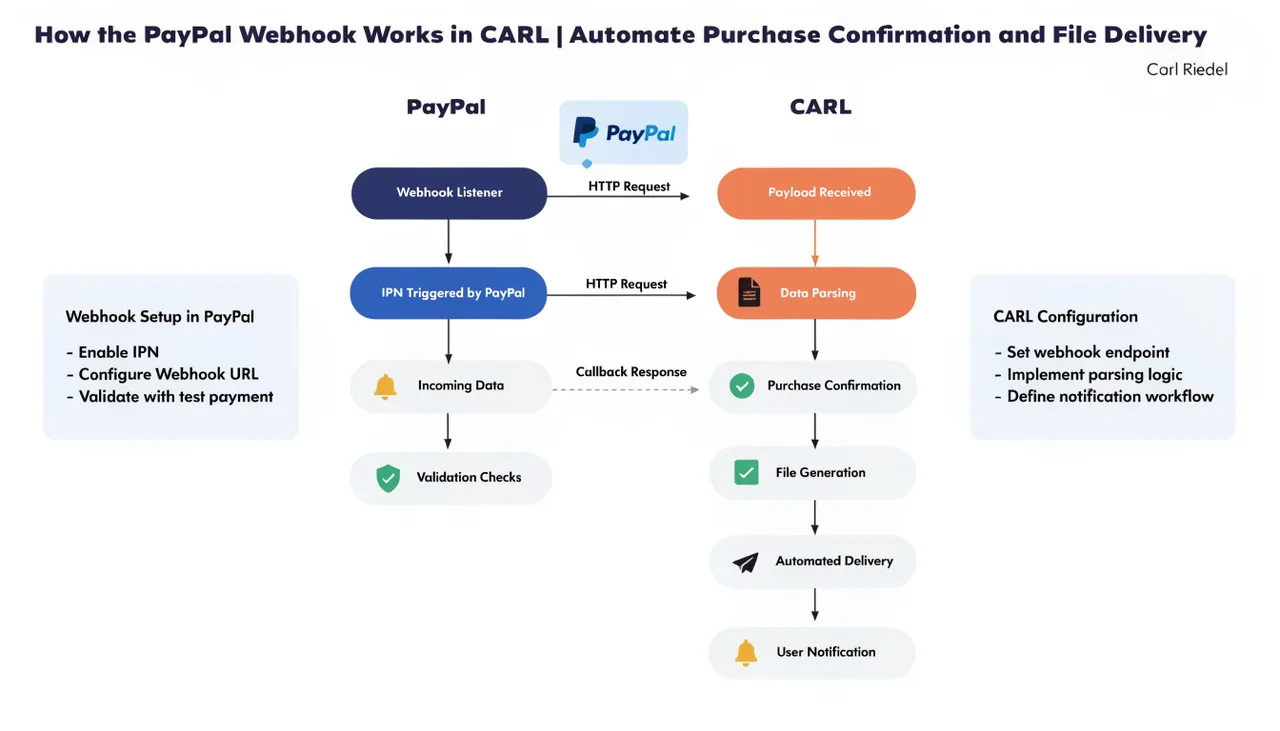
Every token is attached to a purchase record in CARL's database. That record contains the buyer's details, the product they purchased, the PayPal payment confirmation, and the issued token. If a buyer contacts you with a download problem, you can look up their purchase record, check the token status, and issue a replacement if needed. The full history is there.
For a complete picture of how tokens fit into the purchase flow from start to finish, see How selling digital downloads works in CARL.