How the PayPal Webhook Works in CARL
When a buyer completes a purchase on PayPal, CARL needs to be notified immediately so it can generate a download token and send the buyer their download link. That notification comes through a PayPal webhook: an automated HTTP request that PayPal sends to your server the moment a payment is confirmed. Understanding how that process works helps you set it up correctly and troubleshoot it if something goes wrong.
What a Webhook Is
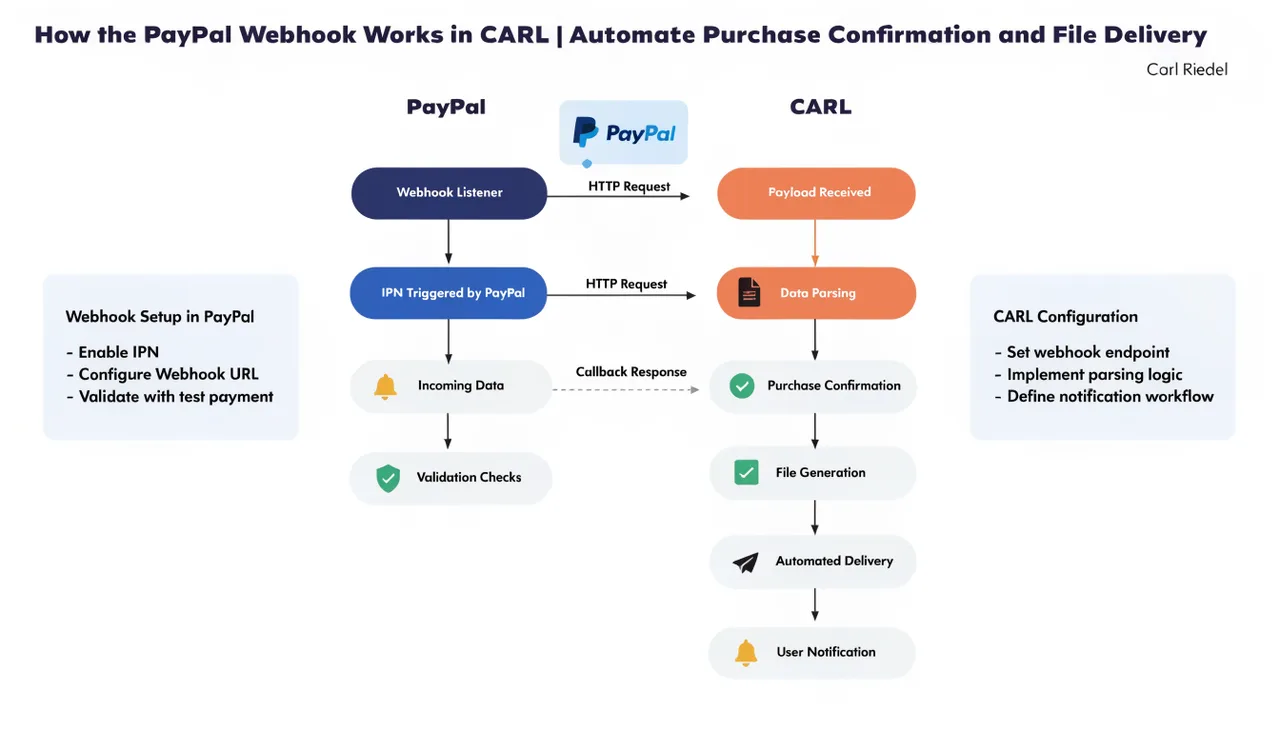
A webhook is a server-to-server notification. Instead of your site polling PayPal repeatedly to check whether a payment has come through, PayPal takes the initiative and posts a notification directly to a URL you specify. The moment a payment is confirmed on PayPal's end, their system sends a POST request to your webhook URL with the transaction details. Your server receives it, processes it, and acts on it.
The entire exchange takes seconds and requires no action from the buyer. They complete the payment, PayPal fires the webhook, CARL processes it, and the buyer receives their download email before they've had time to wonder what happens next.
What CARL Does When the Webhook Fires
When PayPal's webhook hits CARL's endpoint, CARL verifies the notification's authenticity by checking it against PayPal's verification API. A notification that fails verification is discarded. This prevents anyone from spoofing a payment confirmation to trigger a download without actually paying.
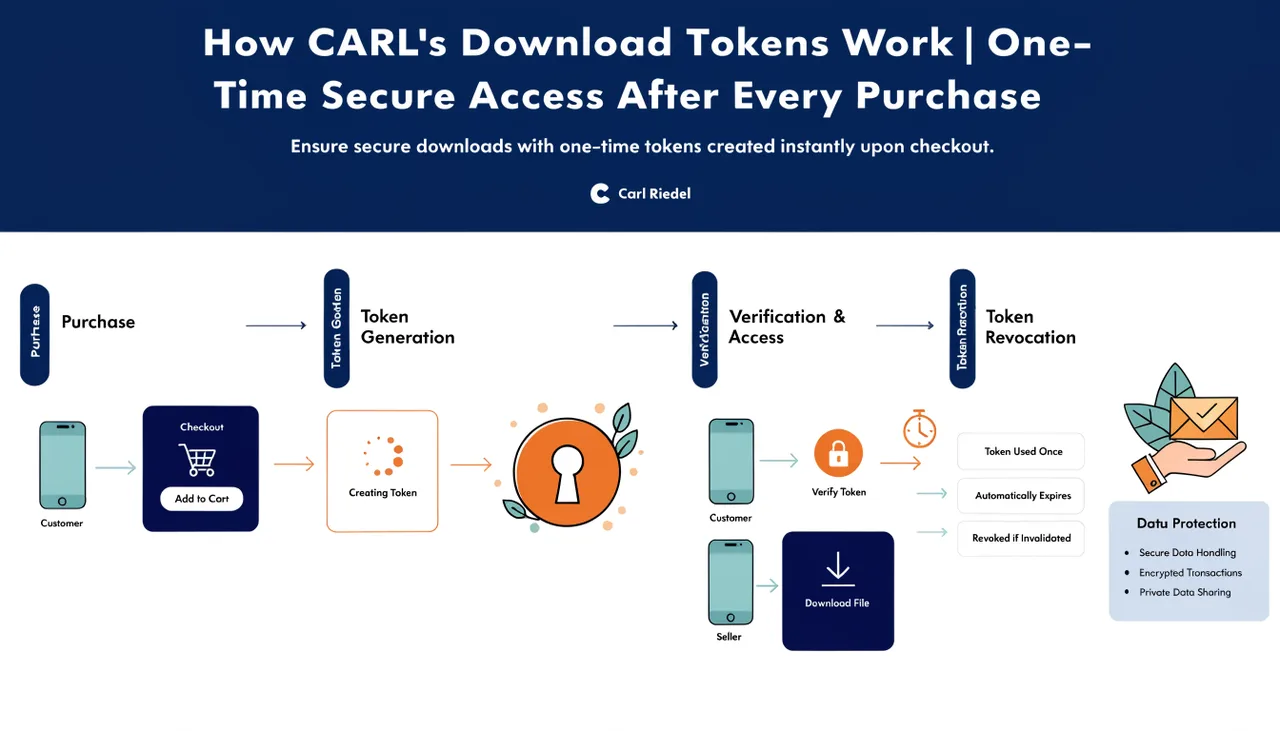
Once the notification is verified, CARL checks the payment details against the product record, confirms the purchase in the database, generates a unique download token, and sends the buyer an email with their download link. All of that happens automatically on the server side, with no manual step required from you.
The Webhook URL
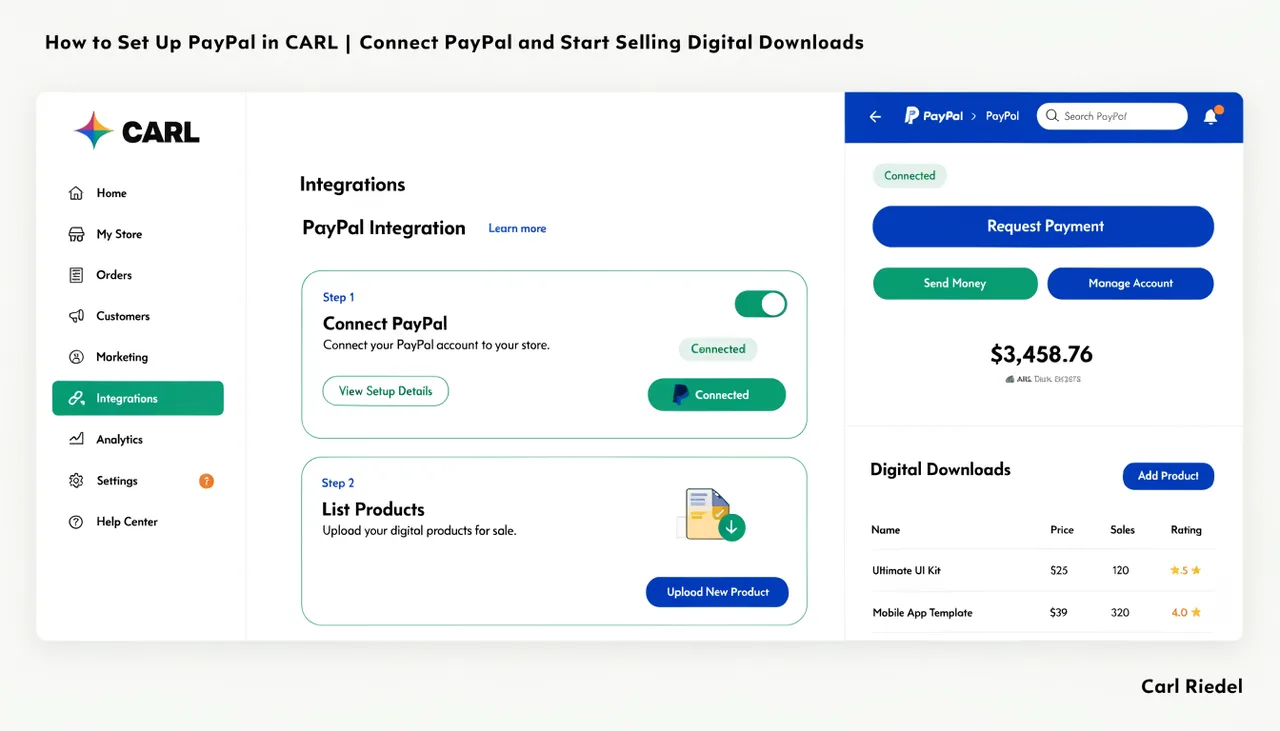
Your CARL install has a dedicated webhook endpoint that PayPal posts to. You register this URL in your PayPal developer account when you set up PayPal in CARL. The URL follows a consistent pattern based on your domain and your CARL install location. CARL's settings panel shows you the exact URL to use.
The webhook URL needs to be publicly accessible. PayPal's servers are posting to it from outside your network, so it can't be behind a login, a firewall rule that blocks external requests, or a development environment that isn't reachable from the internet. A live cPanel hosting account on a public domain works without any additional configuration.
What Happens If the Webhook Fails
If PayPal's webhook notification doesn't reach your server, or if CARL returns an error response, PayPal will retry the notification several times over a period of hours before giving up. Most transient failures, brief server downtime, and temporary network issues resolve themselves before PayPal exhausts its retries.
If a buyer completes a payment but doesn't receive their download email, the first place to check is the webhook log in your PayPal developer dashboard. It shows every notification PayPal attempted to send, the response your server returned, and whether the delivery succeeded. Cross-reference that with the purchase records in CARL's admin to identify exactly where the process stopped.
Keeping the Webhook Secure
CARL verifies every incoming webhook notification against PayPal's API before acting on it. That verification step is non-optional and happens before any purchase record is created or any token is issued. Beyond that, your webhook URL should be treated like any other sensitive endpoint: don't share it publicly, keep your PayPal API credentials securely stored in CARL's settings, and ensure your admin directory is protected as described in How CARL handles admin authentication.