How CARL Handles Canonical URLs
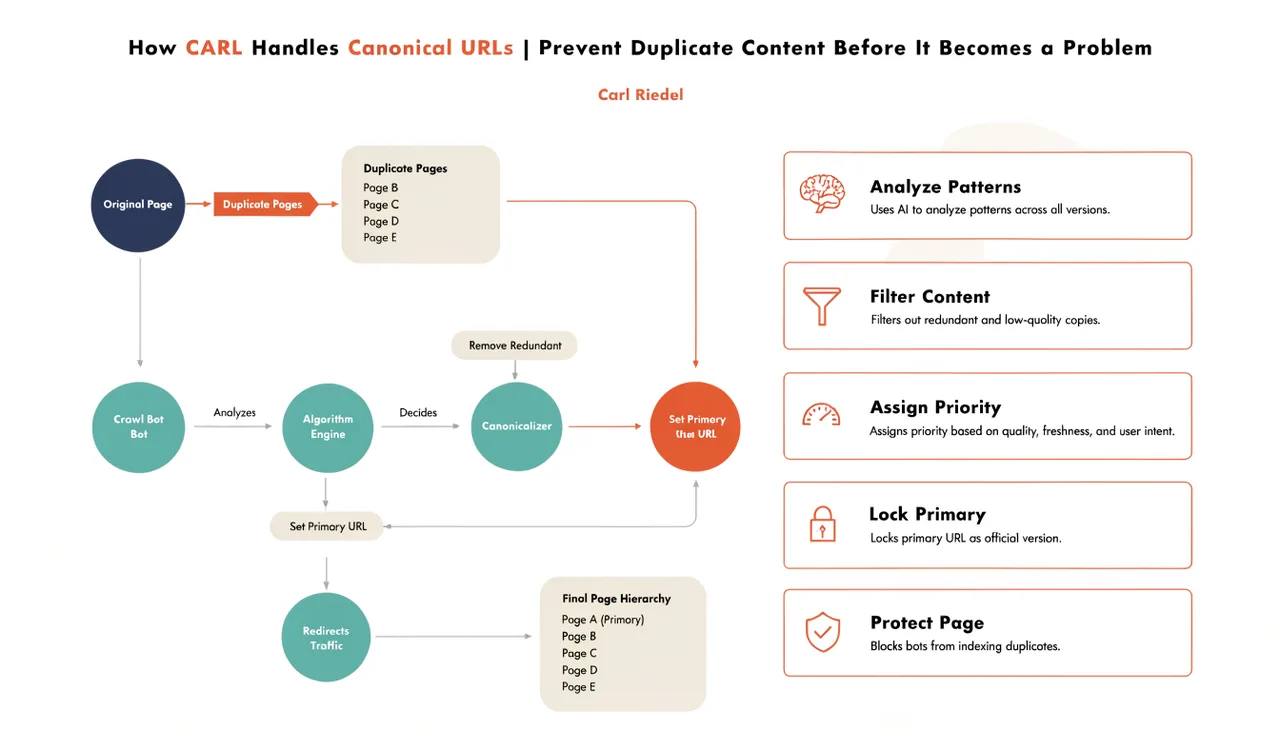
A canonical URL tells search engines which version of a page is the authoritative one. Without it, Google can interpret minor URL variations as separate pages with duplicate content and split the ranking signals that should be concentrated on one URL across several. CARL handles canonicals at the page level, giving you direct control over what gets declared in every generated file.
How CARL Sets the Canonical Tag
Every page in CARL has a Canonical URL field in the page editor. Whatever you enter there gets written into a tag in the section of the generated PHP file. If you use the Generate Schema button, Claude writes the canonical tag as part of the complete head block and automatically appends it to the Head Injection field, along with the meta description, schema, and Open Graph tags. Either way, the canonical is present in the published file exactly as specified.
The canonical tag is written once at generation time and baked into the static file. There's no dynamic canonical generation on each page request, no plugin calculating the URL at runtime, and no risk of the tag being output incorrectly due to a caching layer interfering with PHP execution.
What the Canonical URL Should Be
For most pages, the canonical URL is simply the full URL of the page itself: https://yourdomain.com/directory/slug.php. Setting a page as its own canonical tells Google that this is the preferred version of the content and that there are no other versions it should defer to.
This is the correct setting for any page with unique content that you want indexed at its own URL.
The cases where you'd set a different canonical are less common but worth understanding. If you publish the same article on your site and on Medium, the canonical on the Medium version should point back to your original.
If you have a page accessible at two different URLs for technical reasons, set the canonical on both to point to the URL you want Google to index. CARL's canonical field handles both scenarios: just enter the URL you want declared as authoritative.
Canonicals and the Generate Schema Workflow
When you run Generate Schema, Claude writes the canonical tag based on the page URL and includes it at the end of the head block, after the Open Graph tags. The URL it uses is derived from your domain settings, the page's slug, and the directory. Check the Head Injection field after generating to confirm the canonical URL matches what you expect before publishing the page.
If the generated canonical isn't quite right, you can edit it directly in the Head Injection field before clicking Generate. The Head Injection content is written verbatim into the published file, so what you see in that field is exactly what lands in the page's .
Canonical Mismatches and Site Health
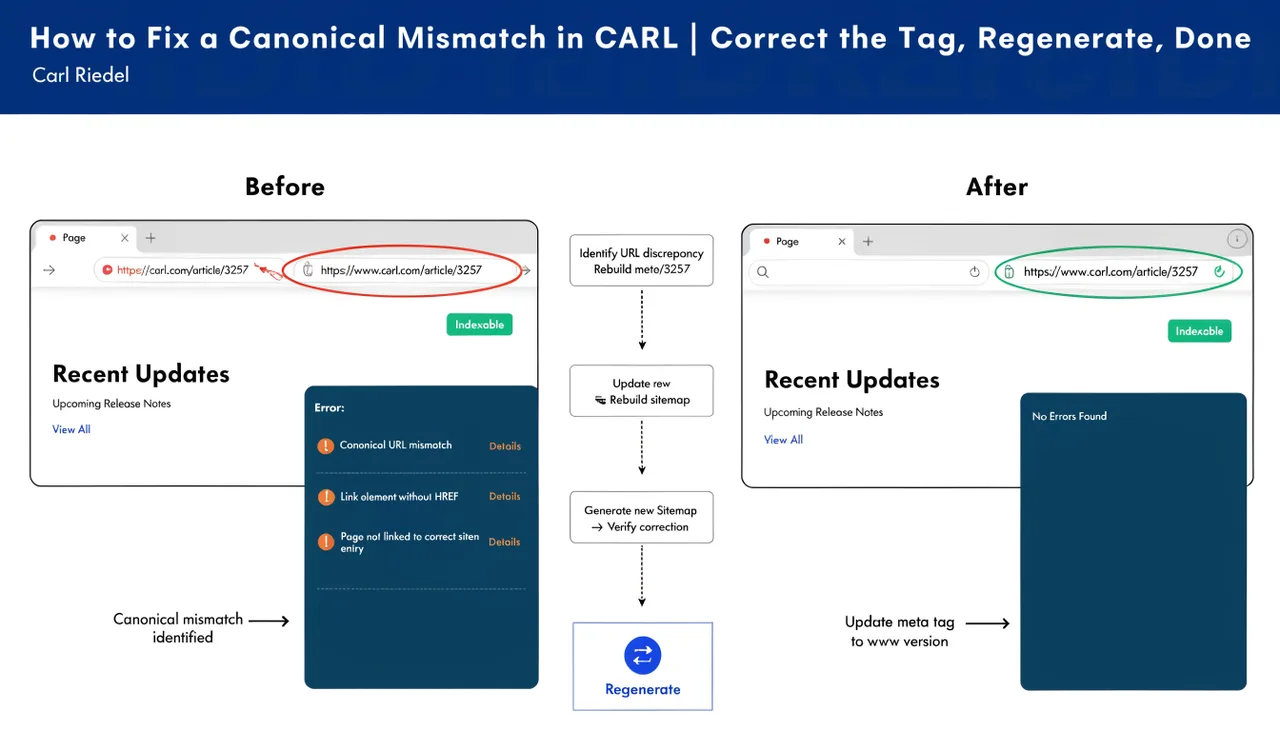
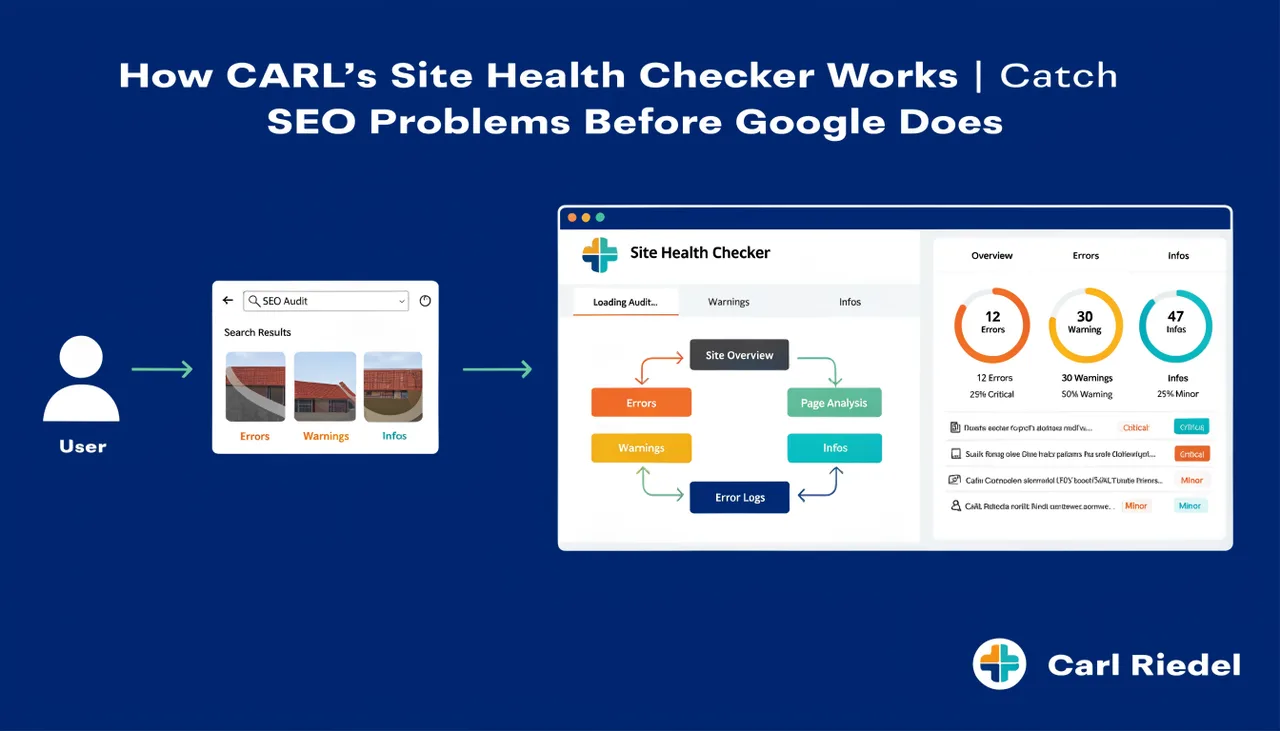
CARL's Site Health checker scans your published pages and flags canonical mismatches: cases where the canonical tag in the file doesn't match the page's actual URL. A mismatch typically means a page was generated with one URL, then moved to a different slug or directory without the canonical being updated. If Site Health flags a mismatch, the fix is straightforward: update the canonical in the Head Injection field and regenerate. For the full process, see How to fix a canonical mismatch in CARL.