How CARL Handles Open Graph Tags
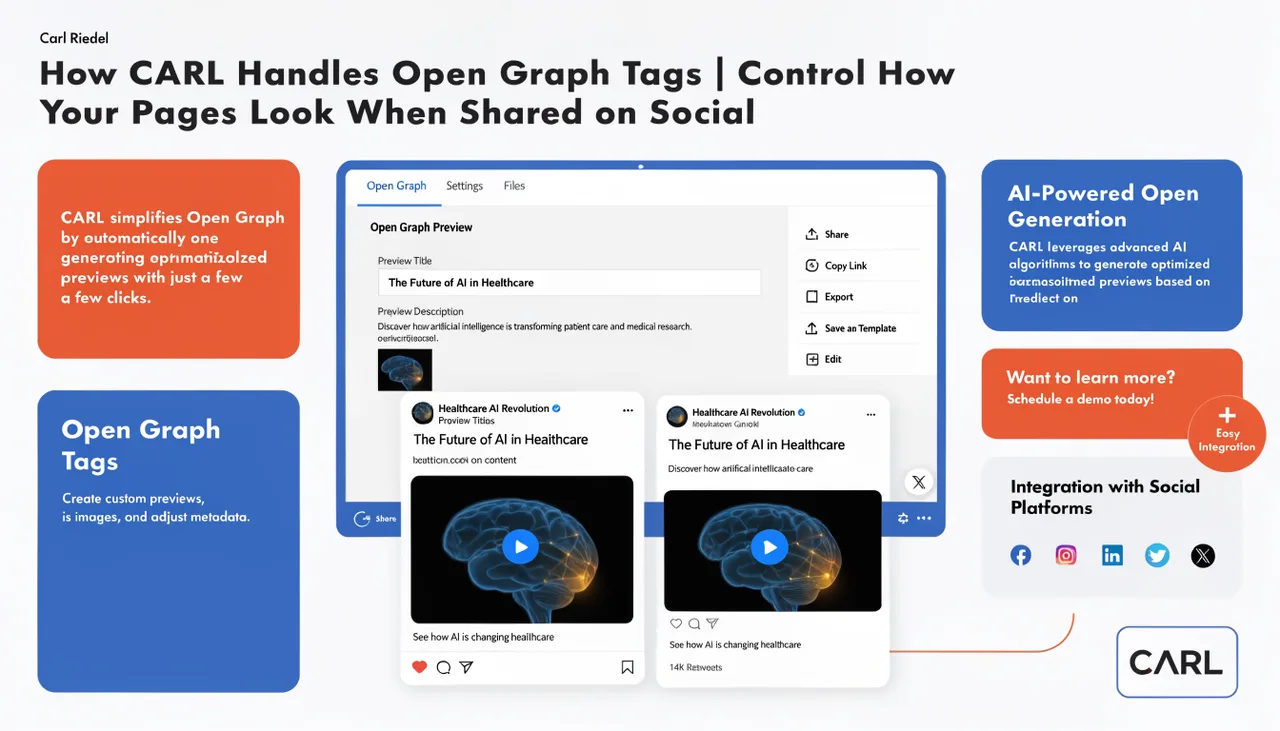
When someone shares one of your pages on Facebook, LinkedIn, or any other platform that reads Open Graph data, those platforms don't use your page title and meta description. They use the Open Graph tags: a separate set of meta tags in the page's that specify exactly what title, description, and image should appear in the shared preview. CARL handles these via the AI Schema Generator, with manual fields available when you need direct control.
What the Generate Schema Button Produces
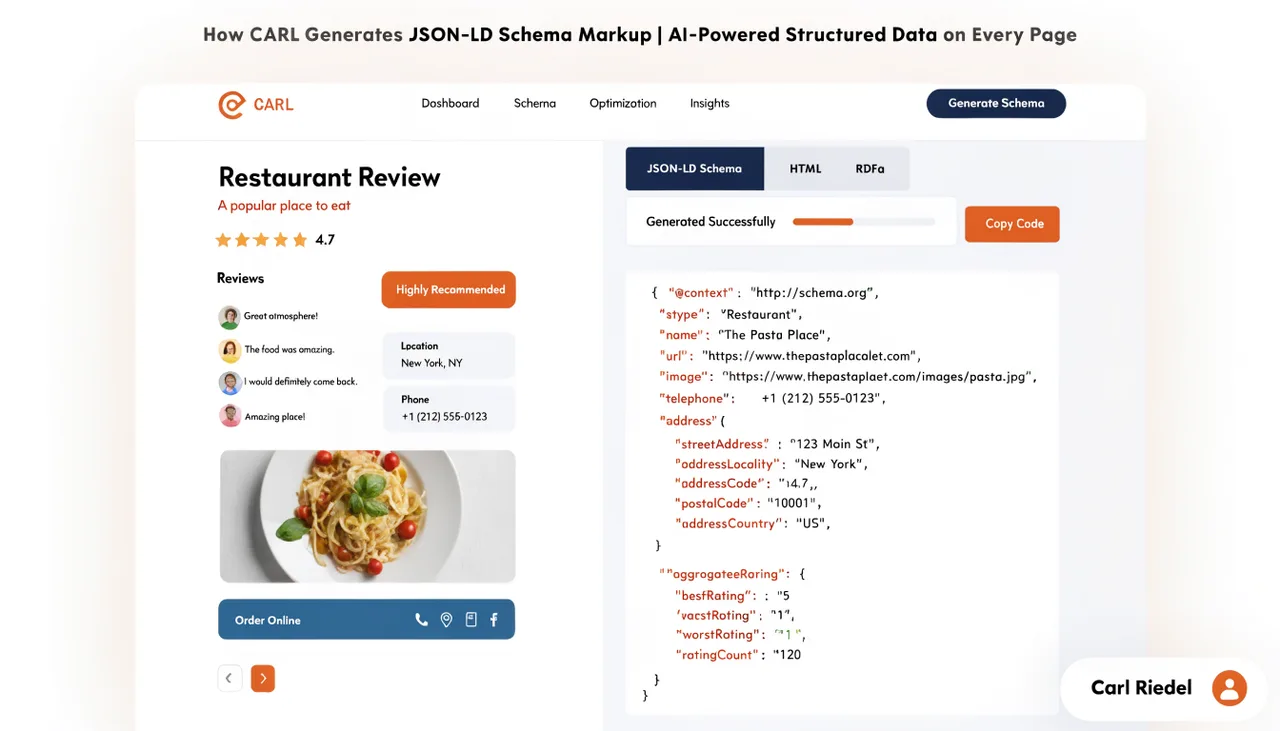
When you click Generate Schema, Claude writes a complete set of Open Graph tags as part of the head block it delivers to the Head Injection field. The block includes og:type, og:title, og:description, og:url, og:image, and og:site_name.
These are written based on your page content and title, formatted correctly, and appended to Head Injection automatically alongside the schema, Twitter Card tags, meta description, and canonical. One click covers the full set.
The og:image tag uses the featured image you've assigned to the page in CARL. If a featured image is present, Claude includes its URL in the Open Graph block. Social platforms pull that image when the page is shared, giving your links a visual presence in feeds rather than appearing as text-only previews.
Twitter Card Tags
Generate Schema also produces Twitter Card meta tags in the same pass. The Twitter Card block includes twitter:card set to summary_large_image, along with twitter:title, twitter:description, and twitter:image. These control how your pages appear when shared on X, using the large image format that gives shared links significantly more visual weight in the timeline than a plain text link.
Open Graph and Twitter Cards serve the same purpose on different platforms. Generate Schema handles both in one operation, so there's nothing to configure separately for social sharing once the head block is in place.
The Manual Override Fields
CARL's page editor includes manual fields for the Open Graph title, description, and image. These exist for cases where the AI-generated Open Graph copy isn't quite right for a specific page: a page where the social sharing framing should differ noticeably from the search framing, or a page where you want to test specific social copy. If you fill in the manual fields, those values override the generated ones when you regenerate.
For most pages, the manual fields stay empty. Generate Schema writes better-optimized Open Graph copy faster than filling in fields by hand, and the result is consistent with the rest of the head block it produces.
Open Graph Images
The image that appears in social shares is one of the highest-impact elements of a shared link. A relevant, well-composed image stops the scroll. A missing or generic image doesn't. CARL's Open Graph image tag points to the page's featured image, so the image you choose in the page editor is the one that appears when the page is shared.
Social platforms cache Open Graph data aggressively. If you update the featured image on a published page and regenerate, the new image tag will be in the file immediately, but platforms that have already cached the old data may continue showing the old image for a period. Facebook's Sharing Debugger and LinkedIn's Post Inspector both let you force a cache refresh if you need the update to appear immediately.
Baked In at Generation Time
Like every other element of CARL's SEO output, the Open Graph tags are written into the static PHP file at generation time. There's no dynamic tag assembly happening on each page request. When a social platform crawls your page to generate a preview, it reads the tags directly from the file. The tags are always present, always correctly formed, and served instantly from the static file without any PHP execution required to produce them.