How to Fix a Canonical Mismatch in CARL
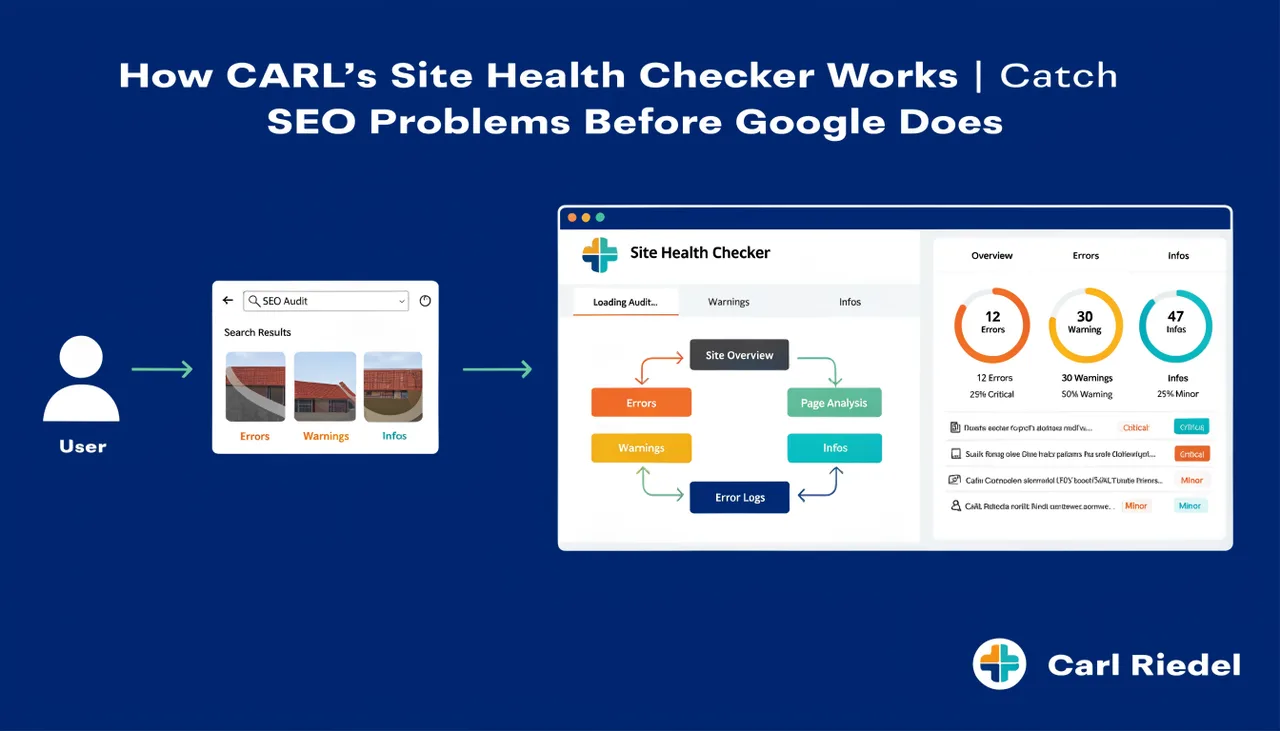
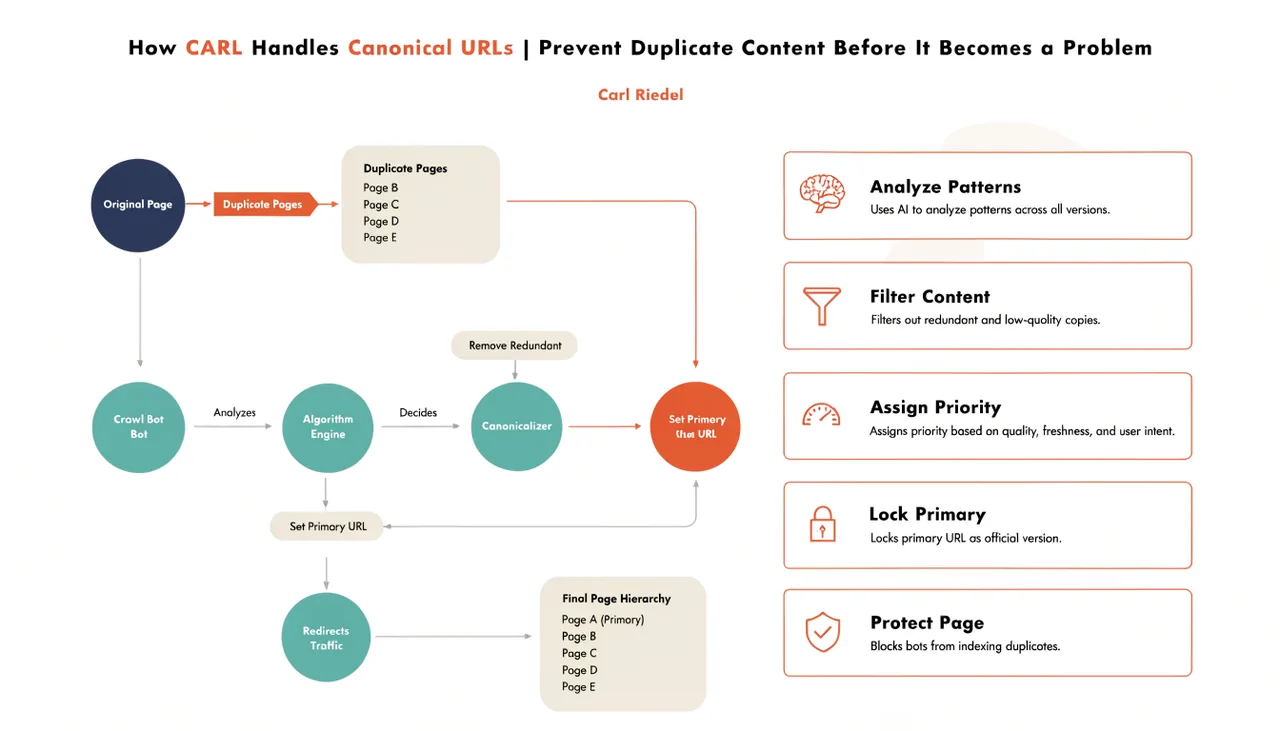
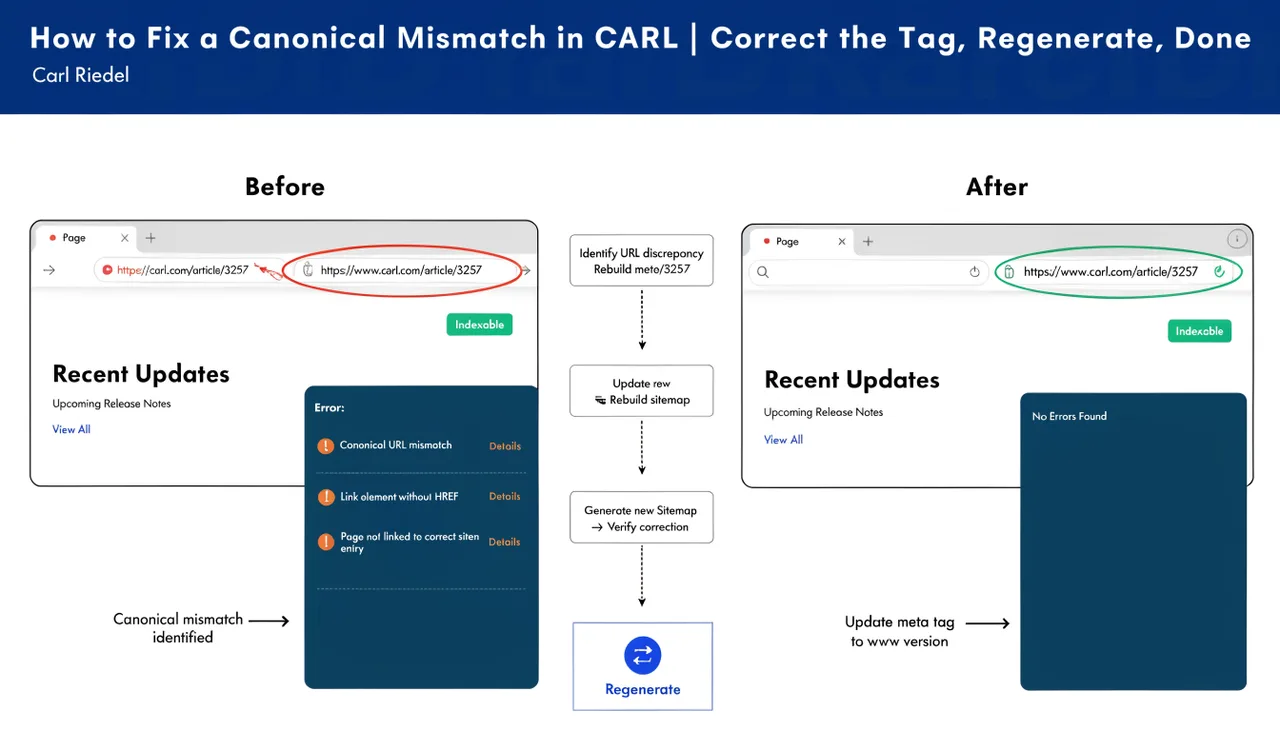
A canonical mismatch means the canonical tag in your published PHP file points to a different URL than the page actually lives at. It usually happens when a page's slug or directory is changed after the page has already been published, leaving the old URL declared as authoritative in the file while the page is now accessible at a new one. CARL's Site Health checker surfaces these automatically. The fix is straightforward.
Why Canonical Mismatches Happen
The most common cause is a slug change. You publish a page, later decide the slug should be different, update it in the editor, and regenerate. The new file is at the new URL, but if the Head Injection field still contains the canonical tag from the previous Generate Schema run, that tag still points to the old URL. The file is in the right place, but it's declaring the wrong address as its canonical.
The same thing happens with directory changes. Move a page from blog/ to articles/, regenerate, and the canonical in the Head Injection field still references the old path unless you update it before regenerating.
Finding the Mismatch
Run a Site Health audit from the CARL admin panel. Any page with a canonical mismatch appears in the results with the issue flagged. The audit compares the canonical URL specified in the Head Injection field with the page's actual URL, determined by its current slug and directory settings. If they don't match, the page is flagged.
You can also spot a mismatch manually by viewing the source of a published page and checking the canonical tag in the section. If the URL in the href attribute doesn't match the page's actual URL, you have a mismatch.
Fixing the Mismatch
Open the flagged page in the CARL editor. Go to the Head Injection field and find the canonical tag. It looks like this:
Update the URL to match the page's current slug and directory:
Save the page and click Generate. The updated canonical tag is written into the new PHP file at the correct URL. The mismatch is resolved.
Using Generate Schema to Fix It Cleanly
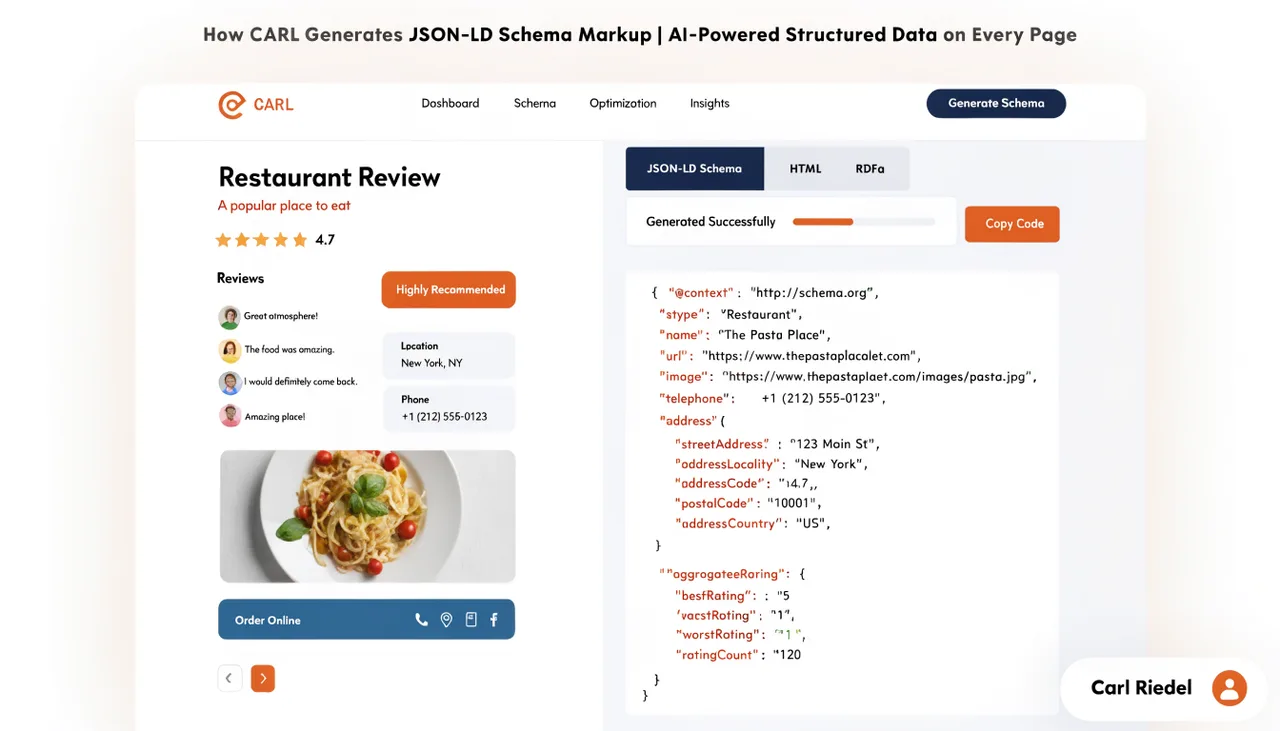
If you'd rather not edit the Head Injection field manually, the cleanest approach is to clear the Head Injection field entirely and run Generate Schema again. Claude will produce a fresh head block with the canonical tag pointing to the current URL, derived from the page's current slug and directory settings. Check the generated output to confirm the canonical is correct before saving and regenerating.
This approach also refreshes the rest of the head block: the meta description, schema, Open Graph tags, and Twitter Card tags all get rewritten based on the current content. If the page has been significantly updated since the last Generate Schema run, this is the better option.
After the Fix
Once the page is regenerated with the correct canonical, run Site Health again to confirm the mismatch is cleared. If you changed the slug or directory as part of the same update, remember that the old file is still on disk at the old path. Delete it via cPanel's File Manager to avoid having a second copy of the content at an unintended URL. A stale file at an old URL with a canonical pointing to the new URL is better than a stale file with no canonical at all, but removing it entirely is the cleanest outcome.