What Site Health Checks For on Every Page
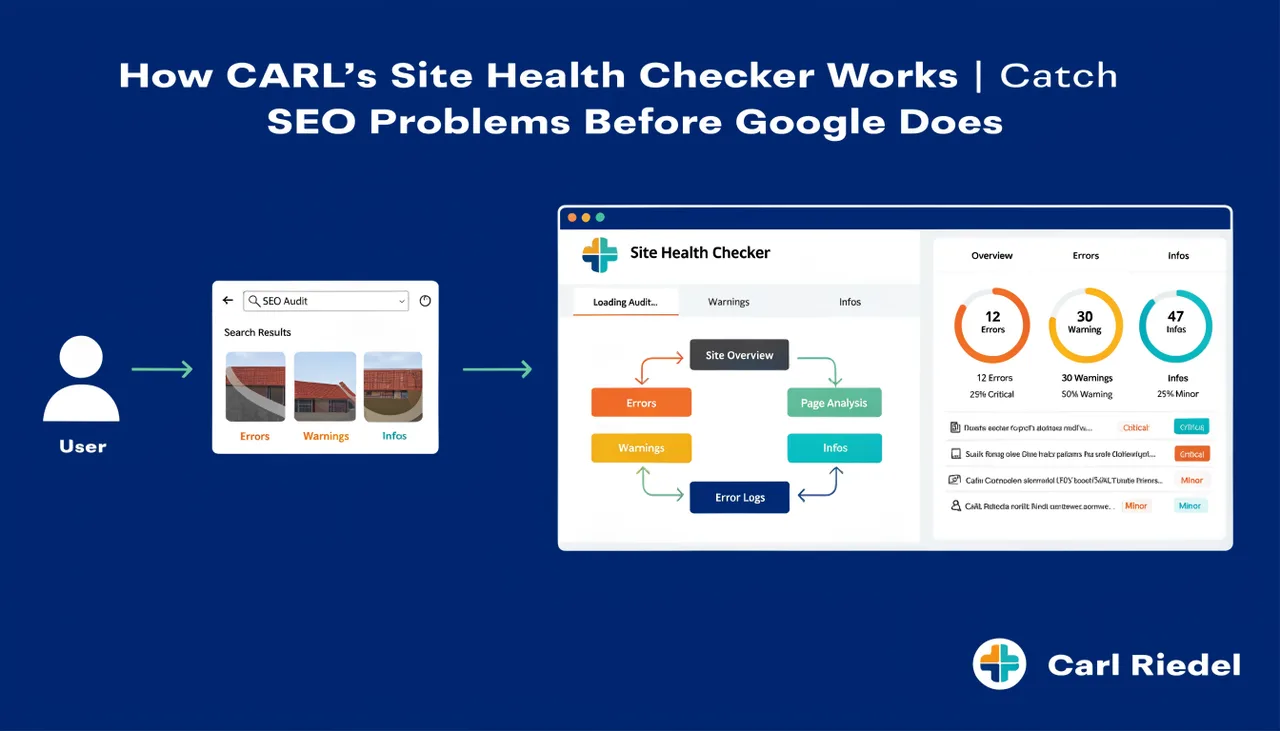
Site Health runs a fixed set of checks against every published page in your CARL install. This article documents exactly what each check looks for, what a pass looks like, and what triggers a flag. If you're working through a Site Health report and want to understand what a specific issue means, this is the reference page.
Page Title
Site Health checks that a title tag is present and that its length falls within an acceptable range. Titles below 30 characters are flagged as too short: they're typically not descriptive enough to compete in search results. Titles above 60 characters are flagged as too long: Google truncates them in search results, cutting off whatever appears after the limit. The target is a title between 30 and 60 characters that leads with the primary keyword and clearly describes the page.
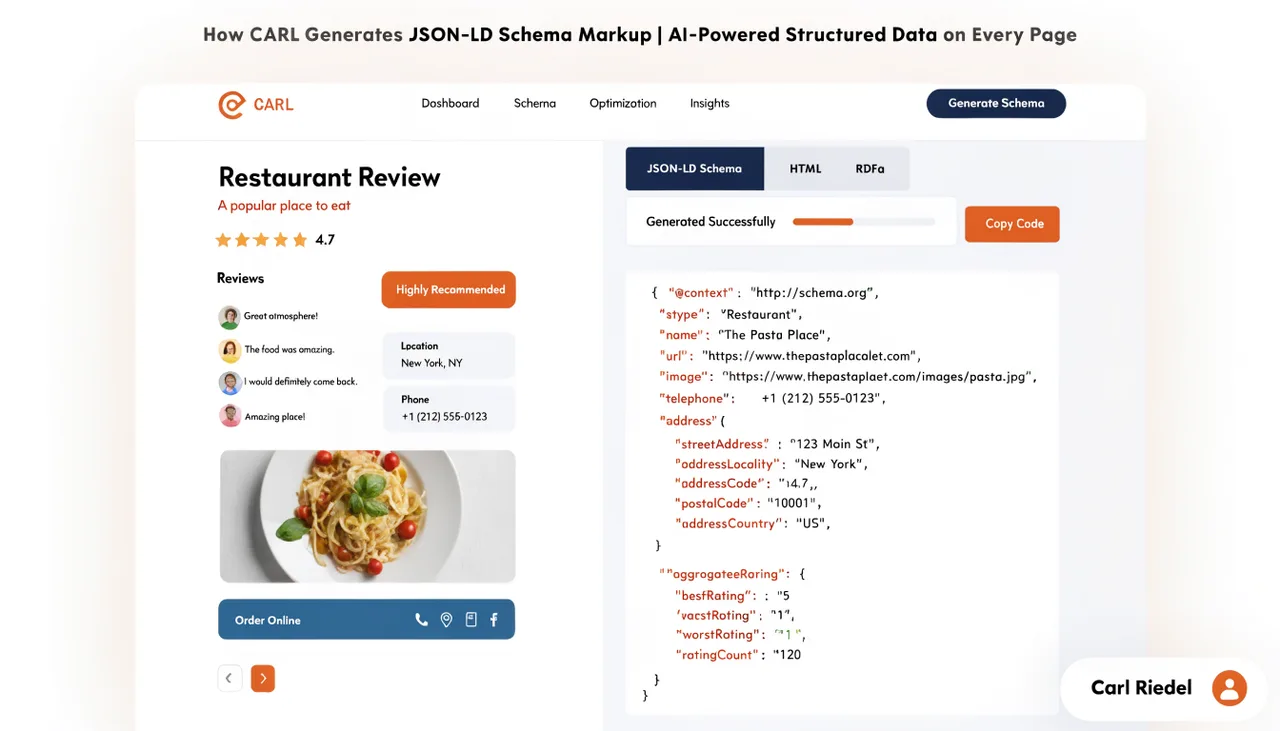
If you're using the Generate Schema workflow, the title Claude uses in the schema block is derived from the page title field. A well-formed title in the editor produces a well-formed title in the schema.
Meta Description
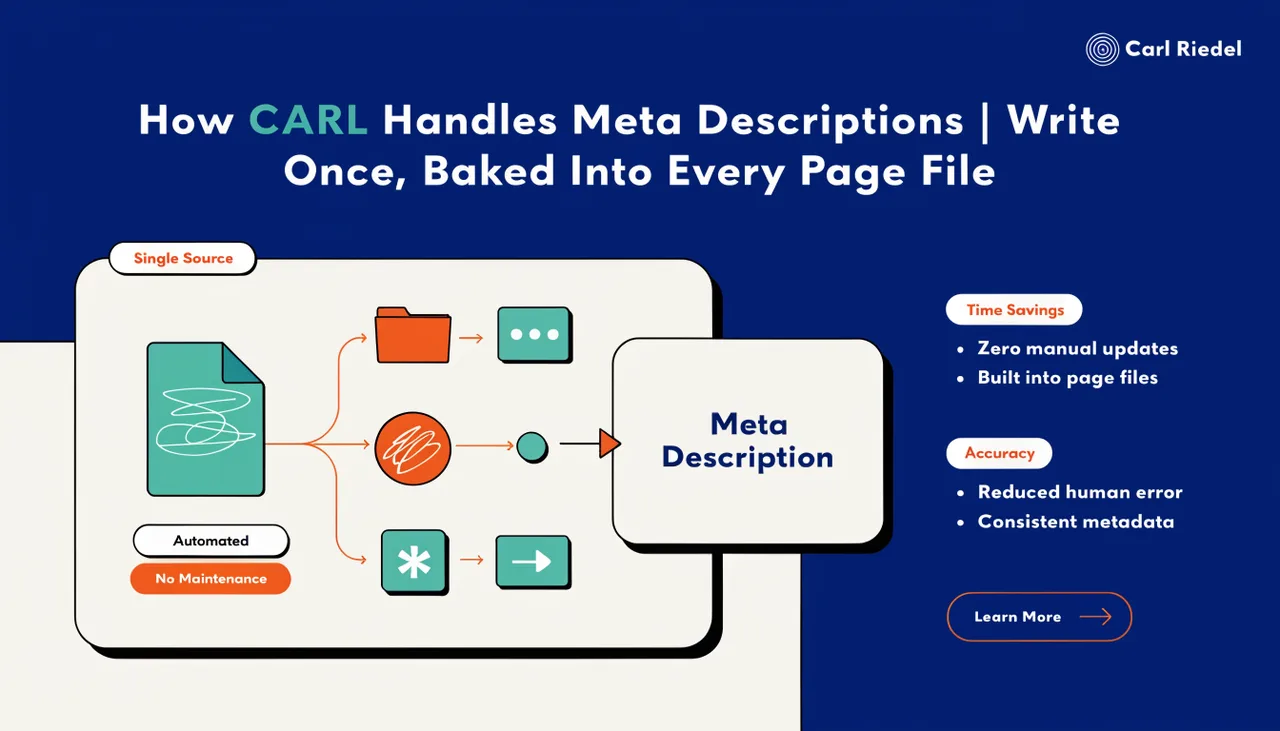
Site Health flags pages where the meta description is missing entirely or exceeds 160 characters. A missing description means Google will pull whatever text it deems relevant from the page body, which may or may not accurately represent the page. A description over 160 characters gets truncated in search results, cutting your message short at exactly the wrong moment.
If you're using Generate Schema, Claude writes the meta description and automatically appends it to the Head Injection field. Site Health checks the Head Injection field for the presence of a description tag, so pages where Generate Schema has been run and the result saved will pass this check.
H1 Tag
Every published page should have exactly one H1 tag. Site Health flags pages where the H1 field in the editor is blank. A missing H1 is a basic on-page SEO issue: it's the strongest heading signal on the page, and Google uses it to understand what the page is about. Fill in the H1 field for every page, and make it descriptive rather than a copy of the title tag.
Canonical Tag
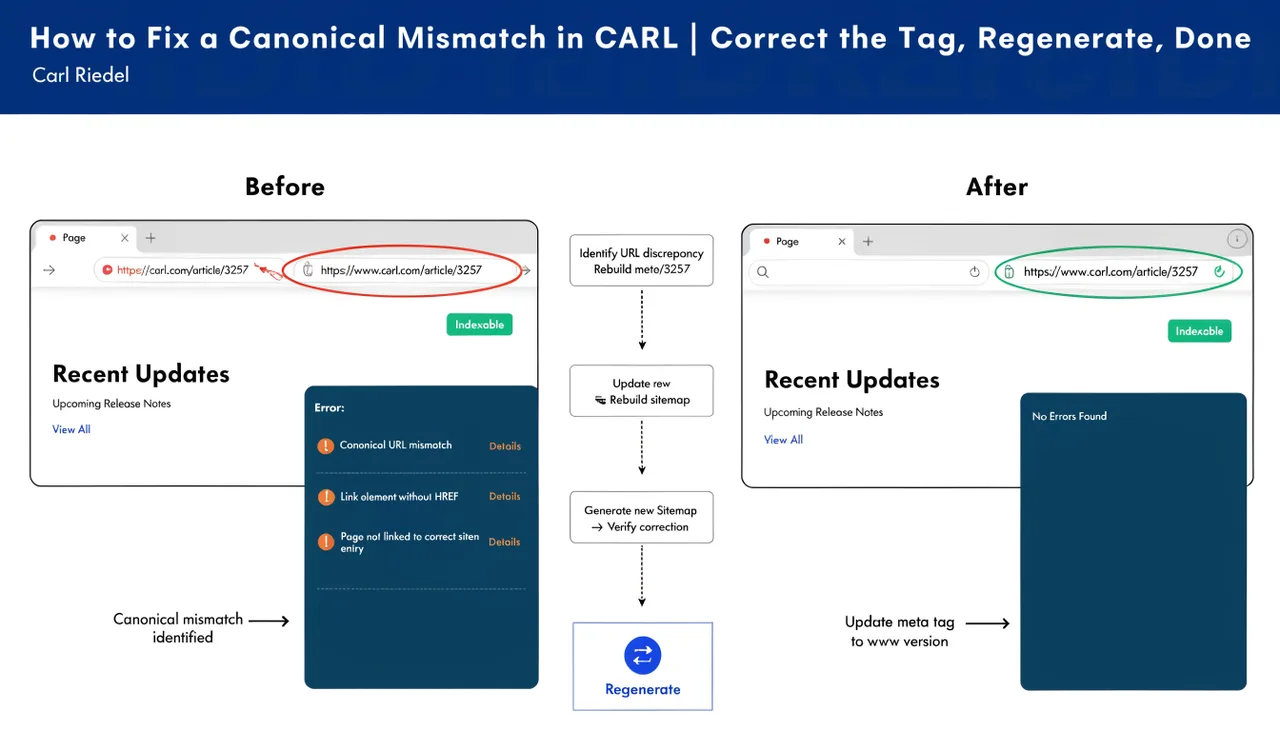
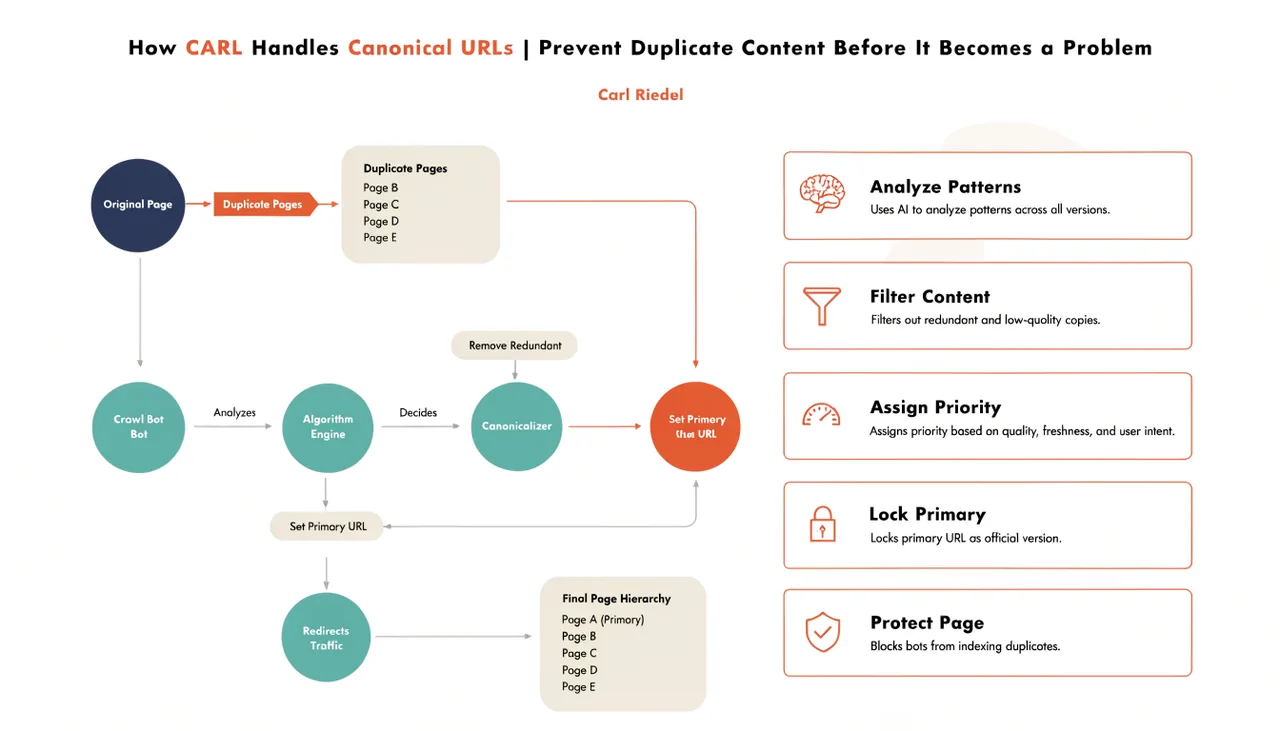
Site Health checks two things about the canonical tag: whether one is present, and whether the URL it declares matches the page's actual URL. A missing canonical is flagged because without it Google makes its own determination about which version of the page to treat as authoritative. A canonical mismatch is flagged because it tells Google to treat a different URL as the authoritative version, usually due to a slug or directory change that wasn't followed by an updated canonical.
For the full process of fixing a canonical mismatch, see How to fix a canonical mismatch in CARL.
Head Injection Content
Site Health flags pages where the Head Injection field is empty. An empty Head Injection field indicates the page has no schema markup, Open Graph tags, Twitter Card tags, or an AI-optimized meta description. These are pages where Generate Schema hasn't been run, or where the Head Injection field was cleared before regenerating. The fix is to open the page, click Generate Schema, save the result, and regenerate.
File Sync Status
Site Health checks whether the PHP file on disk matches the current state of the page record in the database. If a page has been edited and saved in the admin but not regenerated, the file on disk reflects the old version of the content. Site Health flags these out-of-sync pages so you can regenerate them and bring the published file up to date. This check catches pages that were edited but where the regenerate step was skipped before moving on to the next task.
Using the Results
A clean Site Health report means every published page has a valid title, a meta description, an H1, a canonical tag pointing to the right URL, a populated Head Injection field, and a file on disk that matches the current database record. That's the baseline. Run Site Health regularly to keep it there.