How CARL Handles Meta Descriptions
The meta description is the short summary that appears under your page title in search results. It doesn't directly affect rankings, but it affects click-through rates, which in turn affect traffic.
CARL gives you two ways to handle it: the AI-powered Generate Schema button, which is the recommended approach for most pages, and the Manual SEO Override field for the rare cases where you want to write it yourself.
The Recommended Approach: Generate Schema
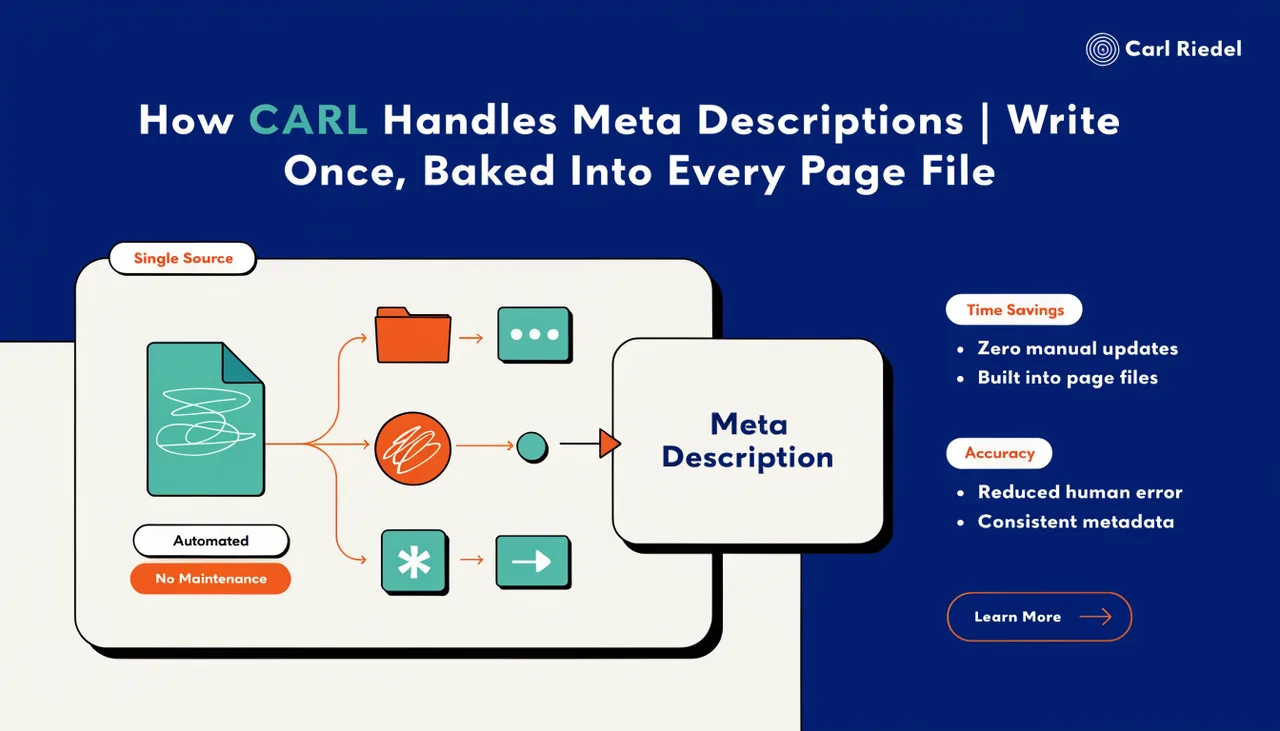
Once you've written your page content, click the Generate Schema button in the page editor. CARL sends your content to Claude, which reads it and writes an optimized meta description specifically crafted for click-through performance. The result is returned as part of a complete head block and is automatically appended to the Head Injection field. You don't paste anything, you don't copy anything. CARL handles the transfer.
When you click Generate to publish the page, that entire head block, including the meta description, gets baked into the section of the generated PHP file. The tag is present in the published page exactly as Claude wrote it, with no further intervention required from you.
What "Generate Schema" Produces
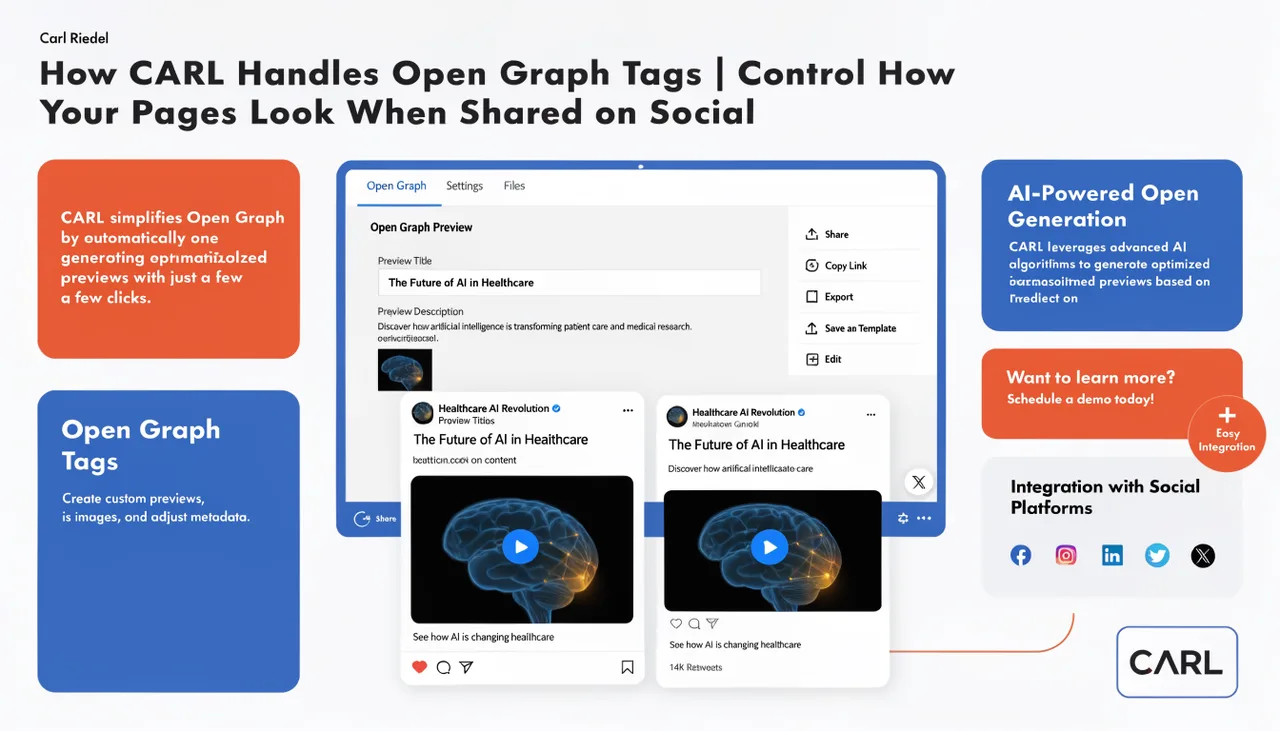
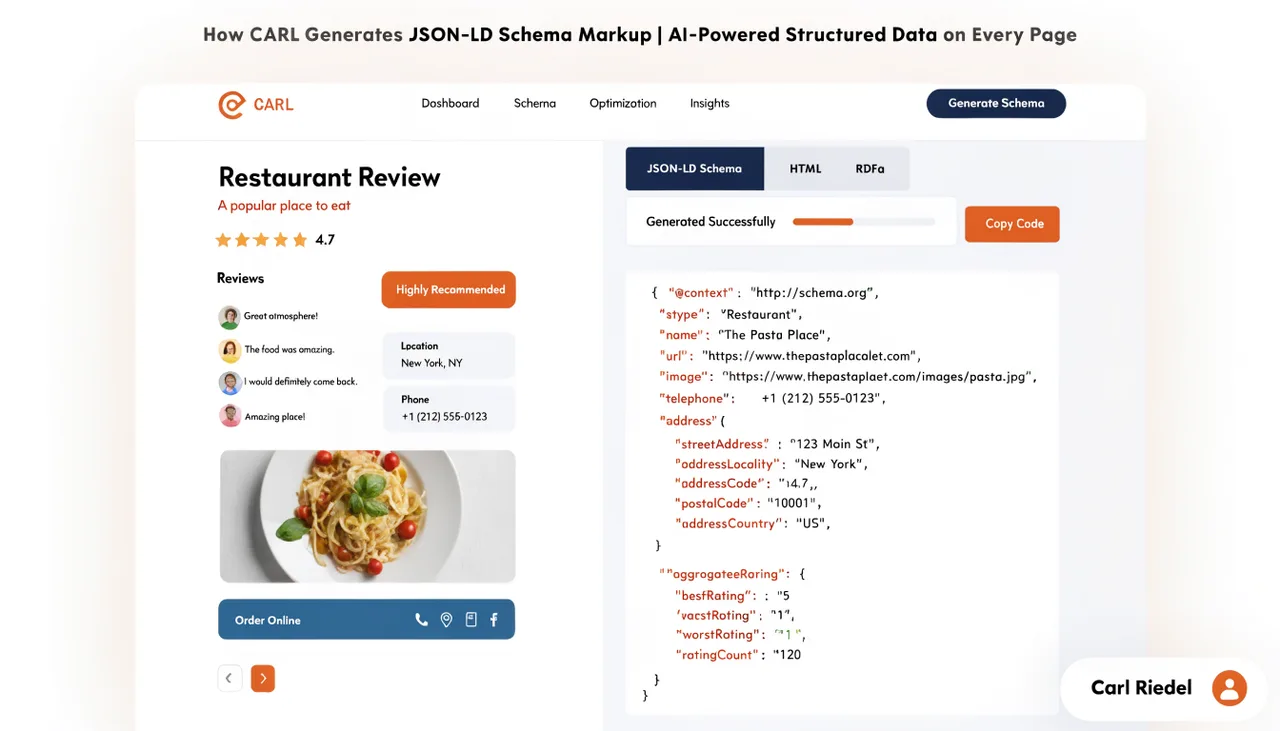
The meta description is one part of a larger block that Generate Schema produces in a single pass. Along with the description, Claude writes a keywords tag, a full Article JSON-LD schema with Thing entities for knowledge graph enhancement, Twitter Card tags, Open Graph tags, and the canonical tag, all delivered in the correct order and automatically appended to Head Injection. Running Generate Schema once handles everything that belongs in the of your page.
The Manual SEO Override section in the page editor is labeled "Handled Automatically by Generate Schema" for exactly this reason. If you're using Generate Schema, you don't need to touch the manual fields. The AI output covers them.
When to Use the Manual Field Instead
The Manual SEO Override field exists for cases where you have a specific reason to write the meta description yourself: a page with unusual framing that Claude is unlikely to nail without significant prompting, a page where you're testing a specific description against a known search query, or a legacy page you're updating without regenerating the full schema block.
These cases are the exception. For the vast majority of pages, Generate Schema produces a better-optimized description faster than manually writing one.
What Makes a Good Meta Description
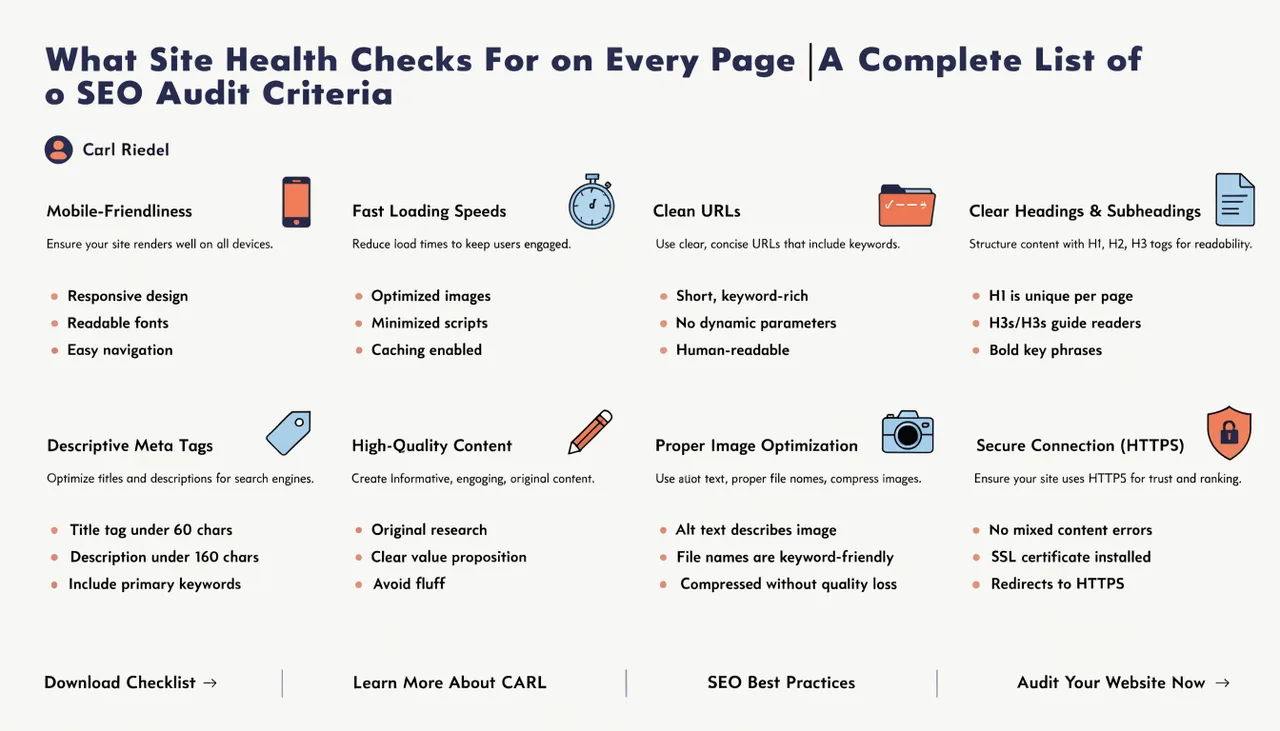
Whether you're reviewing Claude's output or writing one manually, the same principles apply. Keep it under 160 characters, or Google will truncate it in search results. Lead with what the page is about, be specific about what the reader will get, and write it as a sentence a person would actually read rather than a string of keywords. The meta description is part of the pitch: someone sees your title and description side by side before deciding whether to click, and a clear, specific description earns that click.
After the Page Is Generated
If you need to update the meta description after a page is live, open the Head Injection field, edit the description tag directly, and regenerate the page. The updated tag will be in the new file immediately. For a deeper look at everything Generate Schema produces and how it fits into CARL's SEO system, see How CARL generates JSON-LD schema markup.